Brands and configurations to consider
Compare exact configurations rather than assuming that every laptop in a brand’s range has the same memory, storage or platform compatibility.
Lenovo
Lenovo UK lists a ThinkPad P14s Gen 6 (AMD) 21RVCTO1WWGB1 configuration with 64 GB DDR5 memory and a 2 TB PCIe Gen4 SSD.
- Its documented memory and storage capacities make this specific configuration worth examining for a sizeable concurrent local stack.
- Confirm that the configuration you select has the same specifications and is available to order.
Dell
Dell UK lists Intel Core Ultra choices for the Pro Precision 5 16S, with 16 GB, 32 GB and 64 GB LPCAMM2 memory options.
- The listed configuration choices include an Ubuntu 24.04 LTS option and Gen4 SSD options from 256 GB to 1 TB.
- Select and confirm the intended memory, storage and operating system; the displayed configuration need not have the highest listed capacities.
HP
HP Store UK lists a 14-inch ZBook 8 G1ak configuration with Windows 11 Pro, 64 GB RAM and a 1 TB SSD.
- That specific configuration combines documented memory capacity with internal storage for local projects.
- Check the exact ZBook variant rather than applying these specifications to the whole range.
Apple
Apple UK lists MacBook Pro configurations with selectable unified memory and SSD capacities for a macOS workflow.
- A MacBook Pro can be considered when the exact database images, extensions and tools are confirmed for Apple silicon.
- Microsoft-supported SQL Server Linux containers require Intel or AMD x86-64 Linux hosts, according to Microsoft Learn.
Joybuy laptops for local database work
These Intel- and AMD-based laptops offer different listed RAM and SSD configurations to compare for a home-office local database setup. Check each model against your complete workload and, if using Docker on Windows, your intended Windows and virtualisation setup.
 No image available
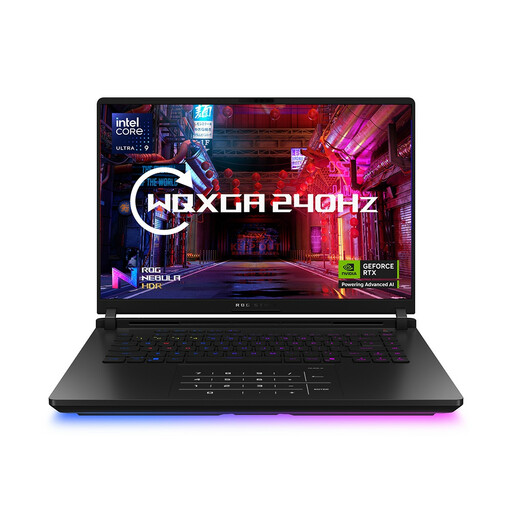
ASUS ROG Strix SCAR 16 G635LW, RTX 5080, 64 GB/2 TB
Consider its listed 64 GB RAM and 2 TB SSD if your local database runs beside several development services. The listing also specifies an Intel Core Ultra 9 and Windows 11 Home; check the Windows build, virtualisation settings and intended Docker setup.
View on Joybuy
 No image available
Lenovo Legion Pro 7 16IAX10H 83F5000UUK, RTX 5090, 64 GB/2 TB
Its listed 64 GB RAM and 2 TB SSD are relevant if you keep multiple local services and projects on one laptop. It has an Intel Core Ultra 9 and Windows 11 Home; confirm the Windows build and virtualisation requirements for your planned tools.
View on Joybuy
 No image available
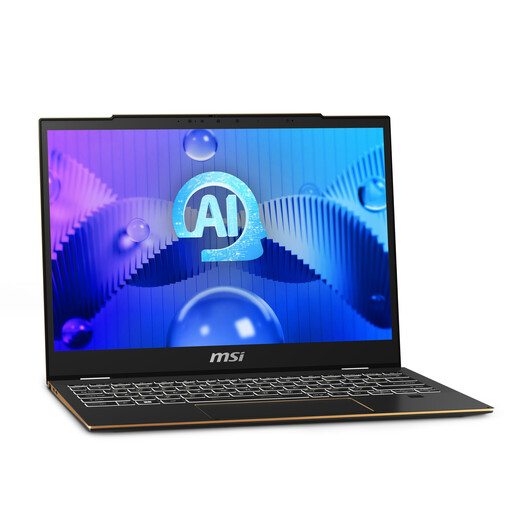
MSI Summit E13 AI Evo, Core Ultra 7 155H, 32 GB/1 TB
For a local database alongside development applications, compare its listed 32 GB RAM and 1 TB SSD with your simultaneous workload and data needs. Its 13-inch touch-display configuration uses LPDDR5 memory; check whether the installed capacity will meet your longer-term needs, as this model’s memory is not user-upgradeable.
View on Joybuy
 No image available
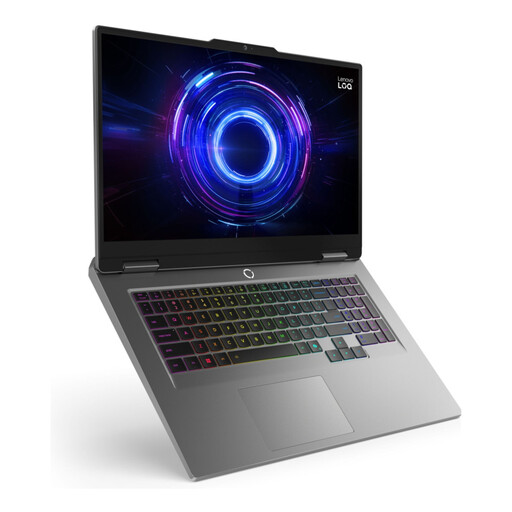
LOQ 17IRX10 i7-13650H, 24 GB/1 TB, W11H
If your database and development tools run together, assess the listed 24 GB RAM against their combined demand; the listing also specifies a 1 TB SSD. Check the Windows build and virtualisation setup before relying on a particular Docker workflow.
View on Joybuy
 No image available
HP OMEN 17-db1000na, Ryzen AI 7 350, 16 GB/1 TB, RTX 5060
For local database projects, check whether the listed 16 GB RAM leaves enough room for your database and other open applications; the configuration includes a 1 TB SSD. It lists Windows 11 Home, so confirm the build and virtualisation settings needed for your intended setup.
View on Joybuy
Frequently asked questions
Do I need an Intel or AMD laptop for local databases?
Not for every database, but choose Intel or AMD x86-64 if Microsoft-supported SQL Server Linux containers are essential: Microsoft Learn limits support for those images to Intel and AMD x86-64 Linux hosts. For other engines, check the exact image, extensions and client tools against the platform you plan to use.
How much RAM should I allow for local database work?
Size RAM for everything you will run at once, not just the database process. PostgreSQL documentation notes its reliance on operating-system cache, so account for that alongside containers, an IDE, browser tools and other services when comparing configurations.
Will database data survive if I remove its container?
Do not rely on data inside an unpersisted SQL Server container surviving removal. Microsoft Learn warns that removing the container deletes its data unless you use a persistence technique or copy out a backup; plan both data storage and backups before retaining important local work.
What should I check before using Docker Desktop on Windows?
Check the laptop’s Windows edition and build, processor architecture and virtualisation setup against the Docker backend you intend to use. Docker documents WSL 2 as its default Windows backend, but your database image and tools need their own compatibility checks.


