What matters when choosing?
Choose the operating-system route only after checking your institution’s requirements. Then decide whether typed feedback, touch navigation or a larger viewing area matters most in your room.
Windows 11 clamshell
Consider it when: Your institution requires Windows software or you want a conventional keyboard-and-trackpad setup.
Check: Memory, storage and connections on the exact configuration, rather than assuming every model in a range is alike.
Windows touchscreen 2-in-1
Consider it when: Touch navigation and changing the screen’s position would help you read and comment on documents.
Bear in mind: Turnitin’s browser feedback tools do not require touch. Dell lists different memory configurations within its Inspiron 14 7440 2-in-1 range.
Compact MacBook Air
Consider it when: Your institution confirms that its marking system and required applications work on macOS, and a compact screen fits your desk.
Plan for: The monitor and wired-accessory connections you need; Apple lists two Thunderbolt 4/USB-C data ports on the cited 13-inch M5 model.
| Concern | What to check | Who this matters to |
|---|
| Marking-system compatibility |
Confirm your university’s learning platform, required browser, access tools and any desktop applications. |
If I cannot access my modules or run required software, the rest of the specification will not solve my marking task. Around 31% of consumers put compatibility first. |
| Reading and feedback input |
Compare the exact screen, keyboard and touch configuration for the way you read and comment. |
When I work through long submissions, I need a viewing and typing setup I can use comfortably. Document workspace and input come first for around 31% of consumers. |
| Desk space and connections |
Measure your usable desk space and check the connections needed for a monitor or wired accessories. |
I have limited room but still need to manage documents and other tasks, sometimes with an external screen. Around 23% of consumers make that setup their primary concern. |
| Software support and power |
For Windows, confirm Windows 11 support; for any laptop, check the supplied charger and UK plug arrangement. |
If I rely on this machine for regular marking, I want a supported operating system and a charging setup I can use. Those checks take priority for around 15% of consumers. |
Joybuy laptop choices
These laptops cover Windows clamshell, convertible touchscreen and compact Mac options for assignment marking. The 15- and 16-inch models offer a different desk-space choice from the compact 13- and 14-inch routes: measure your working area and check institutional compatibility before deciding.
 No image available
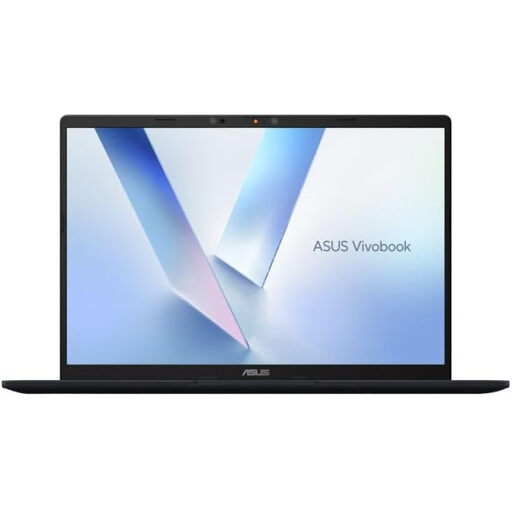
ASUS Vivobook 14 X1407QA-LY003W, Snapdragon X, 16GB/512GB, Quiet Blue
Consider this Windows clamshell for typed, browser-led marking if your institution’s required applications work with its Snapdragon X setup.
The named configuration has 16GB RAM and a 512GB SSD. Check its keyboard layout and supplied UK power arrangement for your desk.
View on Joybuy
 No image available
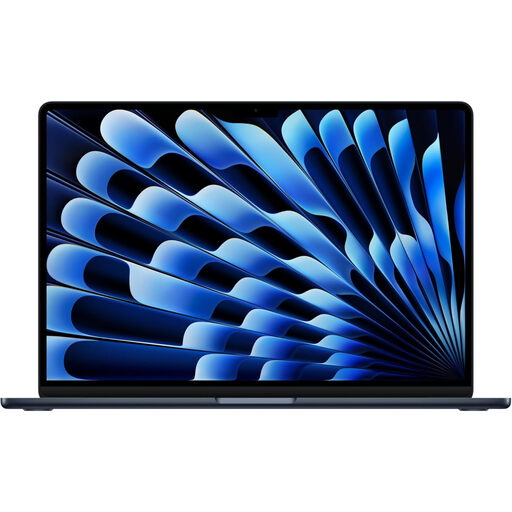
Apple MacBook Air 13-inch (2026) M5, 10-core CPU/10-core GPU, 24GB/1TB, Midnight
Consider this compact MacBook Air if your university confirms that its marking platform and required applications run on macOS.
This named variant has 24GB unified memory and a 1TB SSD. Check connections for any monitor or wired accessories, along with the keyboard layout and supplied power arrangement.
View on Joybuy
 No image available
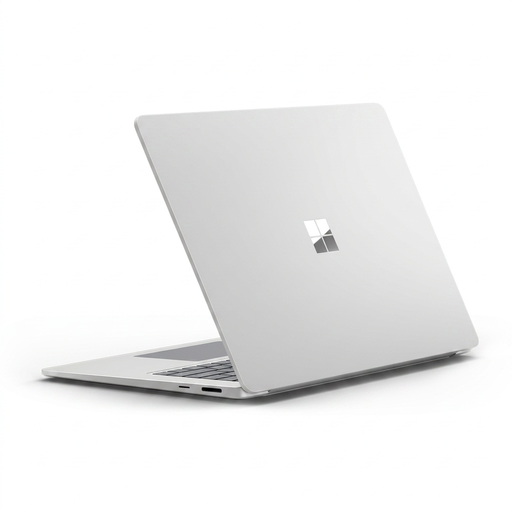
Microsoft Surface Laptop 7 15-inch, Snapdragon X Elite, 16GB/256GB, Maya
Consider the 15-inch format if you want more built-in screen area for reviewing submissions and have room for it on your desk.
The named variant has a PixelSense touchscreen, 16GB RAM and a 256GB SSD. Confirm that required institutional applications work on this Snapdragon-based Windows laptop, and check its keyboard and supplied UK power arrangement.
View on Joybuy
 No image available
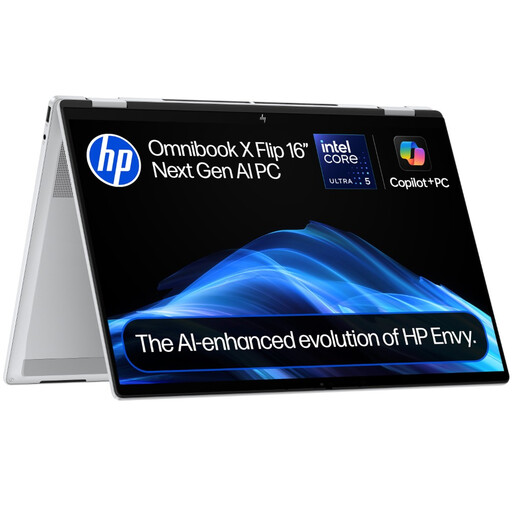
HP OmniBook X Flip 16-as0004na, Core Ultra 5 226V, 16GB/512GB
Consider this convertible if you would use touch navigation or different screen positions when reading, and your desk can accommodate a 16-inch laptop.
The named variant has a touchscreen, 16GB RAM, a 512GB SSD and Windows 11 Home. Check its exact display and connection details, keyboard layout and supplied UK power arrangement before ordering.
View on Joybuy
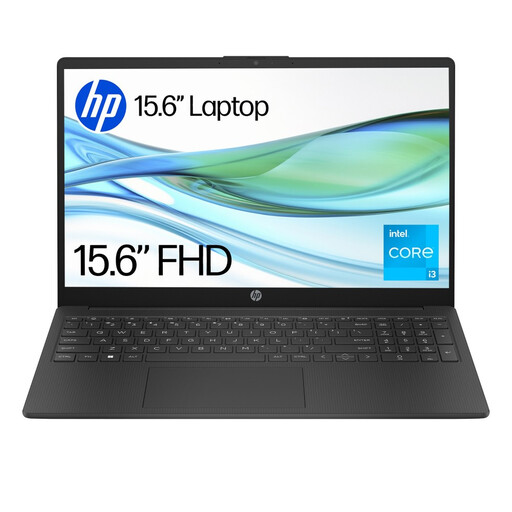 No image available
HP 15-fd0060na, Core i3-N305, 4GB/128GB UFS, Windows 11 Home in S mode
Consider this 15-inch Windows laptop for browser-led marking only after checking that its software setup meets your institution’s requirements.
The named configuration has 4GB RAM and 128GB UFS storage. Assess those amounts against your tabs and local files, and confirm that required applications work with Windows 11 Home in S mode. Check the keyboard layout and supplied UK power arrangement too.
View on Joybuy
Common questions
Will Windows, macOS or ChromeOS work for Turnitin marking?
Turnitin Guides lists all three among its supported desktop environments and supports current versions of Chrome, Firefox, Safari and Edge under its browser-version policy. That does not confirm your university’s learning platform, access tools or other applications will work, so check those requirements separately. If choosing Windows for a new laptop, also account for Microsoft’s end of Windows 10 support on 14 October 2025.
Do I need a touchscreen to annotate assignments?
A touchscreen is not needed for the typed annotations, comments and rubric grading described in the University of Leeds guide to Turnitin’s browser workflow. Choose a convertible if touch navigation or changing the screen position suits the way you read; keep keyboard use in mind for longer feedback.
Is a Windows 10-only laptop suitable for a new purchase?
Avoid a Windows 10-only machine if you need a laptop for ongoing marking. Microsoft states that Windows 10 support ended on 14 October 2025, including free security fixes and technical assistance; confirm Windows 11 support for the exact device.
What should I check about charging in a UK student room?
Check the exact listing for the supplied charger and UK plug arrangement, then consider where it will sit at your desk. A power arrangement stated for one configuration, such as Lenovo’s cited UK ThinkPad E14, should not be assumed for a different variant or seller.


