What should you check before buying?
Start with the material you need visible, then check the full desk footprint and the laptop’s supported connection before choosing an adapter or dock.
| Concern |
What to check when buying |
Who this matters to |
| Usable workspace |
Compare resolution, preferred text scaling and the windows you want visible. |
When I need documents or reference material open alongside my main task, usable workspace comes first; around 33% of consumers prioritise that need. |
| Desk fit |
Measure the available width and depth, then compare them with the monitor and stand dimensions. |
If my desk must also fit a laptop and keyboard, I need to account for the complete footprint; around 25% of consumers put desk fit first. |
| Connection and charging |
Check the exact laptop’s video-capable output, display limit and power needs against the monitor and any cable, adapter or dock. |
I want a video connection that works with my laptop and, if needed, can charge it too; around 25% of consumers prioritise connection and charging. |
| Screen positioning |
Check the supplied stand’s adjustments; for an arm, confirm monitor mounting, supported weight and desk attachment. |
If I need to position the screen to suit my workstation, I’ll check the stand or a compatible arm; around 17% of consumers put positioning first. |
Joybuy monitor options for laptop work
These Joybuy listings are monitors and portable screens to consider for adding display space to a laptop-based home-working setup. Check each screen’s dimensions and the laptop’s supported connection before choosing.
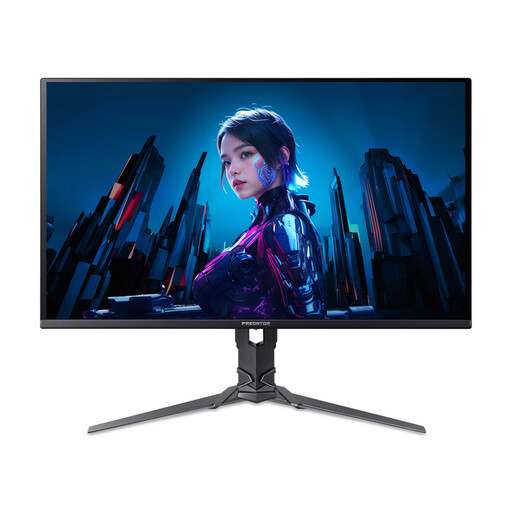 Image unavailable
Acer X Predator X27U W3 26.5-inch QD-OLED Monitor
A 26.5-inch screen option to assess against your available desk space and laptop’s supported video output.
The listing names a QD-OLED panel and 2560 × 1440 resolution.
Joybuy
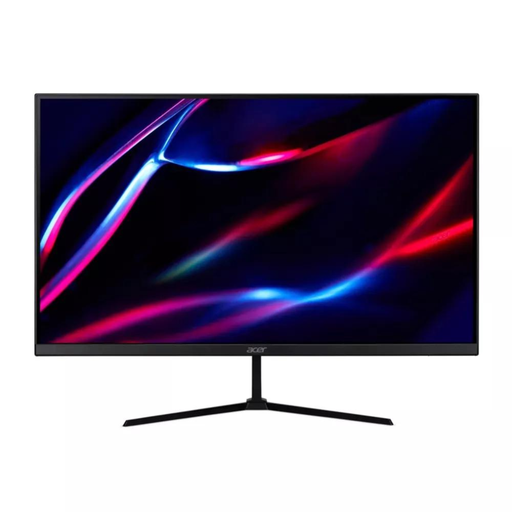 Image unavailable
27-inch QHD IPS Monitor
A 27-inch option to consider when you need an additional screen; check the complete dimensions against your desk.
The listing specifies QHD IPS, 180 Hz and HDMI and DisplayPort inputs.
Joybuy
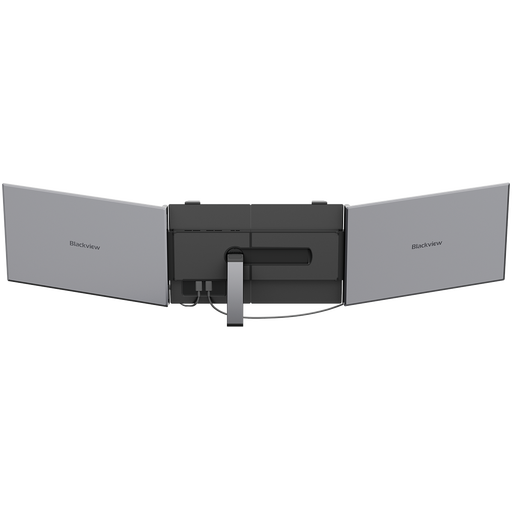 Image unavailable
Blackview DCM8 15.3-inch Portable Screen Extender
A portable-screen option to assess if a separate screen that can be moved between work areas suits your setup.
The listing specifies a 15.3-inch IPS display, 1920 × 1200 resolution, 60 Hz and a weight of 1.2 kg.
Joybuy
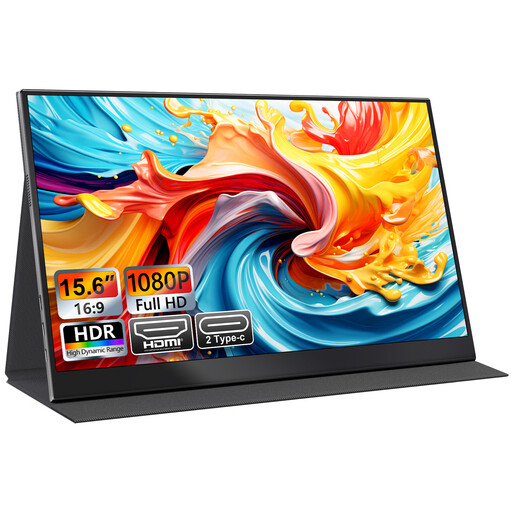 Image unavailable
UFYQL M156F04 15.6-inch FHD Portable Monitor
A portable display to consider if a second screen for a laptop needs to fit a smaller working area.
The listing specifies a 15.6-inch FHD 1080p IPS display, USB-C and HDMI connections, a smart-cover stand and VESA mounting.
Joybuy
 Image unavailable
CRUA 49-inch Curved Ultrawide Gaming Monitor
A very wide-screen option to consider for side-by-side work only if its full dimensions suit your desk.
The listing specifies a 5120 × 1440 DQHD display, 32:9 aspect ratio, 165 Hz, HDMI and DisplayPort inputs, and a 75 × 75 VESA mount.
Joybuy
Laptop monitor questions answered
Will any USB-C socket on my laptop run and charge a USB-C monitor?
Do not assume it will. Check your exact laptop’s video-output specification, the monitor’s USB-C video input, the cable and the available power against your laptop’s charging requirement. Microsoft Support notes that USB-C cables do not all support the same features.
Will a dock give my laptop two external displays?
Not necessarily; it depends on the laptop model and dock. Apple specifies one native external display for the 2020 M1 MacBook Air, while its M5 MacBook Air specifications describe support for up to two. Check the specifications for your exact laptop and the dock’s supported arrangement rather than counting its display sockets.
How should I arrange a monitor for longer home-working sessions?
The Health and Safety Executive advises placing the screen directly ahead, with its top around eye level and approximately an arm’s length away. Its guidance also suggests a separate keyboard and mouse for prolonged laptop use so the screen can be raised; adjust the arrangement to your workstation.
Does UK display-screen guidance require me to buy a particular monitor?
No particular monitor model is specified in the cited Health and Safety Executive guidance. It says employers must assess workstations when workers use display-screen equipment daily as normal work, continuously for an hour or more; its home-working guidance says the assessment informs whether additional equipment is needed.
What if a monitor ordered online does not suit my desk?
For applicable UK online purchases, GOV.UK says consumers must be told they can cancel up to 14 days after delivery without giving a reason. Check the seller’s cancellation instructions, and distinguish a change-of-mind cancellation from a claim about a faulty or misdescribed monitor.


