What to check before buying
Settle software compatibility first: a battery figure cannot make up for an account file or finance tool you cannot use. Then judge the expected session, charging options and screen against where you will work.
| Concern | What to check | Who this matters to |
|---|
| Battery life and charging |
Compare the stated test workload with your intended session. Check the exact laptop’s charging requirements against the power source you expect to use. |
I need to finish reviewing accounts without a socket and have a workable way to recharge afterwards; around 36% of consumers put session length and charging first. |
| Software and accessories |
Confirm your finance app, bank-file format, Excel macros and add-ins, and any printer or scanner with their publishers. |
If my existing files or equipment will not work, a long battery claim is little use to me; compatibility is the primary concern for around 29% of consumers. |
| Privacy and sign-in |
Check the selected configuration for the sign-in and camera-privacy features you want, alongside its supported software updates. |
When I open balances or statements around other people, I want device protections that fit how I work; around 21% of consumers make privacy and account access their first priority. |
| Carrying and viewing documents |
Compare the exact model’s weight, screen dimensions and anti-glare finish; consider how your usual spreadsheet fits on-screen. |
I carry the laptop between places but still need to read statements and spreadsheet columns comfortably; for around 14% of consumers, that balance comes first. |
Relevant laptop brands
These product lines illustrate different account-work considerations; features and battery statements apply to the cited models or configurations, not every laptop from each brand.
Microsoft Surface
The Arm-based 13-inch Surface Laptop is a compact Windows option for documents and spreadsheets.
- Microsoft lists a weight of 1,225 g, a 3:2 display and up to 22.5 hours of video playback for this model.
- Video playback is not an account-work runtime test. Check any specialist finance app, add-in or peripheral for Windows Arm support.
Apple
The 13-inch M5 MacBook Air is a macOS option for browser-based or macOS-compatible account work.
- Apple lists 16GB unified memory, a 13.6-inch display and up to 15 hours of wireless web use for the current 13-inch M5 model.
- Check your finance software, spreadsheet macros and any Windows-only tools on macOS; the wireless-web figure is not a guarantee for your workload.
ASUS
The ExpertBook B5 B5405 is a conventional Windows business-laptop option when ports and an anti-glare screen matter.
- An ASUS UK configuration lists a 14-inch anti-glare display, 63Wh battery, USB-A, Thunderbolt 4, HDMI, RJ45, an IR camera and a privacy shutter.
- A 63Wh capacity does not establish account-work runtime, and features should be checked against the exact configuration.
Lenovo
The ThinkPad X13 Gen 6 is a compact Windows business-laptop line for consumers considering battery serviceability alongside portability.
- Lenovo describes its battery as customer-replaceable; a listed UK configuration has a 13.3-inch anti-glare display and a fingerprint reader.
- Replaceability does not establish longer time away from mains power. Check the selected configuration, battery availability and support terms.
Joybuy laptop choices
These laptops offer different starting points for household-account work: a Chromebook for a suitable browser-based workflow, Windows models with different screen sizes and hardware, and a MacBook Air for macOS-compatible work. Check your essential software and charging needs against the individual model before choosing.
 No image available
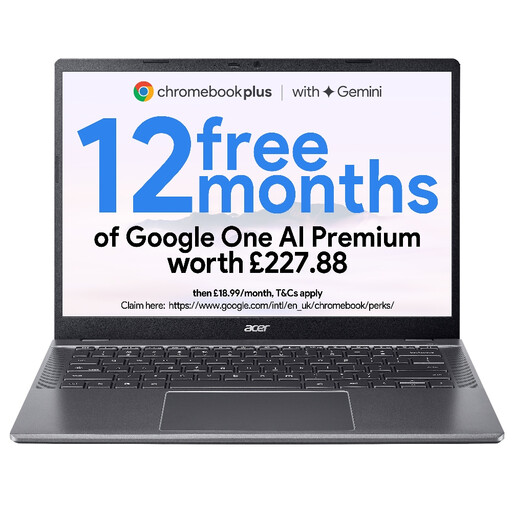
Acer Chromebook Plus 514 CB514-5H, Core i3-1315U, 8GB, 256GB SSD, Iron
Consider this Chromebook if your account files and services work with your intended ChromeOS workflow; check any required Excel macros, finance software or peripherals before buying.
The listed variant has a 14-inch WUXGA (1920 × 1200) display, an Intel Core i3-1315U processor, 8GB RAM and a 256GB SSD. Check its battery-test conditions and charging requirements against your planned time away from mains power.
View on Joybuy
 No image available
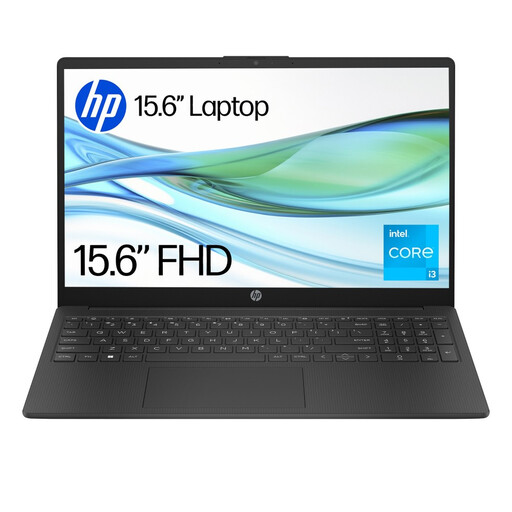
HP 15-fd0060na, Core i3-N305, 4GB, 128GB UFS, Windows 11 Home S
This Windows laptop is worth checking if you prefer a larger screen for statements, provided your required finance apps work with its Windows setup.
The listed variant has a 15.6-inch Full HD display, an Intel Core i3-N305 processor, 4GB RAM and 128GB UFS storage. Confirm its S Mode status and app requirements, and judge any stated battery test against your account-work session.
View on Joybuy
 No image available
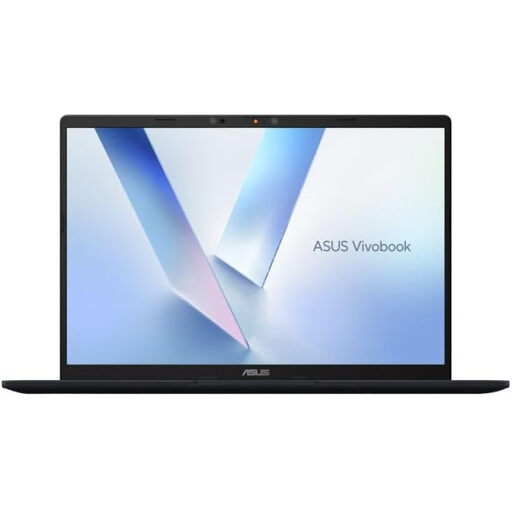
ASUS Vivobook 14 X1407QA-LY003W, Snapdragon X, 16GB, 512GB SSD, Quiet Blue
Consider this Windows-on-Arm model if your workflow uses compatible apps; Microsoft identifies Excel as a native Microsoft 365 app on Windows Arm, but your specific add-ins, finance tools and device drivers still need checking.
The listed variant has a Snapdragon X processor, 16GB RAM and a 512GB SSD. Confirm a battery test relevant to your intended session rather than treating battery capacity as a runtime figure.
View on Joybuy
 No image available
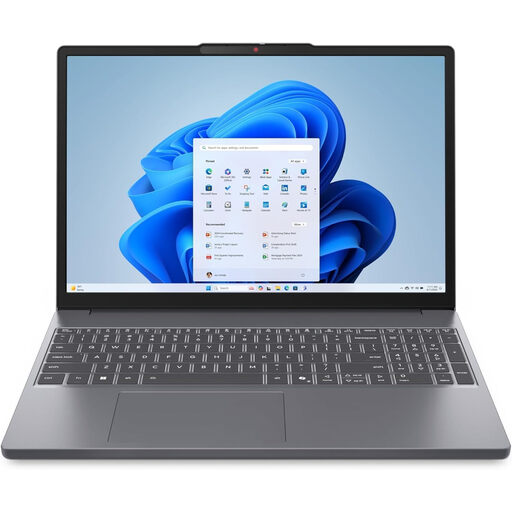
Lenovo IdeaPad Slim 3 83K7009MUK, Ryzen 5 7535HS, 24GB, 512GB SSD, Grey
This Windows 11 Home model is an option to examine if you want a larger display for account files; confirm that your particular finance apps and peripherals work with it.
The listed variant has a 15.3-inch WUXGA display, AMD Ryzen 5 7535HS processor, 24GB DDR5 RAM and a 512GB PCIe SSD. Check its battery runtime and charging arrangements against the length of your off-mains sessions.
View on Joybuy
 No image available
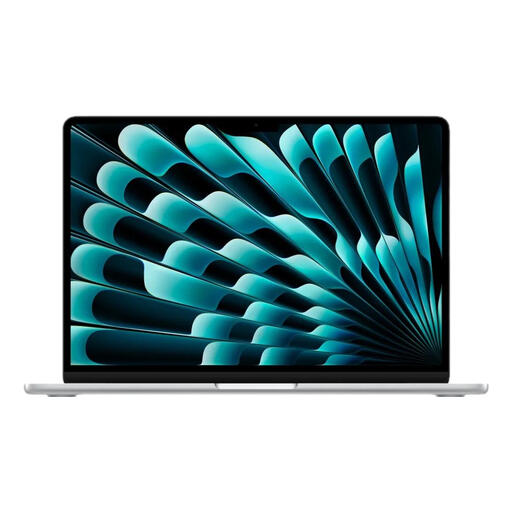
Apple 13-inch MacBook Air M5, 16GB, 1TB SSD, Silver
This MacBook Air suits consideration when your household-account workflow is browser-based or compatible with macOS; verify any required macros, finance applications and peripherals.
The listed variant has an M5 chip, 16GB memory and a 1TB SSD. Apple states up to 15 hours of wireless web use for the 13-inch M5 MacBook Air, not a guaranteed account-work session. Confirm the exact chip configuration before purchase.
View on Joybuy
Frequently asked questions
Can I choose by the advertised battery hours?
No: compare what the hours measure before using them to narrow your choices. Apple’s up-to-15-hour figure for the 13-inch M5 MacBook Air measures wireless web use, while Microsoft’s up-to-22.5-hour figure for its 13-inch Surface Laptop measures video playback; neither predicts your exact account-review session.
Will Excel and my finance tools run on a Windows-on-Arm laptop?
Excel is available as a native Microsoft 365 app on Windows Arm, according to Microsoft, but check each finance program, macro, add-in and driver-dependent peripheral separately. If you use Microsoft 365 Apps on Windows Arm, Microsoft says security updates for its 32-bit edition end in December 2026 and directs affected users to the 64-bit edition on Windows 11.
Which features matter when I review finances away from home?
Choose device protections and connections that match your working location and equipment. A supported fingerprint reader or IR camera can help with sign-in, a camera shutter offers a physical privacy control, and the right ports avoid relying on an unsuitable connection setup; none replaces secure account authentication.
Where should an old laptop or battery go in the UK?
Take electrical products and batteries to an appropriate recycling collection point rather than putting them in household rubbish, as GOV.UK advises. Follow the collection service’s instructions for a laptop with a built-in battery or for any removable battery.


