What should you check first?
Start with employer approval and the applications you must use; then decide whether the remaining problem follows you between locations or occurs mainly at a desk.
| Priority | What to check | Your needs |
|---|
| Work compatibility |
Confirm the employer-supported operating system and requirements for each essential application, VPN and remote-desktop service. Compare processor, memory and storage with the requirements of your most demanding work software. |
I need my everyday work tools to run on a device my employer will support. Microsoft Learn documents Teams requirements for both Windows and macOS, but that does not establish compatibility with an entire workplace setup. |
| Security controls |
Ask whether a personal device is permitted and what encryption, authentication and device-enrolment controls are required. Check the exact laptop configuration against those requirements. |
If I carry work information between locations, I need a device that meets my employer’s controls. The National Cyber Security Centre recommends encryption at rest for home-working devices. |
| Desk connections |
Match the laptop’s USB-C, USB4 or Thunderbolt capabilities to the dock’s display, data and charging specifications. Check the supported monitor arrangement and any Ethernet or other ports you need. |
I want to connect my regular desk equipment without assuming that a USB-C socket supports every dock function. Lenovo UK lists docks with differing display, Ethernet and charging provisions. |
| Portable and desk use |
Consider screen size and carrying weight alongside camera and microphone needs. For a regular workstation, assess whether an external display and input devices are needed; check battery expectations against your actual work pattern. |
Some days I carry the laptop to meetings; on others I work at a desk for longer periods. The UK Health and Safety Executive’s display-screen-equipment guidance addresses home working and hot-desking as well as office work. |
Which brands are relevant?
These ranges illustrate different laptop and desk-connection routes; suitability depends on the exact configuration and your employer’s requirements.
Dell
Dell positions its Latitude range as business laptops for work across locations.
- Selected Latitude configurations offer business-focused form factors to investigate if mobile work and employer management matter.
- Confirm the chosen model’s ports, operating system and employer-management compatibility rather than treating the range name as a specification.
HP
HP presents EliteBook as a business-laptop and 2-in-1 range.
- The range is relevant when comparing configurations for an employer-supported business device.
- Ports, security options and portability vary by configuration; check the exact model against your workplace requirements.
Lenovo
Lenovo UK lists docking options alongside laptop accessories for a recurring desk setup.
- Its dock listings show specific display, Ethernet and charging provisions that can be compared with a workspace’s needs.
- A dock’s listed functions do not establish that every laptop can use them; check both devices’ specifications.
Apple
A MacBook is a macOS option when the employer supports Mac and the required work setup has been confirmed.
- Microsoft Learn documents a macOS Teams client, while Apple describes support for common business applications.
- Those statements do not establish support for a particular employer’s software or peripherals. Apple Support lists model-specific ports and external-display capabilities, so check the MacBook you intend to buy.
Joybuy laptop options
These laptops offer Windows, macOS and 2-in-1 choices for work across locations. Check employer approval and required software before comparing their stated configurations; a dock remains a separate option if your current laptop already meets those needs.
 No image available
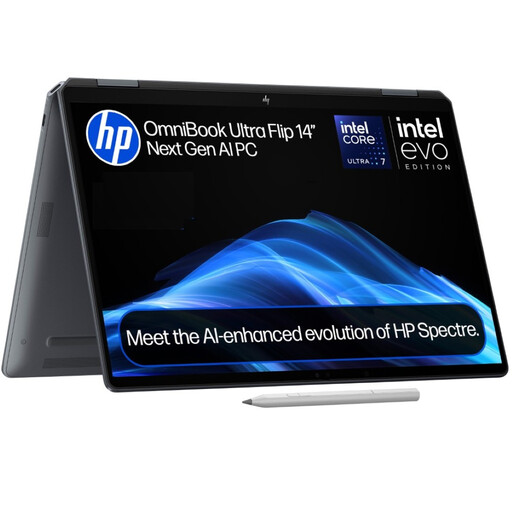
HP OmniBook Ultra Flip 14-fh0006na 2-in-1, 16GB RAM, 1TB SSD
Consider this 2-in-1 if switching between laptop and tablet-style use matters to your work. It lists Windows 11 Home; confirm that your employer accepts that edition and supports your required applications and device controls.
View on Joybuy
 No image available
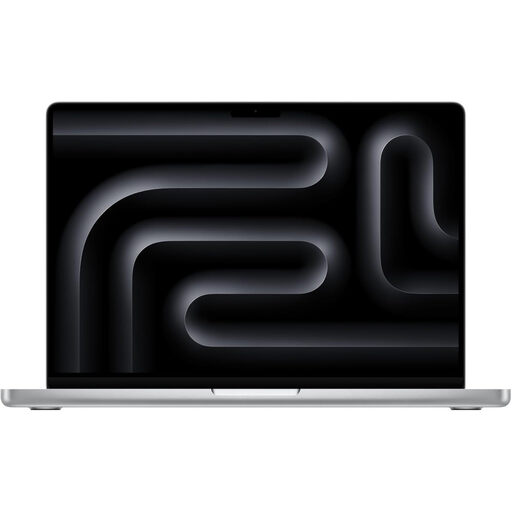
Apple MacBook Pro 14.2-inch M5 Pro, 24GB, 2TB, Silver
This 14.2-inch MacBook Pro is an option if your employer supports macOS. Confirm the required applications, VPN and security tools, then check its carrying weight and connections against the places you work.
View on Joybuy
 No image available
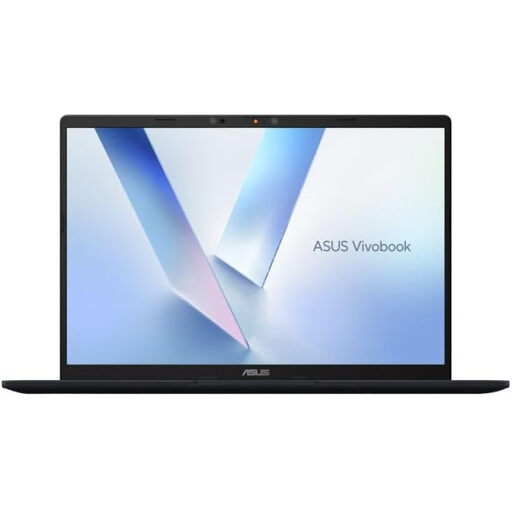
ASUS Vivobook 14 X1407QA-LY003W, Snapdragon X, 16GB RAM, 512GB SSD
For a Windows laptop carried between desks, check this Snapdragon X configuration against every required work application and management tool before buying. Its 16GB RAM and 512GB SSD are stated in the product name; neither confirms software compatibility.
View on Joybuy
 No image available
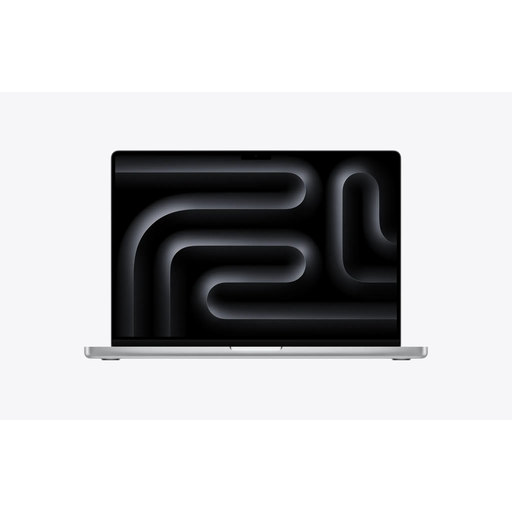
Apple MacBook Pro 16.2-inch M5 Max, 36GB, 2TB, Silver
The stated 16.2-inch screen is worth considering if you want more display space on the laptop itself. If you carry it frequently, check its weight; also confirm macOS support for your employer’s applications and security tools.
View on Joybuy
 No image available
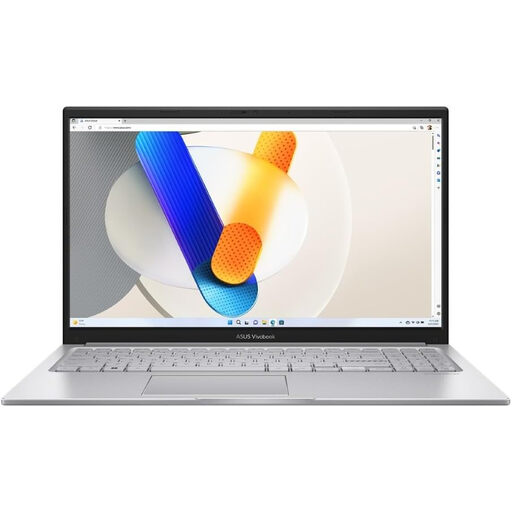
ASUS Vivobook 15 X1504VA, 15.6-inch, Core 5 120U, 24GB RAM, 1TB SSD
This 15.6-inch Windows laptop offers a larger stated screen for work away from an external monitor. Check whether its size suits your journey, and confirm USB-C display and charging functions before pairing it with a dock.
View on Joybuy
Common questions
When should I replace my laptop instead of buying a dock?
Replace it when it cannot meet your required application, employer-security or mobile-work needs. If it already does those jobs and the difficulty is connecting equipment at a regular desk, check whether its ports, display support and charging requirements match a suitable dock.
Can I use my own laptop for work?
Only if your employer permits and can support it under its requirements. Confirm operating-system approval, device enrolment, encryption, VPN and data-handling rules before buying or using a personal machine; the National Cyber Security Centre provides guidance for organisations allowing personally owned devices.
Will a Mac run my work applications?
That depends on your employer’s complete setup. Microsoft Learn documents Teams requirements for macOS, and Apple says Mac runs common business applications, but you should confirm each required application, add-in, VPN and security tool with your employer.
What security features matter on a Windows work laptop?
Start with your employer’s requirements for the Windows edition, encryption, authentication and device management, then check the exact configuration. Microsoft Learn describes BitLocker as whole-volume encryption, while the National Cyber Security Centre advises protecting data at rest on home-working devices.
Does a dock remove the need to review my desk setup?
No. A compatible dock can connect desk equipment, but you still need to consider the screen and input setup used during sustained work. The UK Health and Safety Executive’s display-screen-equipment guidance includes home workers and hot-deskers.


