What to consider before buying
The Information Commissioner’s Office says a privacy screen might help when people nearby can see your display. Treat it as a way to address a particular viewing situation, not as a guarantee of confidentiality.
| Concern |
What to check when buying |
Who this matters to |
| Side-on viewing |
Check the filter’s stated viewing direction and consider who could see your screen from your seat. |
If I work near other passengers or at a shared desk, I want to reduce casual side-on viewing without assuming the screen is hidden from every angle. Around 33% of consumers put side-view privacy first. |
| Fit and lid clearance |
Match the visible screen width, height and aspect ratio; check the attachment area and the laptop maker’s lid guidance. |
When a filter is attached, I need it to fit the visible display and suit my normal lid use. Around 27% of consumers prioritise accurate fit and lid clearance. |
| Switching to screen sharing |
Compare magnetic removal, mounting tabs or a flip-up attachment, and check whether storage is included if the filter comes off. |
If I regularly show my screen to colleagues, I want a practical way to switch between private viewing and sharing. Around 20% of consumers prioritise changing viewing modes. |
| Display and touch use |
Check the exact variant’s finish and explicit touchscreen compatibility; do not assume these features apply across a product line. |
When I use the laptop’s touchscreen or need to read the display comfortably, I want those functions to suit my setup. Around 20% of consumers make touch use or display clarity their primary concern. |
Joybuy product options
These options are magnetic HyperShield privacy filters for the listed MacBook Air and MacBook Pro variants; check your exact laptop model before choosing. Apple warns that material between a Mac notebook display and top case may cause damage, so check its guidance before closing a MacBook with a filter attached.
 No image available
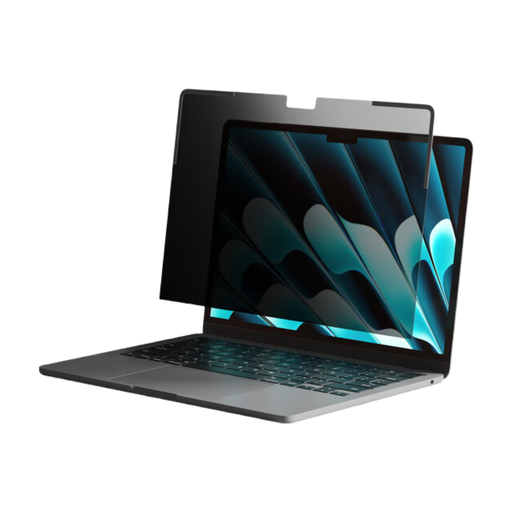
Hyper® HyperShield® Privacy Filter for MacBook Air 13.6"
A magnetic option for switching between private work and open screen sharing.
The product description specifies a 30° viewing angle, magnetic attachment and removal without adhesive, and a reusable storage folder.
Joybuy
 No image available
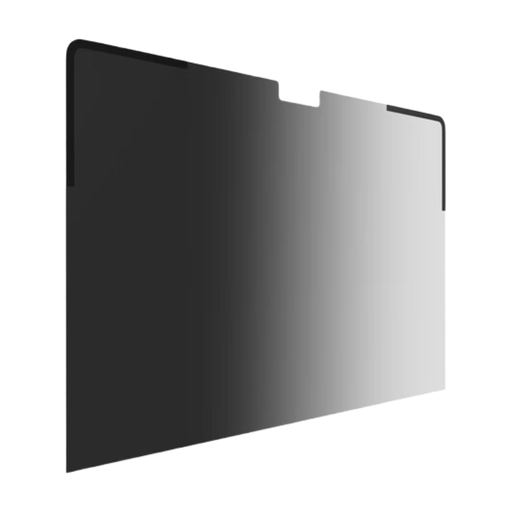
Hyper® HyperShield® Privacy Filter for MacBook Pro 14"
A magnetic option for a MacBook Pro 14-inch user who wants to remove the filter when sharing the display.
The product description specifies a 30° viewing angle, magnetic attachment and removal, and a reusable storage folder.
Joybuy
 No image available
Hyper® HyperShield® Privacy Filter for MacBook Pro 16"
A magnetic option for the specified MacBook Pro 16-inch models.
The product description specifies compatibility with MacBook Pro 16-inch models from 2019–2023, a 30° viewing angle, and magnetic attachment and removal.
Joybuy
 No image available
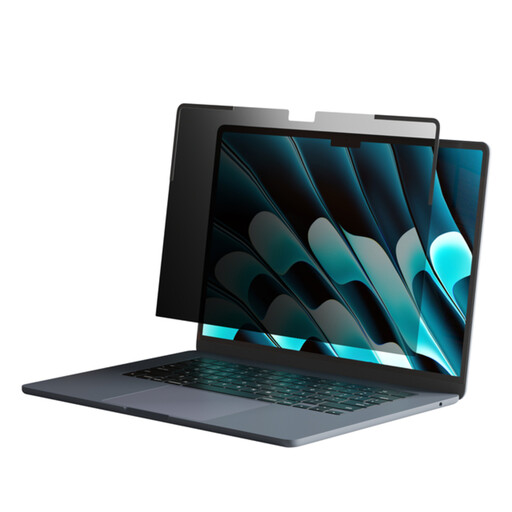
Hyper® HyperShield® Privacy Filter for MacBook Air 15"
A magnetic option for a MacBook Air 15-inch user who wants to remove the filter when needed.
The product description specifies a 30° viewing angle and magnetic attachment and removal.
Joybuy
Frequently asked questions
How should I size a privacy filter before buying?
Measure the visible display’s width and height, excluding the bezel, and check its aspect ratio against the exact filter variant. Kensington’s sizing guidance treats the visible screen area—not the diagonal measurement alone—as the relevant fit check.
Will a removable filter work with my touchscreen and let me close the lid?
Only if the exact filter specifies the required touch compatibility and its attachment suits your laptop. Kensington identifies touch compatibility for its cited 2-Way Removable line, but lid clearance is a separate check; Apple warns that material left between a Mac notebook display and top case may cause damage.
How can I manage a filter when I want to share my screen?
Use the removal or flip method specified for your model, and store a detached filter in its supplied case or panel if one is included. Kensington lists a case for the cited MagPro variant, while Belkin lists a storage panel for its cited TruePrivacy line.
What if an online filter arrives in the wrong size?
For an eligible UK distance purchase, GOV.UK says you can notify the seller of cancellation within 14 days of receiving the item and then have another 14 days to return it. Check the applicable exceptions and the seller’s return instructions; faulty or misdescribed goods involve separate rights.
Does UK guidance require a laptop privacy screen when working on a train?
The Information Commissioner’s Office says a privacy screen might help when others can see a screen on a train or in a shared workspace; it does not say every worker must buy one. Its UK GDPR guidance describes an organisation’s obligation to process personal data securely through appropriate technical and organisational measures, not a universal requirement to use this particular accessory.


