Mobile project-cost trackers
If you update budgets, receipts or purchase logs away from a desk, compare the exact model’s battery-test conditions and charging requirements with the time you expect to spend between sockets.


Choose a Windows laptop if project spending depends on Access or other Windows software; consider a MacBook Air if your files and applications work on macOS, or a Chromebook if Google Sheets is your main tool. With few sockets available, check the exact laptop’s battery-test conditions, charging requirements and compatibility with any dock you plan to use before choosing between them.
If you update budgets, receipts or purchase logs away from a desk, compare the exact model’s battery-test conditions and charging requirements with the time you expect to spend between sockets.
If established workbooks, desktop Office applications or Access are part of the process, confirm that the required files and tools work on the laptop before making battery life the deciding factor.
If you move between site visits and a desk with a display or peripherals, check the laptop and dock together. A USB-C connector alone does not establish charging, display output or dock compatibility.
Start with the software needed to keep project records usable, then assess how the laptop will charge during mobile work and reconnect at a desk.
Consider it when: Your records depend on Access, Windows-only tools or an organisation-managed Windows workflow.
Check: Battery claims, charging and dock support vary by model; confirm that the required applications work on the configuration you choose.
Consider it when: Your spending files and required applications work on macOS and reducing dependence on wall sockets matters.
Check: Apple’s battery figure is a rated maximum under its test conditions, not a promise of runtime for your project-work workload.
Consider it when: Google Sheets is the main tool for a straightforward spending log.
Check: Set up offline access in advance and test important Excel files before moving the workflow.
| Concern | What to check | Who this matters to |
|---|---|---|
| Working between charges | Read the exact model’s battery-test conditions and confirm its charging method, required wattage and supplied adapter. | If I reconcile receipts away from a socket, I need the laptop to remain usable until I can charge again; around 42% of consumers would put working between charges first. |
| File and software compatibility | Identify required Excel features, Access databases or other applications, then try representative files on the intended platform. | If my established workbook or database is essential, changing platforms cannot interrupt the process; roughly 33% of consumers would make compatibility their main concern. |
| Desk connections | Match the laptop’s charging and display-port capabilities to the intended dock and display. | When I return to a desk, I want to connect my peripherals without relying on several separate power connections; about 25% of consumers would prioritise a simpler desk setup. |
USB-C describes the connector, not the power a laptop accepts or the display functions a dock can provide. Dell lists different power-delivery outputs for Dell and non-Dell systems on its SD25 dock.
Compare the exact laptop’s charging input and port capabilities with the intended charger, dock, cable and display.
A compatible cable, adapter or dock may be needed for the setup you intend to use.
Google identifies cases where continuing in Excel is preferable, including very large datasets and some specialised charts. Sheets offline access also needs setting up before disconnection.
Try representative workbooks, formulas, charts and sharing steps before moving project records to Google Sheets.
If required workbooks do not fit the Sheets workflow, moving files may take additional time or require access to another compatible computer.
Apple’s MacBook Air wireless-web figure describes its stated test conditions; it does not establish how long a particular mix of spreadsheets, calls and connected devices will run.
Use rated figures to narrow your options, then check the charging arrangement you can use during your working day.
Microsoft describes Office 2024 as a one-time purchase, while Microsoft 365 follows a subscription route. Neither description establishes what is supplied with a particular laptop.
Confirm which applications your organisation provides and whether the licence covers your intended device and workflow.
MacBook Air is relevant when project-spending files and applications work on macOS and charging options matter during mobile work.
The ThinkPad family is relevant to buyers considering a Windows-oriented mobile-work setup.
Latitude is a commercial-laptop family to consider for Windows-based records that may move between mobile work and a desk.
These Windows laptops and Chromebooks offer different starting points for project-spending work. Choose by the applications and files you need, then check the exact model’s charging and battery information for your time away from a socket.
 No image available
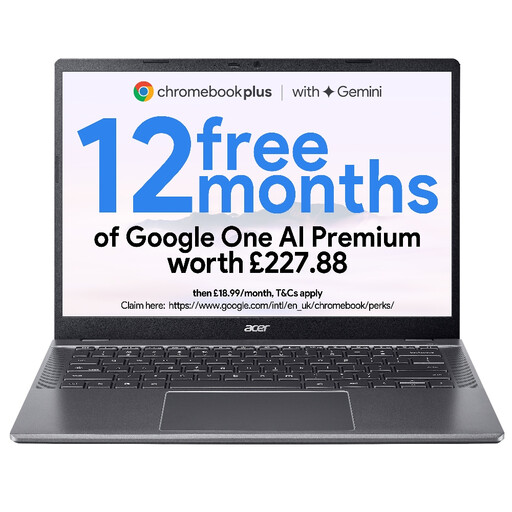
Consider this 14-inch WUXGA variant for a Google Sheets-led spending log. Test essential Excel files and set up offline access in advance; check the exact model’s automatic-update date and battery-test conditions before buying.
 No image available
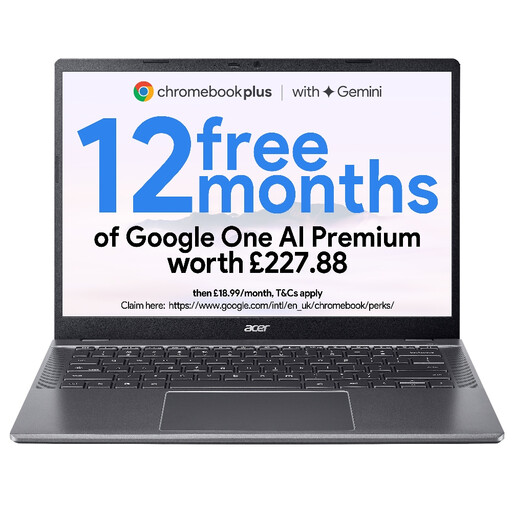
This 14-inch WUXGA configuration is another option for a Sheets-led spending log. Check how your important workbooks behave, arrange offline access before travelling and confirm the exact model’s update date and battery-test conditions.
 No image available
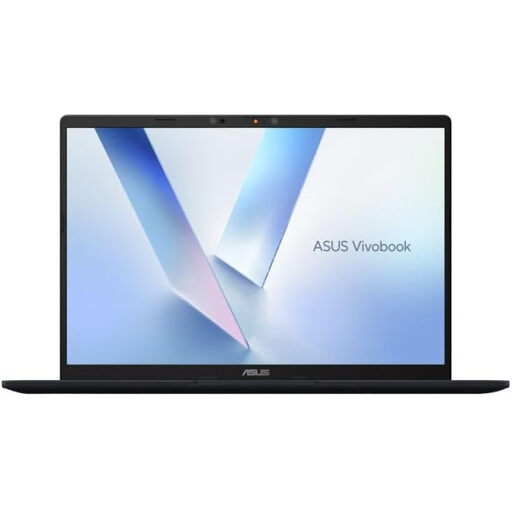
Consider this Windows option if your project-spending tools require that platform. Check your specific applications against this Snapdragon X configuration, and confirm battery information and compatibility with any planned dock.
 No image available
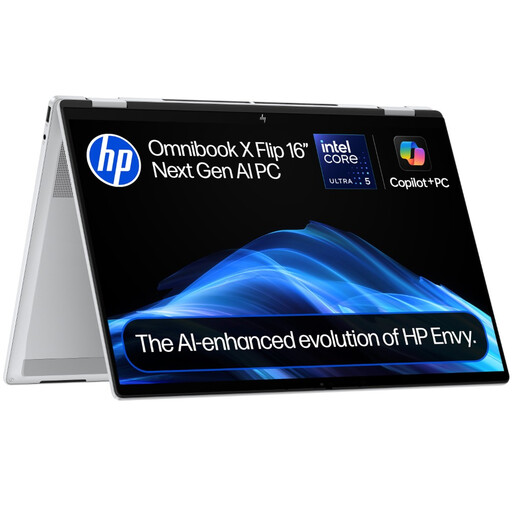
This Windows 11 Home touchscreen model is worth considering if a 16-inch 2-in-1 format suits your records and desk work. Check its battery-test information and the exact charging and display requirements of any dock you intend to use.
 No image available
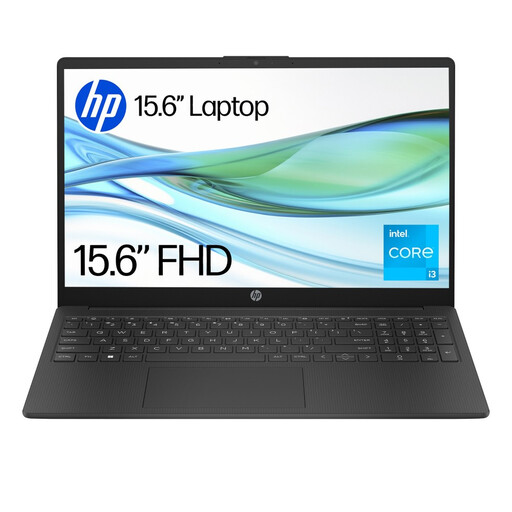
Consider this model only after checking the applications and file sizes your spending workflow requires. S Mode restricts app installation to Microsoft Store apps; the listing describes switching out of S Mode as irreversible. Treat its stated battery duration as a claim under the listed test conditions, not a guarantee for your workload.
Choose Windows if required records depend on Access or Windows-only software; consider a Mac if the necessary files and applications work on macOS, or a Chromebook for a Google Sheets-led process. Before changing platforms, try the files and tools your team actually uses.
Yes, after setting up offline access while connected. Google Docs Editors Help says initial setup requires an internet connection, Chrome or Edge, the Google Docs Offline extension, sufficient local storage and a non-private browsing window.
Only if the exact laptop accepts power through the relevant port and the dock supplies compatible power while supporting your display and peripherals. Dell UK lists 130W delivery for Dell systems and 96W for non-Dell systems on its SD25 dock; those figures alone do not establish that it will work with your laptop.
Check the exact model’s automatic-update end date, not just its appearance or model-family name. Google’s ChromeOS guidance says the update period runs from the platform release date and warns that, after final automatic updates, policies may not work as intended and technical support is not provided.