What matters when choosing?
Check the screen and its position by the window first, then establish which software and device rules apply at your school. Portability and after-sales terms matter too, but they cannot make an incompatible laptop suitable for work.
Windows business laptop
Consider it when: School software or device management requires Windows. Lenovo UK lists a ThinkPad X1 Carbon Gen 13 configuration, part 21NSCTO1WWGB2, with Windows 11 Pro, a UK keyboard and a 500-nit anti-glare display.
Keep in mind: Those specifications belong to that configuration, not every X1 Carbon; screen placement still matters when light reflects from a window.
MacBook Air
Consider it when: Your school accepts macOS and the required feedback tools work in its supported apps or browser workflow.
Keep in mind: Apple UK specifies a 500-nit display for the 13.6-inch MacBook Air but does not identify it as anti-glare; assess reflections in the intended room.
Chromebook Plus
Consider it when: The school confirms that marking, documents and account access work through its ChromeOS or browser setup.
Keep in mind: Acer documents an anti-glare, 300-nit display for the Chromebook Plus 514 family; check the exact panel and how it looks in your room.
| Concern |
What to check |
Who this matters to |
| Daylight readability |
Check the exact panel’s anti-glare finish and brightness rating in nits; plan a position that avoids direct window reflections. |
If reflections interrupt reading and checking detailed comments, a workable screen comes first. Around 37% of consumers put daylight readability ahead of their other concerns. |
| School-system compatibility |
Confirm supported operating systems, marking applications, account access and device-management rules with school IT. |
I need feedback files and school services to work on the laptop I choose, even if I like its screen. For around 27% of consumers, that compatibility is the primary concern. |
| Carrying and typing |
Compare stated weight, screen size and keyboard layout; consider where longer sessions will take place. |
Moving between workspaces makes a manageable device and a comfortable writing setup important. Carrying and sustained typing come first for around 18% of consumers. |
| After-sales certainty |
Match the full model code and check the seller, warranty, return terms and repair route. |
When buying a laptop for regular work, I want to know which configuration I will receive and where to turn if something goes wrong. Around 18% of consumers make after-sales certainty their main concern. |
Joybuy product choices
These Lenovo, HP and Acer laptops are options to examine for feedback writing. Compare each exact display configuration with the light at your desk, and confirm that its operating system fits your school’s workflow.
 No image available
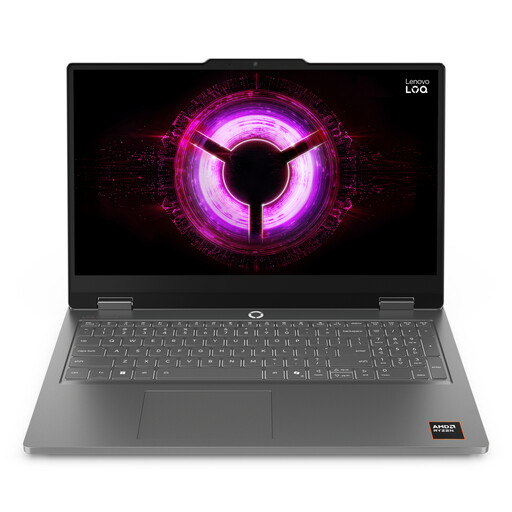
Lenovo LOQ Essential 15ARP11, Ryzen 7 170, RTX 5050
If you will use this 15.6-inch laptop for feedback, check its screen position at the window and confirm the school’s software requirements before choosing it.
The named configuration has a 144Hz FHD display, 16GB RAM and a 1TB SSD.
Its gaming-focused configuration may be more than your writing workflow calls for; check carrying weight if you move between locations.
View on Joybuy
 No image available
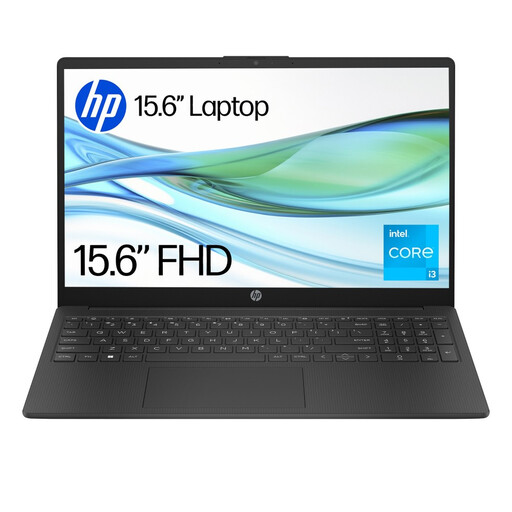
HP 15-fd0060na, Core i3-N305, 4GB RAM, 128GB UFS
For school feedback work, confirm that the required applications can be used with this model’s Windows 11 Home in S Mode setup.
The named configuration has 4GB RAM and 128GB UFS storage.
Check the exact display and keyboard configuration for your window-side desk and regular typing.
View on Joybuy
 No image available
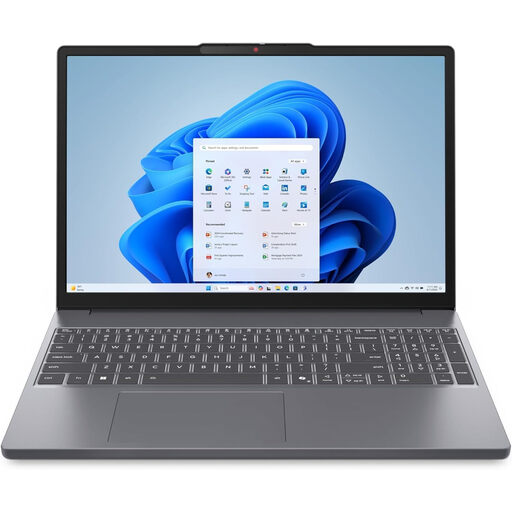
Lenovo IdeaPad Slim 3 83K7009MUK, 15.3-inch WUXGA
This Windows 11 Home model is a candidate for feedback writing if its display and your school’s software requirements suit the task.
The named configuration has an AMD Ryzen 5 7535HS, 24GB DDR5 RAM and a 512GB PCIe SSD.
Check the exact panel’s brightness and the keyboard layout before relying on it beside a bright window.
View on Joybuy
 No image available
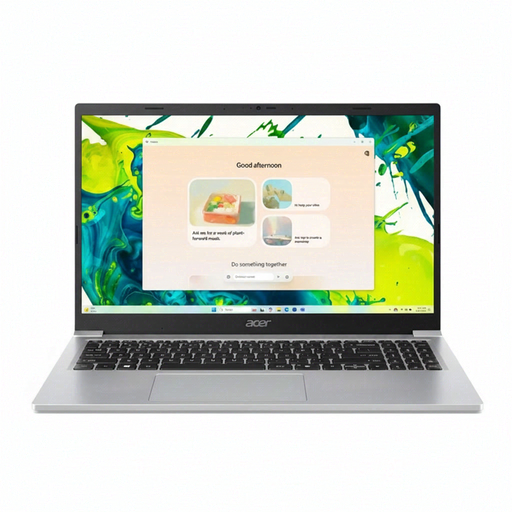
Acer Aspire Lite AL15-36P-C29Z, 15.6-inch Full HD
This model could serve a feedback-writing setup if its screen works in your room and its Windows configuration supports school applications.
The named configuration has an Intel N150, 8GB DDR4 RAM and a 128GB SSD.
Confirm whether the exact Windows 11 Home configuration uses S Mode, and check its display brightness before purchase.
View on Joybuy
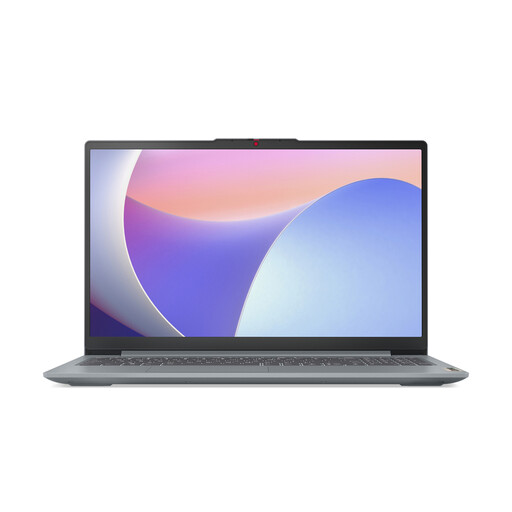 No image available
Lenovo IdeaPad Slim 3 15IAH8 83ER00G4UK, 15.6-inch
For writing feedback on this model, check school-system compatibility and whether its display suits the lighting at your desk.
The named configuration has an Intel Core i5, 8GB RAM and a 512GB SSD.
If you work away from a socket, check the stated battery runtime against the length of your sessions; also confirm the panel brightness and keyboard layout.
View on Joybuy
Frequently asked questions
Will a brighter screen solve reflections from the window?
No: a brightness rating does not remove window reflections. The Health and Safety Executive advises positioning the desk and screen to avoid glare and bright reflections; consider adjusting the screen angle or controlling intrusive daylight as well as checking the panel specification.
Can I use a MacBook for Microsoft 365 feedback work?
Yes, if your school supports the particular macOS setup and the apps you need. Microsoft’s business and education requirements include Mac versions of Microsoft 365 and specify one of the three most recent macOS versions; confirm your school account, required apps and management rules before buying.
What should I ask school IT before buying my own laptop?
Ask which operating systems, browsers, marking platforms, accounts, security controls and peripherals your school supports, and whether a personally owned device can be managed as required. Department for Education guidance says device choices should reflect staff needs and the school’s technical and security requirements.
Does regular feedback writing call for a workstation assessment?
For employees who use display screen equipment daily as part of normal work, continuously for an hour or more, the Health and Safety Executive says the employer must assess the workstation. That assessment considers the equipment, furniture, working conditions and task—not just the laptop model.


