Who needs this laptop?

Volunteer treasurers entering figures at the event

If you repeatedly enter ticket counts, takings, prizes and expenses, check the exact keyboard for an integrated numeric keypad. Lenovo identifies one on its ThinkPad E16 Gen 2; screen size alone does not establish a laptop’s keyboard layout.

Organisers working away from reliable sockets

If the laptop must last through the raffle session, compare battery claims and test conditions for the exact configuration. Check the charging arrangement as well as the screen and keyboard you will use for the records.

Record keepers handling personal details

If files contain attendee or ticket-holder information, access control and a separate, restorable backup matter alongside spreadsheet features. The Information Commissioner’s Office advises organisations to protect personal data and keep a separate copy of important information.

What matters when choosing?

Windows laptop

Choose when: You enter figures repeatedly or need an existing workbook to behave in desktop Excel; check the exact model for an integrated numeric keypad.

Trade-off: A larger keyboard and screen can be less convenient to carry, and neither guarantees enough battery life for the event.

Chromebook

Choose when: Your records use a simple cloud-based spreadsheet that you have tested on the intended device and account.

Trade-off: Google says Microsoft 365 editing on a Chromebook requires OneDrive, while Microsoft notes differences between Excel for the web and desktop Excel.

ConcernWhat to checkWho this matters to
Number entry and workbook continuity Inspect the exact keyboard for a numeric keypad and test the raffle workbook in the spreadsheet app you intend to use. If I enter ticket counts and cash figures repeatedly, I want a comfortable keyboard and my existing workbook to behave as expected; around 31% of consumers put this need first.
Working away from sockets Compare the exact model’s battery claim and test conditions with the session length; check its charger and charging port. When sockets are scarce, I need to finish the records without interrupting the session to charge; this is the first concern for around 31% of consumers.
Record security and recovery Check sign-in protection, software-update support and how you will keep a separate, restorable backup. If the files contain personal details, I need to control access and recover the records if the laptop is lost or fails; around 23% of consumers prioritise this.
A manageable spreadsheet workflow Test the real template in the intended app and establish who manages the cloud account and files. If our records are straightforward, I want the organisers to open and maintain them without a complicated setup; around 15% of consumers place that need first.

Buying pitfalls

  • Assuming a large screen means a numeric keypad

    Keypad layout varies by model. For repeated entry of ticket and money figures, screen size is not a substitute for checking the keyboard.

    Inspect a photo and specification of the exact UK keyboard before choosing a laptop for keypad entry.

    An external keyboard adds something to carry and connect.

  • Buying a Chromebook before trying the raffle workbook

    Google says Microsoft 365 editing on a Chromebook requires OneDrive. Microsoft also identifies differences between browser-based and desktop Excel, so an established workbook needs a practical test.

    Open a copy of the real workbook in the intended setup and check any features the organisers rely on before buying.

    Moving files between apps or resolving workbook differences can take additional time.

  • Treating a battery claim as a session guarantee

    A stated runtime depends on its test conditions; it does not establish how long the laptop will last during your raffle workload.

    Compare the exact model’s battery information with the planned session, and check the supplied charger and charging options.

    If charging becomes necessary during the event, record entry may have to pause.

  • Keeping the only copy of the records on the laptop

    A lost, damaged or failed device could leave organisers without important files. The Information Commissioner’s Office advises keeping a separate copy of important information.

    Control access to the laptop, back up the records separately and check that you can restore them.

Relevant brands to consider

Lenovo

Lenovo identifies a full-size keyboard with a numeric pad on the ThinkPad E16 Gen 2, making that specific line worth examining for repeated figure entry.

  • The stated keyboard layout directly addresses keypad entry.
  • Check the exact configuration, battery specification and whether a 16-inch laptop is convenient to carry.

HP

HP lists its Laptop 15-fc1002na with Windows 11 Home, 16 GB RAM and a 512 GB SSD as one example of an everyday Windows configuration.

  • The cited configuration provides identifiable operating-system, memory and storage details for comparison.
  • Check the exact keyboard, battery specification and charging arrangement for the model under consideration.

Dell

Dell lists 16-inch models and memory and storage choices in its larger-screen laptop range; individual configurations need to be compared separately.

  • The cited range includes 8 GB to 32 GB memory choices and 512 GB or 1 TB SSD options.
  • Confirm the keyboard layout and the exact configuration before choosing one for raffle entry.

Joybuy laptops for raffle records

These Windows laptops offer different screen sizes and configurations for working on raffle spreadsheets. Check the keyboard, your workbook and the battery arrangements of the exact model before relying on it at an event without a convenient socket.
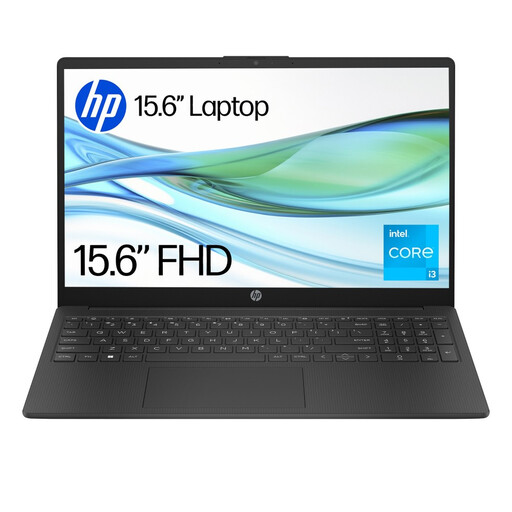
HP 15-fd0060na laptop

HP 15-fd0060na, Core i3-N305, 4 GB RAM, 128 GB UFS

Consider this for raffle spreadsheets if your software works with Windows 11 Home S Mode.

Check the exact keyboard for a numeric keypad and compare the battery claim’s test conditions with your session.

View on Joybuy
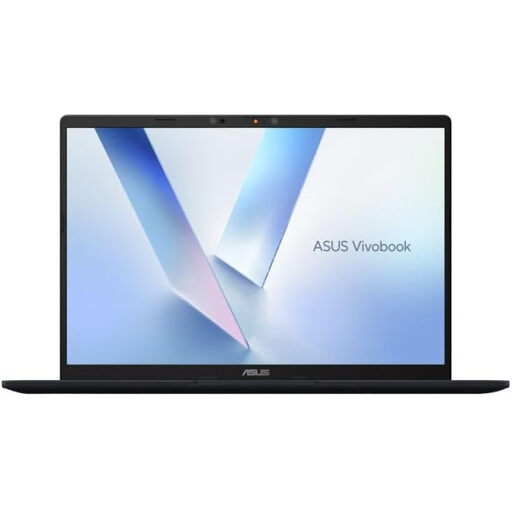
ASUS Vivobook 14 X1407QA-LY003W laptop in Quiet Blue

ASUS Vivobook 14 X1407QA-LY003W, Snapdragon X, 16 GB RAM, 512 GB SSD, Quiet Blue

This 14-inch model is an option to examine if carrying the laptop matters alongside spreadsheet work.

Test your required workbook and software, and check the exact keyboard and battery information before the event.

View on Joybuy
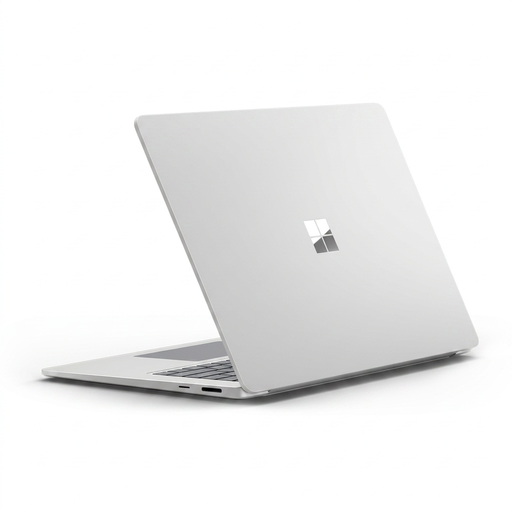
Microsoft Surface Laptop 7 15-inch in Maya colour

Microsoft Surface Laptop 7 15-inch, Snapdragon X Elite, 16 GB RAM, 256 GB SSD, Maya

Consider the 15-inch touchscreen if you want that screen format for viewing raffle records.

Check your workbook and required software on this configuration, along with its keyboard layout and battery arrangements.

View on Joybuy
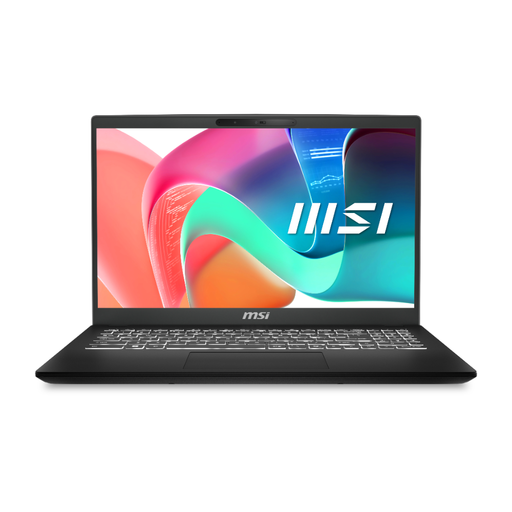
MSI Modern Laptop C2RMG-282UK

MSI Modern Laptop C2RMG-282UK, 15-inch FHD, Core 5, 16 GB RAM, 512 GB SSD

This model offers a larger screen format to consider for spreadsheet records.

Check the keyboard and your workbook, then confirm battery information and compatible charging equipment for the session.

View on Joybuy
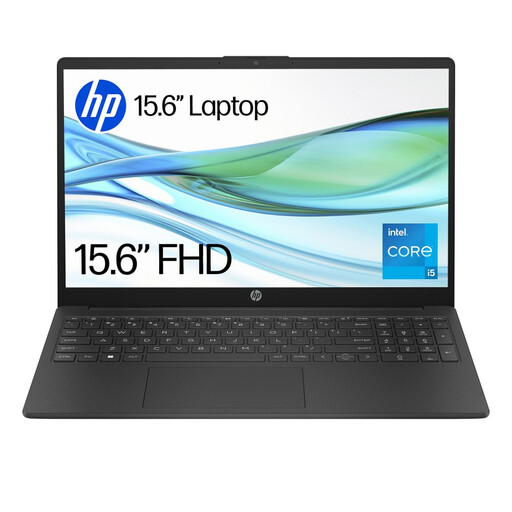
HP 15-fd0064na laptop

HP 15-fd0064na, 15.6-inch, Core i5-1334U, 8 GB RAM, 256 GB SSD

This Windows 11 Home model is an option to examine for raffle spreadsheet work.

Confirm that its exact keyboard suits repeated number entry and that its battery and charging arrangements suit the event.

View on Joybuy

Questions about raffle-record laptops

Do raffle records require a particular laptop or spreadsheet app?

Choose equipment that can reliably maintain the records required for your raffle type, rather than choosing by laptop brand alone. Gambling Commission guidance for lottery operating licence holders calls for accurate accounting records covering proceeds, prizes, expenses and sold and unsold ticket counts, among other items.

Can I use a Chromebook with an existing Excel raffle workbook?

You may be able to, but test the actual workbook before buying. Google says Microsoft 365 editing on a Chromebook requires OneDrive, and Microsoft identifies feature and format differences between Excel for the web and desktop Excel.

How should I protect raffle files containing personal information?

Control access to the files and keep a separate backup that you can restore. The Information Commissioner’s Office advises organisations to use security measures appropriate to the personal data they process and to keep a separate copy of important information.

How long should raffle records be kept?

Check the requirements for the organiser’s raffle type and licensing authority before setting a retention schedule. For small society lotteries under its guidance, North Tyneside Council says to keep unsold and returned-ticket records for one year after the draw and submit returns within three months of each draw; those local instructions should not be assumed to cover every raffle.