Which study routine sounds like yours?
The way you produce coursework matters as much as the way you take notes in lectures.
Essay-focused students choosing one computer
If long-form writing, document editing and university software all need to work on one device, begin with a laptop and check your course requirements. University College London calls for regular access to a laptop or desktop, and Loughborough University cautions that tablets offer a more limited range of software.
Students who annotate slides and draw diagrams
If handwriting is part of how you work through lectures, consider a pen-enabled tablet or convertible. Check that the exact device supports the pen you plan to use, and that you can still complete coursework requiring other software.
Students alternating between typing and handwriting
A 2-in-1 laptop is worth considering when both typed assignments and pen-based notes are routine. Check the exact configuration before buying: Lenovo lists the pen as optional for its cited Yoga 7 2-in-1 configuration.
What should you check before choosing?
Decide what must work for assessed coursework first, then choose how you want to take notes and carry your study materials.
Conventional laptop
Choose it when: One computer needs to handle sustained writing and your course’s required software.
Bear in mind: Check for touch and pen support separately if you want to write directly on lecture slides.
Stylus tablet
Choose it when: Reading, handwritten notes and marking up slides are central, and you have suitable computer access for other coursework.
Bear in mind: Loughborough University warns that tablet software availability is more limited; pen compatibility also depends on the device.
Tablet with keyboard
Choose it when: You mainly read or annotate on a tablet but also need to type shorter pieces away from a desk.
Bear in mind: A keyboard does not change which coursework apps the tablet can run, and compatible accessories may be separate purchases.
2-in-1 laptop
Choose it when: You want a laptop for coursework and regularly use touch or handwriting for notes.
Bear in mind: A convertible design does not establish that a compatible pen is included.
| Priority |
What to check |
Your needs |
| Coursework software |
Check your department’s required applications and assessment tools against the exact operating system and device. Confirm access to a suitable computer if you plan to rely on a tablet. |
I need to finish assignments and use course systems, not just open lecture notes. University College London requires regular laptop or desktop access; Loughborough University notes that tablet software availability is more limited. |
| Handwritten notes |
Check the exact device and pen pairing, whether the pen is included, and whether your preferred note app supports your workflow. Apple lists Pencil compatibility by iPad model. |
Annotating slides, writing equations or sketching diagrams is part of how I take notes; a keyboard alone would not cover that task. |
| Typing |
Try the keyboard arrangement for the amount you write. For a tablet, check the accessory against its exact model and whether it is included; Apple describes its iPad keyboard accessories as sold separately. |
Long essays call for a typing setup I can use comfortably. If I mainly type emails or short discussion posts, a compatible tablet keyboard may cover that part of my work. |
| Note access |
Check where notebooks are stored, which devices can open them and whether synchronisation has finished. Keep the material you need offline available locally. |
I want notes from a lecture to be available when I work elsewhere. Microsoft Support says a reliable connection helps OneNote synchronise promptly. |
Brand and accessory references
These examples help with model-specific checks; a brand’s wider range is not interchangeable with a particular device configuration.
Apple
An iPad route for reading, handwritten notes and PDF annotation, with keyboard accessories available for typed work.
- Apple Support lists Apple Pencil compatibility by exact iPad model.
- Apple describes its iPad keyboard accessories as sold separately; check the complete device, Pencil and keyboard combination.
Samsung
Selected Galaxy Tab models offer S Pen support, with tablet keyboard accessories available separately.
- Samsung UK lists Galaxy tablets with S Pen included; check the particular model’s contents.
- Samsung’s description of DeX and S Pen multitasking on the Galaxy Tab S11 range does not establish compatibility with your course software.
Lenovo
The cited Yoga 7 2-in-1 Gen 10 is a convertible laptop with laptop, tent and tablet modes.
- Lenovo UK documents a 360-degree design for this Yoga 7 model.
- Lenovo lists the pen as optional for the cited configuration; check the pen and device bundle rather than assuming one is supplied.
Joybuy options for study
These options include conventional laptops, a convertible laptop and an iPad for reading and potential pen-based notes. Match the operating system and accessories of any option to your course and note-taking routine.
 No image available
HP OmniBook X Flip 16-as0004na, 16-inch touchscreen
Consider this 2-in-1 if you want a touchscreen alongside a laptop for typed coursework. The named configuration has an Intel Core Ultra 5 226V, 16 GB RAM, a 512 GB SSD and Windows 11 Home. If handwriting matters, confirm compatible pen support and what is included; check required course software separately.
View on Joybuy
 No image available
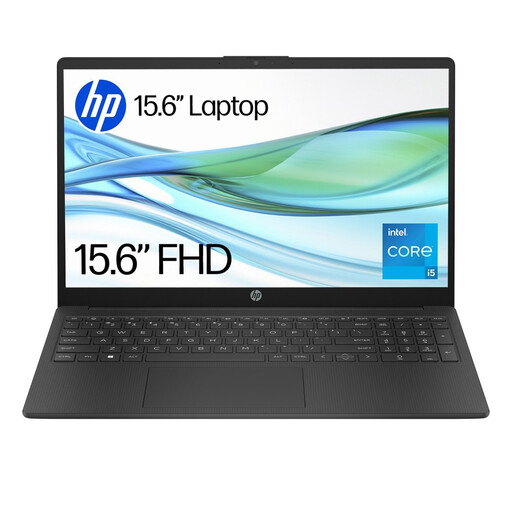
HP 15-fd0064na, 15.6-inch laptop
A conventional laptop to consider when typing and coursework take priority over handwriting. Its named configuration has an Intel Core i5-1334U, 8 GB RAM, a 256 GB SSD and Windows 11 Home. Check your course software requirements, and confirm touch or pen support if you also need to annotate by hand.
View on Joybuy
 No image available
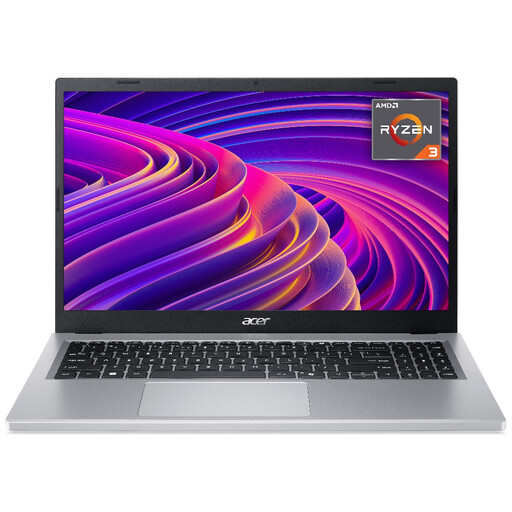
Acer Aspire Go 15 AG15-21P, 15.6-inch laptop
Consider this conventional laptop for typed notes and general coursework once you have checked your required applications. The named configuration has an AMD Ryzen 3 7320U, 8 GB RAM and a 256 GB SSD. Confirm the exact Windows 11 configuration, including S Mode status, before relying on particular course software.
View on Joybuy
 No image available
Acer Chromebook Plus 514 CB514-5H, 14-inch
This Chromebook is a route to consider if your coursework works in the browser and the apps your course requires. The named configuration has a 1920 × 1200 display, Intel Core i3-1315U, 8 GB RAM and a 256 GB SSD. Check software requirements carefully if a course uses Windows or macOS desktop applications; also confirm the exact input configuration before planning on handwritten notes.
View on Joybuy
 No image available
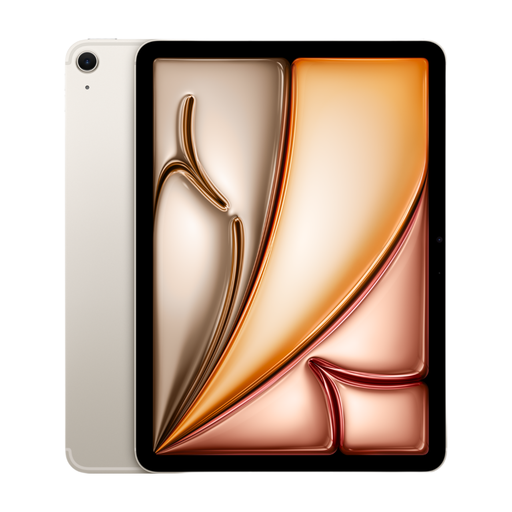
Apple 11-inch iPad Air (2026, M4), Wi-Fi 128 GB, Starlight
Consider this tablet if reading and annotation are central and you have checked how you will complete coursework that needs other software. The named model has 128 GB of storage. Check the compatible Apple Pencil and keyboard for this exact iPad; Apple lists Pencil compatibility by model and describes its keyboard accessories as sold separately.
View on Joybuy
Questions about study devices
Can a tablet be my only university device?
Only if you can meet your course requirements with its apps and browser tools, or have suitable computer access when needed. University College London says students need regular access to a laptop or desktop, and Loughborough University warns that tablets have a more limited software range. Check your department’s required applications before committing to a tablet-only setup.
Do I need a stylus if I mainly type notes?
Not for a typing-led routine. Prioritise a keyboard arrangement and compatibility with your coursework tools; consider a stylus if you regularly handwrite notes, mark slides or draw diagrams.
Will any Apple Pencil work with any iPad?
No. Apple Support lists compatibility by exact iPad model and Pencil generation, with additional pairing or charging requirements for some combinations. Check the specific iPad and Pencil before buying them together.
What should I check before relying on cloud notes?
Check that your note app works on the devices you use and that important notebooks have finished syncing before you switch devices. Microsoft Support says a reliable connection helps OneNote sync promptly; also check which account and storage service your university expects you to use.
Are pens and keyboard cases included?
Check the exact device and configuration rather than assuming they are included. Apple says its iPad keyboard accessories are sold separately, Samsung UK lists tablet keyboard accessories, and Lenovo describes the pen as optional for its cited Yoga 7 2-in-1 configuration.


