Joybuy products for handout preparation
These laptops offer different starting points for a two-work-area handout setup: one has two built-in screens, while the others can be considered for use with the laptop screen and an external monitor. If you intend to connect two external monitors, check the exact model’s simultaneous display support and your planned connections before buying.
 No image available
ASUS Zenbook DUO UX8406CA-QL135W, dual 14-inch OLED touch screens
Consider this if you want two built-in work areas for a handout and its source material without relying on an external monitor.
Intel Core Ultra 7 255H, 16 GB LPDDR5X RAM and 1 TB SSD. Confirm the exact screen resolution before buying; the built-in dual-screen design does not establish how many external displays this configuration supports.
Joybuy
 No image available
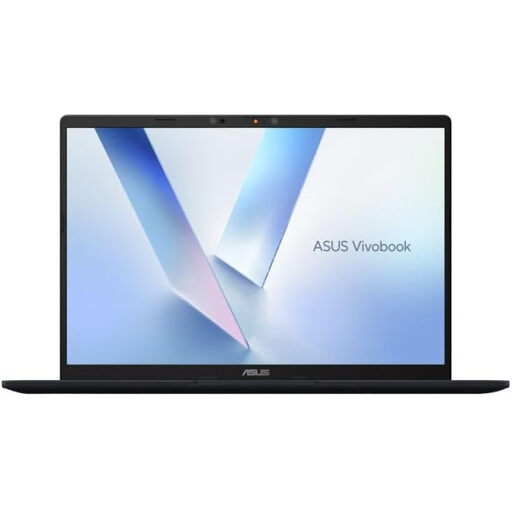
ASUS Vivobook 14 X1407QA-LY003W Copilot+ PC, 16 GB RAM, 512 GB SSD
Consider pairing the laptop screen with one external monitor for separate handout and reference work areas.
Snapdragon X processor; Quiet Blue finish. If you plan to use two external monitors instead, confirm the exact configuration’s simultaneous display limits and the connections you will use.
Joybuy
 No image available
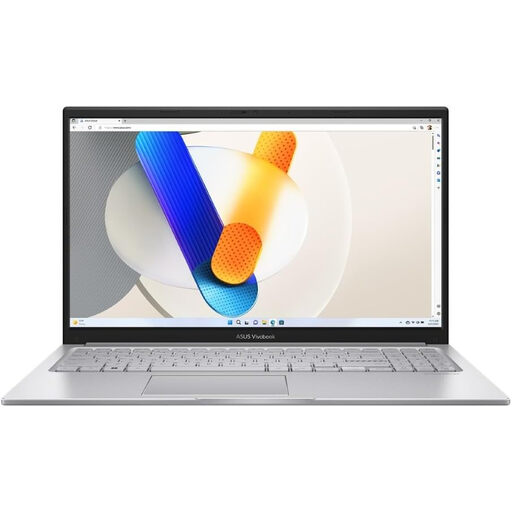
ASUS Vivobook 15 X1504VA, 15.6-inch, 24 GB RAM, 1 TB SSD
Consider this 15.6-inch laptop if you plan to edit a handout on its screen alongside one external monitor.
Intel Core 5 120U; Cool Silver finish. Check the exact configuration’s external-display limits before planning two external monitors, and confirm USB-C video capability if your connection depends on it.
Joybuy
 No image available
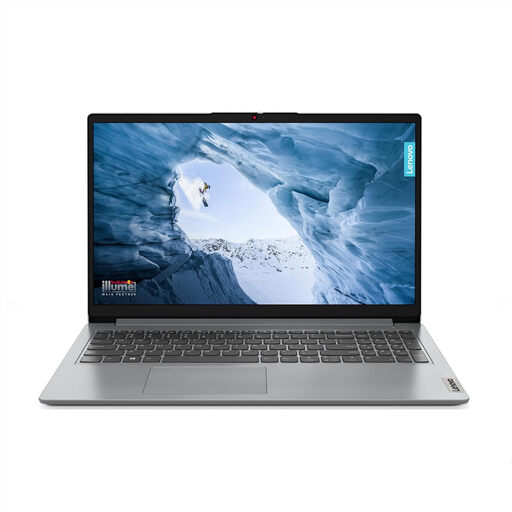
Lenovo IdeaPad 1, 15-inch Full HD, Ryzen 3 7320U, 8 GB RAM, 128 GB SSD
Consider the laptop screen alongside an external monitor for two handout-preparation work areas, subject to checking the intended connection.
Windows 11 Home in S Mode; Cloud Grey finish. Check that required school software suits this Windows configuration, and confirm the exact display limits before planning two external monitors. Do not assume a USB-C port provides video output: one port is specified as data-transfer-only.
Joybuy
 No image available
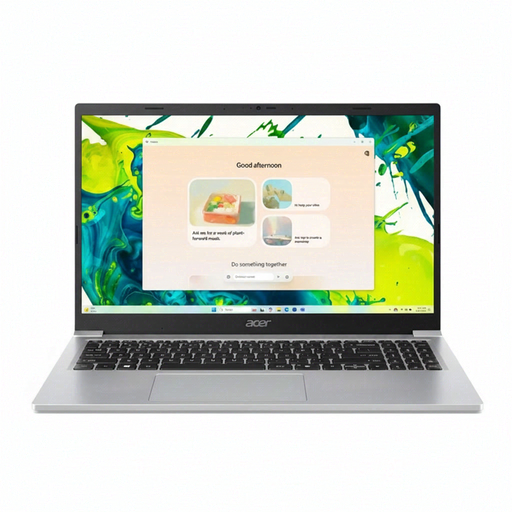
Acer Aspire Lite AL15-36P-C29Z, 15.6-inch Full HD, 8 GB RAM, 128 GB SSD
Consider using the laptop screen with one external monitor to keep source material visible while editing.
Intel N150 processor; Silver finish. Check the exact configuration’s simultaneous display support before choosing two external monitors, and confirm USB-C video capability if your planned setup needs it. Check that the supplied Windows configuration works with required school software.
Joybuy
Frequently asked questions
Will any USB-C laptop run two external monitors through a dock?
No: the connector’s shape alone does not establish dual-display support. Check the exact laptop’s USB-C Alt Mode or Thunderbolt capability, then match its documented display limits to the dock, monitor inputs, resolution and refresh rate. Lenovo makes the relevant host protocol a condition for its USB-C Dual Display Travel Dock.
How do I show the handout and reference material on different screens?
Use an extended display arrangement rather than duplication once both screens are connected and detected. In Windows, open Settings, then System and Display to identify and arrange the screens; Microsoft Support describes these multiple-monitor controls.
Does a dual-4K dock guarantee two external 4K displays from my laptop?
No. A dock’s rating applies under its supported conditions, while the laptop and connection method can impose different limits. Microsoft Support notes that adapters, docks and travel hubs can affect achievable resolution or refresh rate; check the exact laptop-and-dock combination.
What should I do with an old laptop in the UK?
Use an appropriate electrical-equipment recycling route rather than putting it in ordinary waste. UK government guidance explains that waste electrical and electronic equipment rules aim to reduce electrical waste sent to landfill; check local-authority options or whether a retailer or manufacturer offers take-back.
What if a newly bought laptop is faulty?
Contact the seller promptly and keep the order details. For qualifying consumer purchases from a trader, the Consumer Rights Act 2015 provides a short-term right to reject; section 22 sets a standard 30-day limit whose starting point depends on delivery and other applicable conditions. A fault is different from simply changing your mind about a working laptop.


