Travellers who edit away from a desk
If you import and organise clips while travelling, carrying weight and a workable screen matter alongside the space available for your footage.


Choose a laptop if you need to organise or edit travel footage away from a fixed desk, but check your editor, camera-file codec and plug-ins before choosing Windows or macOS. A desktop makes more sense when you will work in one place and value a larger display, connected storage or a separately expandable setup more than portability. A refurbished laptop is another option if its condition, storage and software support meet your needs.
If you import and organise clips while travelling, carrying weight and a workable screen matter alongside the space available for your footage.
If photographs are your main project but you also assemble travel films, pay attention to the display, editing software and storage rather than choosing by processor label alone. Adobe treats memory, graphics and storage as separate considerations for Premiere.
An older machine may suit lighter work if your applications still support its operating system and its condition, battery and usable storage fit the way you intend to edit.
Decide where you will edit, then check the requirements of your actual footage and applications. For basic-to-moderate photo editing and short travel videos, these distinct primary needs help organise the decision.
| Concern | What to check | Who this matters to |
|---|---|---|
| Portability and workspace | Compare carrying weight and screen size; check the ports you need for your equipment. | If I edit while travelling or move between rooms, I need a screen I can work on without making the computer awkward to carry. Around 33% of consumers put that balance first. |
| Footage and editor compatibility | Check your editor version and camera codec against the exact machine, including memory, graphics drivers and decoding support. | A short finished film can still involve demanding source files, so I want to know whether my own footage and editor will work as needed. That is the main concern for roughly 27% of consumers. |
| Photo display | Check the exact panel's size and stated colour characteristics; seek independent measurements if colour-critical work matters. | When photographs are my main output, I care about the display on which I inspect and adjust them. For about 20% of consumers, the photo workspace is the primary need. |
| Budget and lasting usability | Allow room for footage and cache on the SSD; for a refurbished machine, check its condition and operating-system support. | I would consider an older computer if it can still run my required software and has enough usable project space. Around 20% of consumers chiefly weigh that supportable setup against their budget. |
A processor name cannot establish how your editor will handle a particular camera format. Adobe's Premiere guidance considers memory, GPU drivers and hardware-accelerated decoding and encoding separately.
Identify your editor version and camera-file format, then check their requirements against the exact laptop configuration.
Original clips, exports and cache need space alongside the operating system and applications. Adobe recommends fast SSD or NVMe storage and separate locations for system, cache and media where feasible.
Work out where active files will live; if a laptop's internal drive is too small for them, consider whether you will use a fast external SSD.
Microsoft ended Windows 10 support on 14 October 2025. That matters when an older computer cannot run a supported operating system.
Confirm the exact model and its Windows 11 eligibility, as well as support for your editing applications, before buying.
Creator and workstation ranges offer configurations aimed at more demanding work, but their range-level specifications do not establish a requirement for simple travel films.
Consider those configurations when your footage, effects or sustained editing work call for them; otherwise start with application compatibility, memory, display and storage.
MacBook Air is a portable macOS option; Apple also offers MacBook Pro laptops and fixed-desktop Macs.
XPS is a portable Windows range, while Dell Outlet offers refurbished laptops and desktops.
The ProArt laptop range is relevant if display specifications and graphics options are important to your editing work.
ThinkPad P Series laptops and ThinkStation desktops address mobile and fixed-workstation use respectively.
ZBook is a mobile-workstation range for consumers considering additional graphics, memory or storage headroom.
These Windows and Mac laptops are options if you want to edit photos and short travel videos on a portable computer. Compare their stated configurations with your editor and footage before choosing; the desktop and refurbished routes discussed above require their own checks.
 No image available
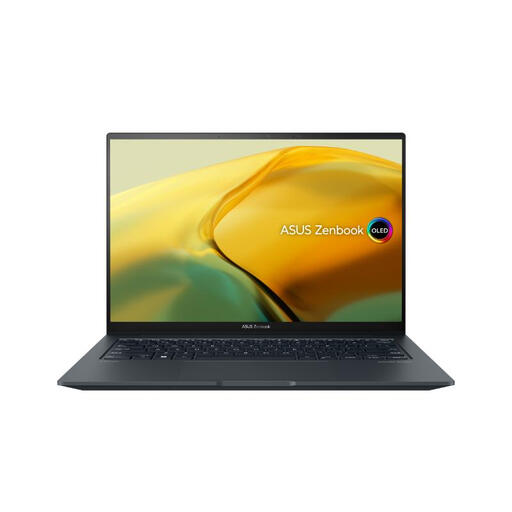
Consider this Windows laptop if you want a 14.5-inch touchscreen for photo and timeline work in a portable format.
The product title specifies an Intel Core i9, RTX 3050 graphics, 16GB RAM, a 1TB SSD and Windows 11 Home. Check your editor, codec and plug-ins against this configuration.
 No image available
Consider the 15.6-inch screen if you want laptop-based editing with more on-screen room and are comfortable carrying a larger machine.
The product title specifies an AMD Ryzen 7 170, GeForce RTX 5050 graphics, 16GB RAM, a 1TB SSD and a 144Hz Full HD display. Confirm compatibility with your editing applications and camera files.
 No image available
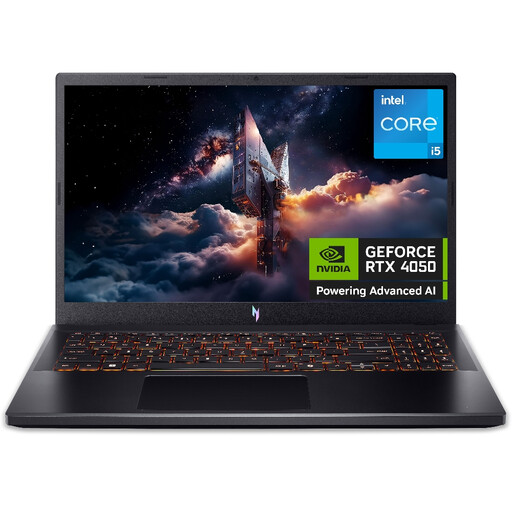
This 15.6-inch Windows laptop is an option if its stated storage leaves enough room for your footage, exports and cache.
The product title specifies GeForce RTX 4050 graphics, 16GB RAM and a 512GB SSD. Confirm the exact processor and display refresh rate on the model offered, as well as support for your editor and camera codec.
 No image available
Consider this larger laptop if you edit mainly at home but still need to move the computer rather than use a fixed desktop.
The product title specifies a 17-inch Full HD display, AMD Ryzen AI 7 350, RTX 5060 graphics, 16GB RAM, a 1TB SSD and Windows 11 Home. Check the exact model designation and your software and codec requirements before buying.
 No image available
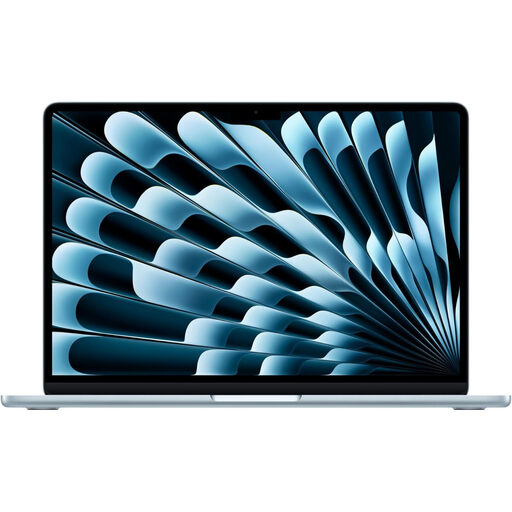
This Mac laptop is an option for portable editing if your photo and video applications, plug-ins and camera files work with macOS.
The product title specifies an M5 chip with a 10-core CPU and 10-core GPU, 16GB unified memory and a 1TB SSD. Confirm the delivered memory and storage configuration and plan space for active projects and cache.
No. A short finished video can still use high-resolution or high-frame-rate footage, demanding codecs or effects. Adobe's Premiere guidance calls for checking the editor's memory, graphics, driver and decoding requirements against the files you intend to use.
Allow space for original clips, project files, exports and cache, not just the finished film. Adobe recommends fast SSD or NVMe storage and separate locations for system, cache and media where feasible; consider an external fast SSD if your laptop cannot hold active projects comfortably.
Choose a desktop when you normally edit at one fixed workspace and value a larger monitor, connected storage, ports or a separately expandable setup more than portability. If you need to organise or edit footage away from that desk, a laptop retains a practical advantage.
It can be an option if its exact configuration runs your editor and camera files and has suitable memory, storage and battery condition. Check operating-system eligibility too: Microsoft states that Windows 10 support ended on 14 October 2025.
No. Under the Consumer Rights Act 2015, goods supplied under a consumer contract must be of satisfactory quality, taking their description and relevant circumstances into account. Keep the listing's condition and fault description, and check the trader's separate warranty and returns terms rather than treating those voluntary terms as a replacement for statutory rights.