What to prioritise
Start with the operating system your essential tools support. Then decide how often you will carry the laptop rather than work at the standing desk, and check the screen and connections for both settings.
| Concern |
What to check |
Who this matters to |
| Standing-desk setup |
Check how the screen can be raised and whether the exact laptop connects to your separate keyboard, mouse and intended display. |
If I edit for long stretches while standing, I need to position the screen without keeping my hands at screen height. Around 42% of consumers would put this adjustable setup first. |
| Travel portability |
Compare configured weight and the equipment you will carry; try the built-in screen at your preferred text size. |
When I take the memoir away from my desk, I want a laptop I can carry regularly without giving up a usable writing screen. Portability comes first for around 33% of consumers. |
| Documents and references |
Check screen space, memory, storage and support for your required writing, PDF, cloud and publishing tools. |
With a draft, research and photographs open together, I need enough room for my material and a configuration that suits my files. Around 25% of consumers would make reference-heavy work their primary concern. |
Joybuy laptops for this setup
These laptops offer different approaches to editing a travel memoir: portable 14-inch use, larger built-in screens and configurations for keeping more material at hand. Check each model’s software compatibility and the connections needed for your standing-desk arrangement.
 No image available
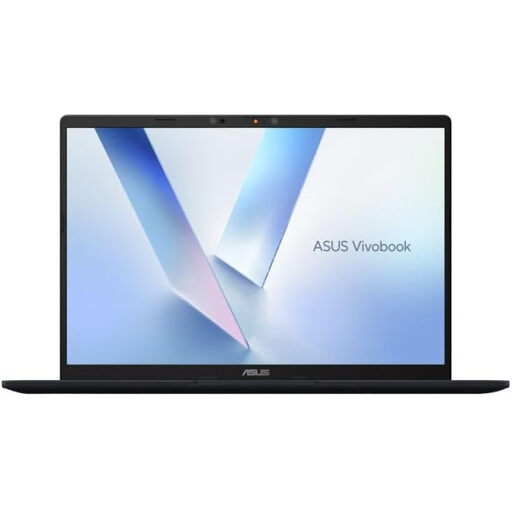
ASUS Vivobook 14 X1407QA-LY003W, Snapdragon X, 16 GB, 512 GB SSD, Quiet Blue
Consider this for writing both away from home and at a separate desk display. Check that your essential applications run on this Snapdragon X configuration and that your monitor or dock works with its connections.
View on Joybuy
 No image available
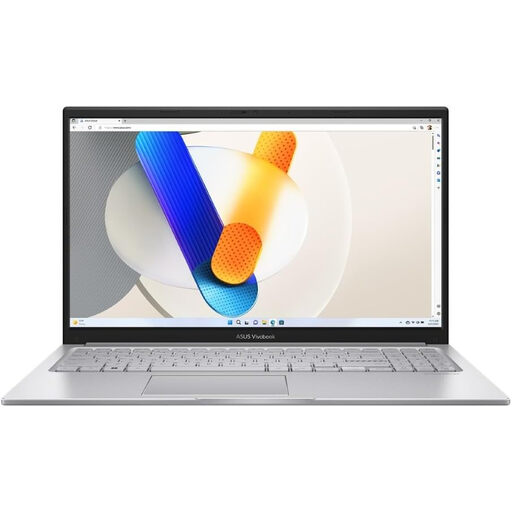
ASUS Vivobook 15 X1504VA, 15.6-inch, Core 5 120U, 24 GB, 1 TB SSD, Cool Silver
The 15.6-inch screen is worth considering if you often edit without a separate monitor; weigh that against carrying a larger laptop. Check the intended monitor or dock connection before setting up the standing desk.
View on Joybuy
 No image available
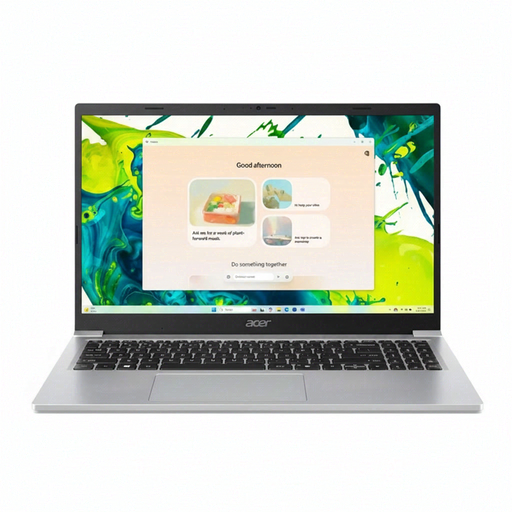
Acer Aspire Lite AL15-36P-C29Z, 15.6-inch Full HD, Intel N150, 8 GB DDR4, 128 GB SSD, Silver
Consider the built-in screen if you regularly edit away from your desk, but assess whether 8 GB memory and 128 GB storage suit your references and photographs. Before buying, confirm whether this configuration runs Windows 11 Home in S Mode, whether your apps can be installed and how it connects to your intended display.
View on Joybuy
 No image available
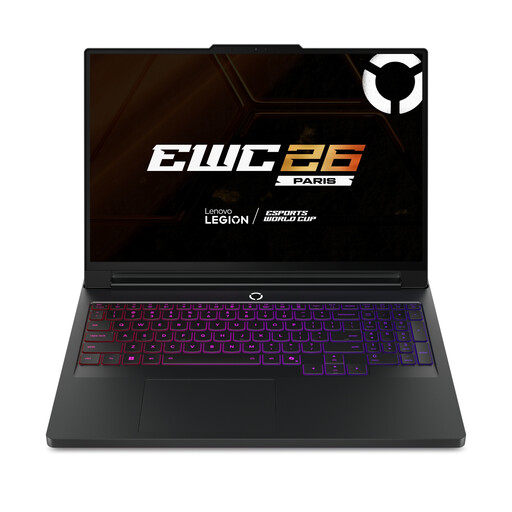
Lenovo Legion Pro 7 16IAX10H 83F5000UUK, 16-inch, Core Ultra 9, 64 GB, 2 TB SSD, RTX 5090, Black
This configuration is a consideration if you want a large built-in screen and space for substantial document and photo collections. If the memoir work is mainly text and PDFs, check whether its configuration fits your actual applications, and confirm its carrying weight before treating it as a travel laptop.
View on Joybuy
 No image available
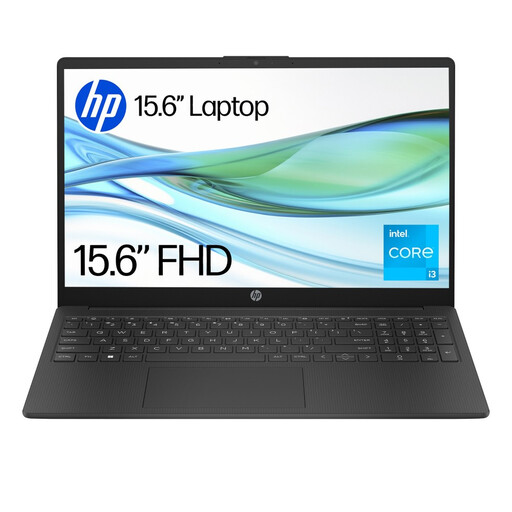
HP 15-fd0060na, Core i3-N305, 4 GB, 128 GB UFS, Windows 11 Home in S Mode
Consider this configuration only after checking the demands of your manuscript, references and photo files against its 4 GB memory and 128 GB storage. Its listed S Mode also makes availability of your required writing and publishing apps an important purchase check.
View on Joybuy
Common questions
Do I need a particular kind of laptop for a standing desk?
Choose the laptop around the screen and input-device arrangement you need, rather than its label or size alone. For prolonged laptop use, the Health and Safety Executive advises a separate keyboard and mouse so the screen can be raised; check the connections for your intended display and accessories.
Is a 13- or 14-inch screen too small for memoir editing?
A 13- or 14-inch laptop can suit an editor who carries it often and uses a separate display or raised screen at the desk. If you frequently compare a draft and references without an external monitor, a larger built-in screen may be more useful, provided you accept what it adds to your carrying load.
Should I choose macOS or Windows for manuscript and PDF work?
Choose the system that supports your essential writing, publishing, storage and peripheral workflow. Adobe publishes Acrobat Reader requirements for both Windows and macOS, but check your other applications and plug-ins separately, particularly before changing platforms.
What else should I plan for at the standing desk?
Plan for a raised laptop screen or separate display, plus a separate keyboard and mouse for prolonged use, in line with Health and Safety Executive guidance. Check whether the exact laptop needs a compatible cable, adapter, dock or charger for the arrangement you intend to use.
Does a home memoir-editing setup need a UK workplace assessment?
For employees who use display screen equipment daily as part of their normal work, continuously for an hour or more, the Health and Safety Executive says employers must carry out a workstation assessment. That employer duty should not be treated as a requirement for someone editing a personal memoir privately.


