Clerks recording long in-person meetings
You need a recording setup that can run for the planned meeting without depending on a scarce socket. Leave time to test the intended microphone, application and saved file beforehand.


For recording committee decisions where plug sockets are scarce, choose around the approved recording workflow before comparing battery claims. A Windows business laptop is a practical route when the organisation relies on Windows software, device controls or meeting-room connections; a 13-inch MacBook Air suits an established macOS workflow that can accommodate its two Thunderbolt ports. Whichever route you take, rehearse a full-length recording with the intended microphone and storage process before relying on it for a formal meeting.
You need a recording setup that can run for the planned meeting without depending on a scarce socket. Leave time to test the intended microphone, application and saved file beforehand.
Your approved applications, meeting-room connections and device controls may matter more than choosing the smallest laptop. Check those requirements against the exact configuration you intend to buy.
Your meeting and file-management tools already work on macOS, and you can plan around a two-Thunderbolt-port layout while using MagSafe for charging.
Choose when: The committee uses Windows-based recording or management tools, or needs conventional meeting-room connections. Lenovo UK lists HDMI alongside USB-C and Thunderbolt 4 in its ThinkPad X1 Carbon range.
Allow for: Ports and security options vary by configuration; confirm the purchased model and its approved-software compatibility.
Choose when: The organisation already supports macOS and wants a compact setup with MagSafe charging. Apple lists up to 18 hours of video streaming or 15 hours of wireless web for the 13-inch M5 model.
Allow for: Those figures are not recording runtimes, and a room needing HDMI or several USB devices may require a tested adapter or dock.
| Concern | What to check | Who this matters to |
|---|---|---|
| Recording away from mains power | Check the stated battery-test conditions, then run the approved recording setup for the expected meeting length and play back the saved file. | If I cannot count on a socket, the recording needs to keep running until the meeting ends. Around 42% of consumers would put uninterrupted off-mains recording first. |
| Approved workflow and file handling | Confirm operating-system and microphone support, device controls, the approved storage location and the organisation’s access and retention process. | When the committee uses managed software, I need the recording to fit its approved process rather than work only on the laptop itself. Roughly 33% of consumers would make workflow and governance their primary concern. |
| Carrying and connecting the laptop | Check the exact model’s connections against the room’s display, microphone and other peripherals; test any required adapter. | Moving between rooms is easier if I can carry the setup and connect the equipment I need without last-minute changes. About 25% of consumers would prioritise portability and meeting-room connectivity. |
Apple’s figures for the 13-inch M5 MacBook Air describe video streaming and wireless web use. Recording with the intended software, display settings and peripherals is a different workload.
Rehearse a full-duration session, check that the file plays back and keep an agreed charging and backup-recording plan.
A portable laptop may still be unsuitable if approved recording, transcription, storage or device-management tools do not work on its configuration. This is particularly important to check for Windows-on-Snapdragon models.
Get the organisation’s application and file-handling requirements first, then test the intended software and peripherals on the chosen configuration.
Apple lists two Thunderbolt 4 ports on the cited MacBook Air; Lenovo UK lists HDMI, USB-C and Thunderbolt 4 for its ThinkPad X1 Carbon range. The connections you can use without an adapter therefore depend on the exact laptop.
Make a connection checklist for each meeting room and test any dock or adapter with the intended display and audio equipment.
When a UK committee recording contains personal data, the organisation needs an appropriate lawful basis. The Information Commissioner’s Office advises organisations to identify and document that basis; the laptop purchase does not settle the committee’s recording arrangements.
Confirm the recording purpose, access permissions, retention process and approved storage location with the organisation before recording.
MacBook Air is relevant to an established macOS committee workflow that needs a compact 13-inch laptop.
ThinkPad X1 Carbon is relevant to Windows-based teams considering a portable business laptop with meeting-room connections.
Latitude 7455 is relevant to managed Windows teams evaluating a Snapdragon-based laptop.
EliteBook business laptops are relevant to organisations considering a managed 14-inch Windows device.
These laptops offer different starting points for a portable committee-room setup, from Windows models to a MacBook Air for an established macOS workflow. Match any choice to the approved recording software, room connections and a full-length recording rehearsal.
 No image available
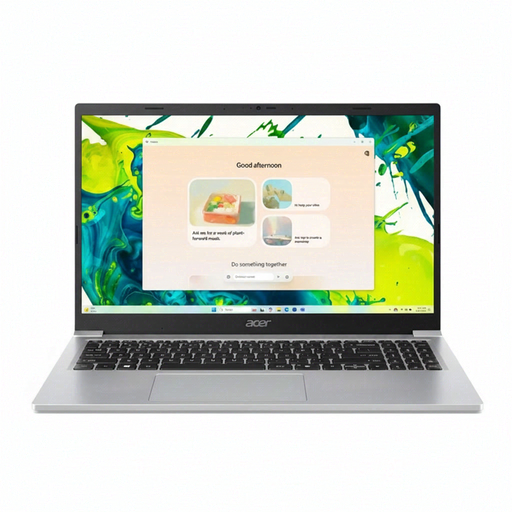
For a Windows-based meeting setup, check that the approved recording application and room equipment work with this configuration.
Confirm whether the supplied Windows installation is in S Mode before relying on an application that needs to be installed.
Test recording for the full meeting length rather than treating a stated battery figure as recording endurance.
 No image available
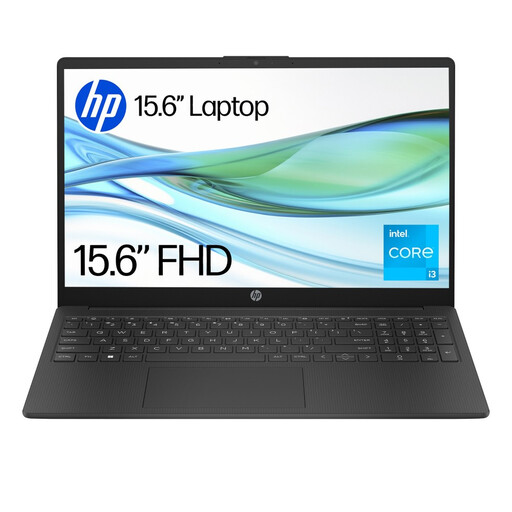
Consider this Windows laptop only after confirming that the committee’s approved recording application can be used in its supplied S Mode configuration.
Check the application’s memory requirements against the listed 4GB RAM and plan where recordings will be saved.
Run a meeting-length recording test; a mixed-use battery figure cannot establish recording runtime.
 No image available
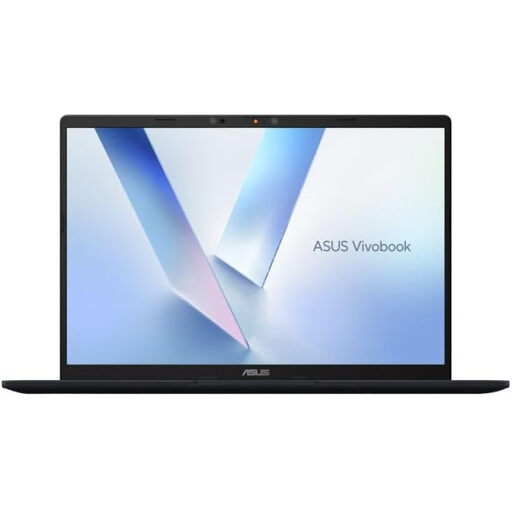
For a committee using Windows recording tools, confirm that its approved applications, microphone or audio interface and device-management tools work on this Snapdragon configuration.
Test the complete meeting workflow away from mains power before depending on it for a formal recording.
 No image available
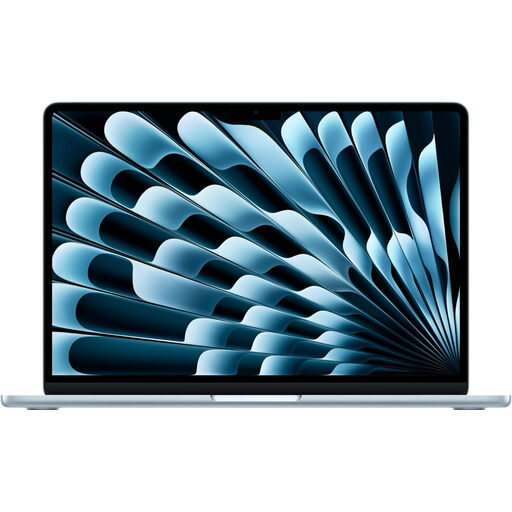
For an established macOS committee workflow, check the approved recording and storage tools before choosing this configuration.
Apple lists MagSafe charging, a headphone jack and two Thunderbolt 4 ports for the 13-inch M5 model; test any adapter needed for the meeting room.
Apple’s video-streaming and wireless-web battery figures are not recording runtimes. Confirm the exact CPU configuration and rehearse a full meeting with the intended peripherals.
No: the committee’s circumstances and the recording’s purpose matter. Where the recording processes personal data, Information Commissioner’s Office guidance calls for an identified and documented lawful basis. Confirm the committee’s policy and the organisation’s arrangements for access, retention and secure storage before recording.
Not necessarily. The Information Commissioner’s Office says organisations should choose the appropriate lawful basis and that consent is not always required. If consent is the chosen basis, it must meet the applicable standard; check the organisation’s decision rather than assuming consent is automatic or unnecessary.
It does not establish that recording runtime. Apple states those figures for wireless web use and video streaming on the 13-inch M5 MacBook Air, respectively. Test the intended recording application, microphone and other equipment for the meeting’s expected duration.
Run the approved application through a full-length rehearsal with the intended microphone and room setup. Check microphone selection and permissions, playback of the saved file, available storage, file transfer and access to the approved secure location.
You may need one when the room’s display, network or audio equipment requires more connections than the exact laptop provides. Apple lists two Thunderbolt 4 ports on the cited MacBook Air, while Lenovo UK lists HDMI as well as USB-C and Thunderbolt 4 for its ThinkPad X1 Carbon range; check the purchased configuration and test the complete setup before the meeting.