What matters when choosing?
Decide where the light must fall and what takes priority: close detail, free worktop space, everyday versatility or a monitor-side setup.
| Concern |
What to check |
Who this matters to |
| Seeing fine details and colours |
Check how the lamp aims at the tray, its brightness controls and any stated CRI or Ra rating. If it has a magnifier, check the lens size; compare lux figures only at comparable measurement distances. |
When I sort tiny findings or markings, I need to see details clearly without my hands casting shadows across them. Around 46% of consumers may put close-detail visibility first. |
| Keeping the worktop clear |
For a clamp or clip, check the mounting edge and whether the light reaches over the organiser. For a monitor bar, confirm monitor fit and where its light falls. |
With trays and tools already on the desk, I want light without another base occupying the sorting area. Keeping that surface free may be the main concern for around 27% of consumers. |
| Using one lamp for several tasks |
Check the range of adjustment and, for a replaceable-bulb lamp, the bulb fitting and specifications of the bulb you intend to use. |
I move between sorting parts, reading and planning projects, so I would rather reposition one lamp than use a dedicated magnifier for every task. Around 18% of consumers may prioritise that flexibility. |
| Lighting a monitor-side station |
Check monitor thickness and curvature requirements, then whether the tray sits within the bar’s stated coverage area. |
If I sort beside a screen, I need the work area lit without placing a lamp base in front of it. That monitor-centred arrangement may come first for around 9% of consumers. |
Joybuy product options
These options include monitor light bars for sorting beside a screen, a desk-based charging lamp and a rechargeable clip lamp for a compact setup. Choose by where your tray sits and how you can position the light.
 No image available
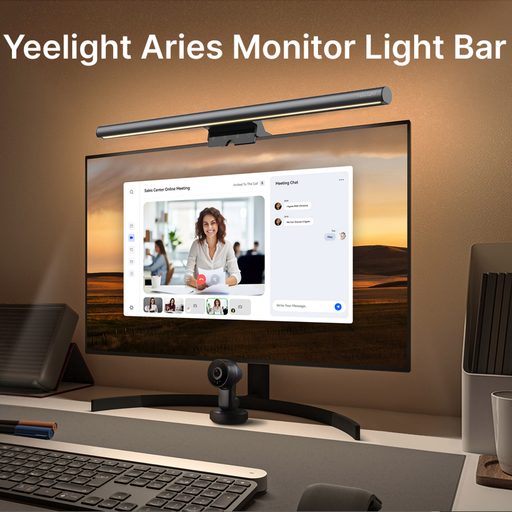
Yeelight Aries USB-C Monitor Bar Light
Consider this monitor bar if your parts tray stays beside a screen rather than moving around the hobby room.
Its product name specifies USB-C, dimming and adjustable colour temperature. Check monitor fit and whether the light reaches the tray.
View on Joybuy
 No image available
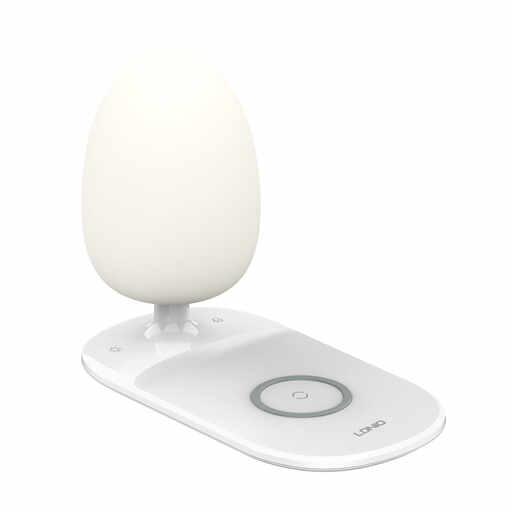
LDNIO Wireless USB-C Charging Desk Lamp, 1M, White
This desk-lamp format may suit a fixed sorting spot if there is room for its base.
The named variant includes wireless charging and USB-C. For colour-sensitive or close-detail sorting, check its colour-rendering specification and the illumination at your tray.
View on Joybuy
 No image available
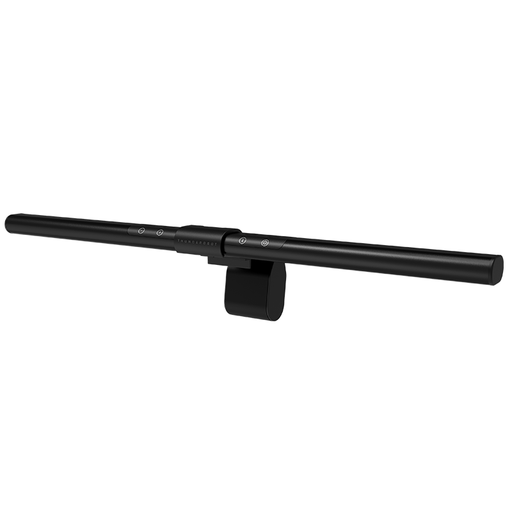
Thunderobot L1 Monitor Light Bar, Ra95, Ten-Level Dimming
This is a monitor-mounted option for a sorting area that stays close to the screen.
The product name states Ra95 and ten-level dimming. Confirm that it fits your monitor and lights the intended tray position.
View on Joybuy
 No image available
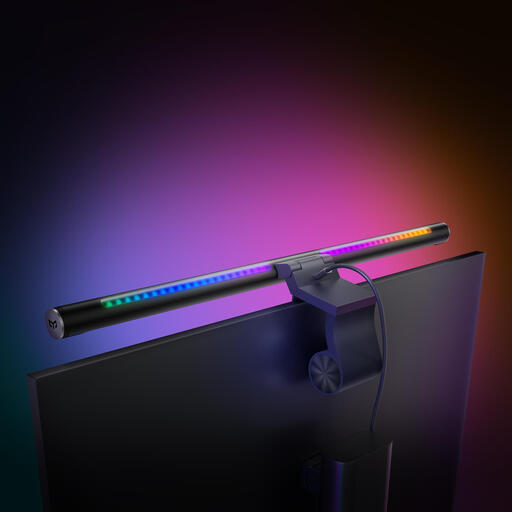
Yeelight Screen Light Bar Pro Libra 2
Consider this light bar for a monitor-side craft station where the tray remains in front of the screen.
Its product name specifies knob control and Matter compatibility, including use with Alexa, Google Home and Apple Home. Check monitor fit, tray illumination and any requirements for the controls you intend to use.
View on Joybuy
 No image available
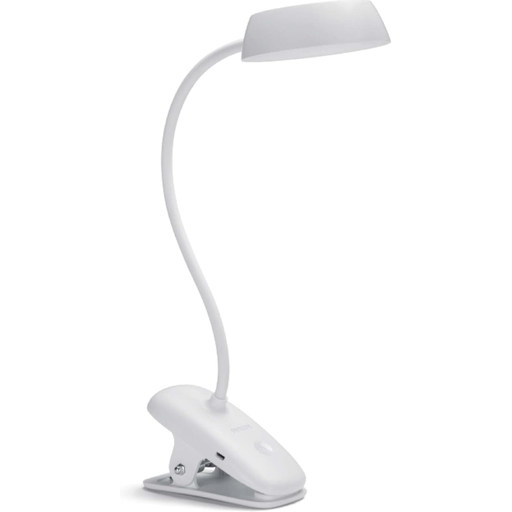
Philips Doughnut USB Rechargeable Desk Clip Lamp, 3W, White
A clip lamp may suit a small or temporary sorting station when a desk-lamp base would occupy the work area.
The named variant is USB rechargeable and rated at 3W. Check that the clip attaches securely where you need it, and confirm runtime and tray illumination for longer sessions.
View on Joybuy
Frequently asked questions
Do I need a magnifying lamp to sort small craft parts?
Not necessarily: an illuminated magnifier is most relevant when minute markings or fine details are what you struggle to identify. For larger parts or general organisation, first assess whether an adjustable light can be aimed clearly at the tray. Daylight Company specifies 1.75x magnification for both its Magnificent Pro and MAG Lamp XL.
Which specifications tell me more than a “daylight” label?
Check the stated CRI or Ra rating, colour temperature, brightness controls and any lux figure together with its measurement distance. Distance matters: Daylight Company quotes up to 5,500 lux at 15 cm for the Magnificent Pro, while BenQ quotes 800 lux at 45 cm for the ScreenBar Halo, so those figures should not be treated as a like-for-like performance comparison.
Can a clip-on light be my only craft desk lamp?
It may be enough for a small sorting area if it mounts securely and lights the parts where you work. Check coverage and session length rather than assuming it will illuminate a whole table; Daylight Company states a four-hour rechargeable runtime for its Smart Clip-On Lamp.
Will a monitor light bar work for sorting parts?
A monitor light bar can suit a tray that stays within its illuminated area beside a compatible screen, but it is less flexible for a tray you move around. Check the exact monitor fit and coverage: BenQ specifies flat-monitor thickness of 0.7–6 cm and curved-monitor thickness of 1.6–3.8 cm for its ScreenBar Halo.


