Close-detail hobbyists
If miniature instructions, labels or model markings are difficult to read, a hands-free magnifying lamp may address the viewing problem more directly than a lamp without a lens.


Choose a magnifying lamp if small print remains hard to resolve when the work is well lit. If you chiefly need to move the light across a larger work area, choose an adjustable task lamp and check its colour-rendering specification if you also inspect colours. A monitor bar suits work directly in front of a compatible display, but offers less freedom to position the light over a separate hobby bench.
If miniature instructions, labels or model markings are difficult to read, a hands-free magnifying lamp may address the viewing problem more directly than a lamp without a lens.
For painting or craft finishing alongside fine-print work, look for directed light and a stated colour-rendering index (CRI) for the exact lamp, rather than relying on a description such as daylight.
On a crowded hobby desk, a clamp mount can leave room for materials. A monitor bar is another option when the work stays in front of a compatible screen.
Start with the obstacle to reading the print: its size, the position of the light or both. Then check whether the lamp can reach and fit the place where you actually work.
| Concern | What to check | Who this matters to |
|---|---|---|
| Resolving tiny print | Check lens magnification and size, then whether the arm puts the lens over your work. | If tiny instructions remain hard to read under good light, I need a lens I can use without holding it. Around 34% of consumers put magnification first. |
| Positioning the light | Check head or arm movement and whether the mount fits the intended work position. | When my hands or tools cast shadows, I need to redirect the light as the task moves. Positioning is the primary concern for around 33% of consumers. |
| Inspecting colours | Look for a stated CRI or Ra value for the exact model; check colour-temperature options if you want to change the light's appearance. | If I inspect paint, thread or paper as well as text, I want a stated colour-rendering specification. Around 20% of consumers put colour inspection first. |
| Keeping desk space clear | Measure the desk edge for a clamp, or the display's shape and thickness for a monitor bar. | With materials spread across a small desk, I would rather avoid a lamp base. Preserving worktop space comes first for around 13% of consumers. |
Daylight Company states 5,500 lux at 15 cm for the Magnificent Pro On Clamp, while BenQ states 800 lux at 45 cm for the ScreenBar Halo. Those figures describe different measurement positions, not a like-for-like result at your work surface.
Check the stated measurement distance and where the light will fall when you sit at the desk.
Daylight Company gives the Magnificent Pro On Clamp a maximum clamp opening of 60 mm. BenQ specifies separate monitor-thickness ranges for flat and curved ScreenBar Halo installations; neither mount should be assumed to fit every setup.
Measure the desk edge and space beneath it, or check the monitor's shape and thickness against the exact model's fitting limits.
The Office for Product Safety and Standards has published desk-lamp reports describing serious electrical risks. A plug description alone does not settle whether a particular lamp is suitable to buy.
Check the seller's product and compliance information, look for relevant UK product-safety alerts and keep your proof of purchase.
A monitor bar is mounted above a compatible display. It cannot follow a workpiece around a separate bench in the way a movable task-lamp head can.
If you regularly move your hobby work away from the monitor, prioritise a lamp you can position over that work.
Task and magnifying lamps for close-detail work, including clamp-mounted options.
Monitor-mounted lighting for a hobby desk organised around a display.
Adjustable task-lamp designs for placing light over reading, drawing or making.
These choices cover monitor-mounted lighting, a clip-on lamp and a folding desk lamp. Decide whether one of those positions puts light where you read fine print, and check separately if your task needs a magnifying lens.
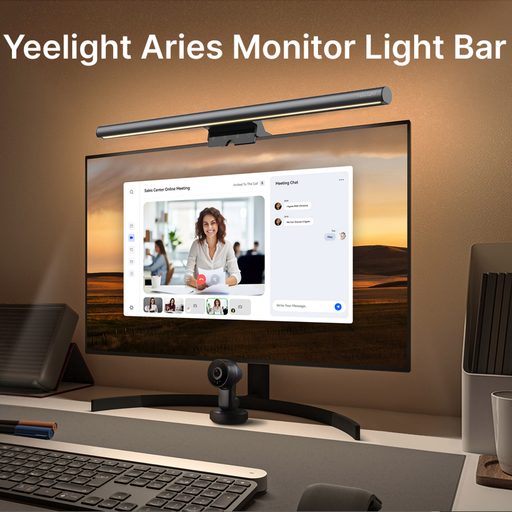 Image unavailable
Consider this format if your fine-print work stays at a monitor-centred desk and you want to keep the worktop clear.
The product title identifies dimmable LED lighting with adjustable colour temperature and USB-C.
Check the mount against your monitor and ask for illuminance at a stated distance relevant to your work position.
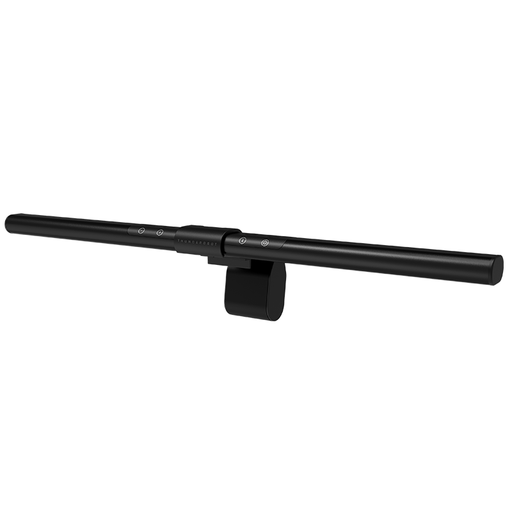 Image unavailable
This monitor-mounted format is worth considering when hobby materials share space with a screen.
The product title states Ra95, an asymmetric light source and ten-level dimming.
Confirm monitor fit and check illuminance at the distance where you read; the stated features alone do not establish how the print will look there.
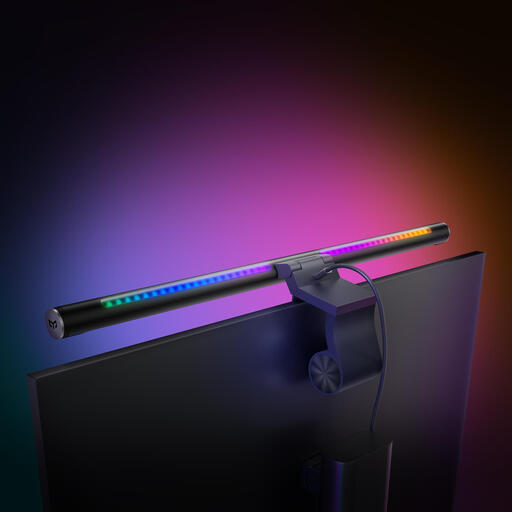 Image unavailable
Consider this light bar if you work directly in front of a monitor and prefer its stated knob control.
The product title also identifies Matter compatibility and names Alexa, Google Home and Apple Home.
Check your monitor's fit and the lighting specifications needed for fine print before choosing it for close work.
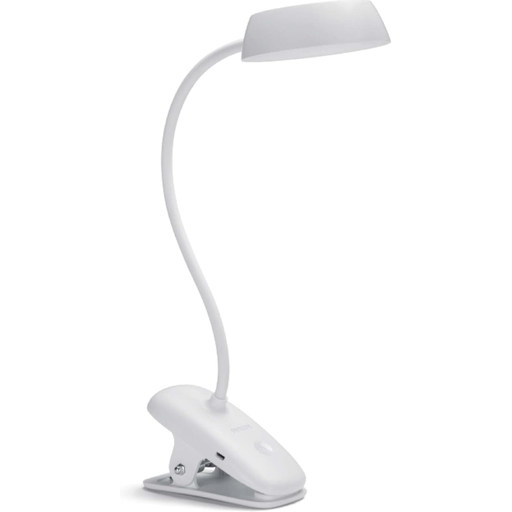 Image unavailable
A clip-on lamp may suit a compact hobby desk if there is a suitable place to attach it.
The product title states USB rechargeability and a 3W rating.
Check the clip's fitting range and the light available at your reading position; a wattage figure does not tell you either.
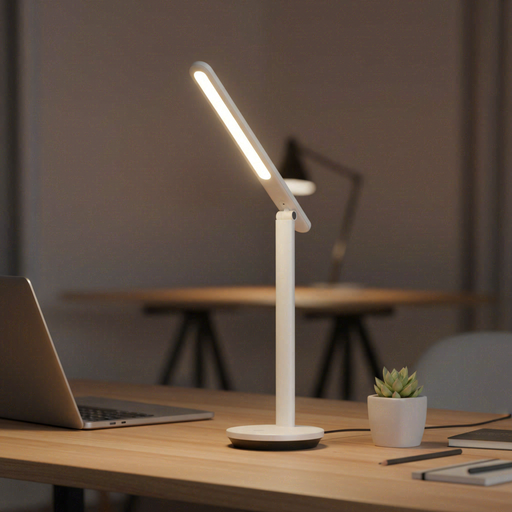 Image unavailable
This folding desk-lamp format may suit a workspace where you want to move the lamp between tasks.
The product title states rechargeability and adjustable brightness.
Check its positioning range and illuminance at your reading distance, particularly if the print is very small.
Choose a magnifying lamp when resolving tiny print or markings is the main difficulty even with light on the task. Daylight Company specifies 1.75x lenses on its Magnificent Pro On Clamp and MAG Lamp S; if you chiefly need to light a changing work area, check whether an adjustable lamp reaches it without requiring a lens.
No: lumens do not tell you how much light reaches your particular reading position. Check illuminance in lux together with its measurement distance; the stated figures for Daylight Company's Magnificent Pro On Clamp and BenQ's ScreenBar Halo use different distances.
A monitor bar is a practical option only if it fits your display and lights the place where you work. For example, BenQ specifies flat-monitor thickness of 0.7–6 cm and curved-monitor thickness of 1.6–3.8 cm for the ScreenBar Halo; check the limits of the exact model you intend to buy.
For products placed on the Great Britain market, GOV.UK guidance dated 1 April 2026 says CE marking continues to be recognised alongside or instead of UKCA marking where the relevant product regulations apply. If you are buying for Northern Ireland, check the applicable requirements separately rather than relying on that Great Britain guidance.
Check the seller's product identification, plug and compliance information, and look for relevant product-safety alerts before ordering. The Office for Product Safety and Standards has reported serious electrical risks involving particular desk lamps; those reports do not establish the safety of a different model.