What matters when choosing?
Choose the mounting format around where you actually place your paper, then check whether you can aim and adjust the light for that position.
Freestanding task lamp
Choose it when: You move notebooks around and need to reposition the light independently of a monitor.
Trade-off: Its base takes up desk space, and the arm still needs enough reach to light your usual page position.
Clamp lamp
Choose it when: Keeping the writing surface clear matters and your desk or shelf has a suitable mounting edge.
Trade-off: Clamp opening, surface compatibility and cable routing determine whether the mounting method will work.
Monitor light bar
Choose it when: You usually write directly in front of a compatible monitor and want no lamp base on the desk.
Trade-off: The light remains positioned relative to the screen, so papers placed elsewhere may need another lighting arrangement.
| Concern |
What to check |
Who this matters to |
| Page shadows and glare |
Check whether the head or arm can reach your writing area and hold its position. Assess the beam with your usual writing hand and notebook placement. |
If my hand shadows the page or the light reflects off it, I need to redirect the beam as I write; around 36% of consumers put shadow and glare control first. |
| Changing room light |
Look for brightness control and check whether its settings suit both the surrounding light and your paper. |
When daylight fades or room lighting changes, I want to adjust the task light rather than keep one fixed output; around 29% of consumers prioritise adaptable brightness. |
| Writing space |
Compare a base with the space your notebook and hand need, or check the clamp opening and desk-edge fit. |
On a narrow worktop, I need room for the page and my writing hand; preserving desk space comes first for around 21% of consumers. |
| Colour and detail on paper |
If colour distinction matters, check the manufacturer's stated colour-rendering value alongside beam position and coverage. |
For colour-coded notes or artwork, I need to distinguish marks on paper as well as see the page clearly; around 14% of consumers make colour and fine detail their primary concern. |
Joybuy products for different desk setups
These choices cover monitor-mounted lighting for writing beside a screen, a freestanding desk lamp for a movable writing area and a clip lamp for a crowded surface. Check fit and page coverage for the position in which you actually write.
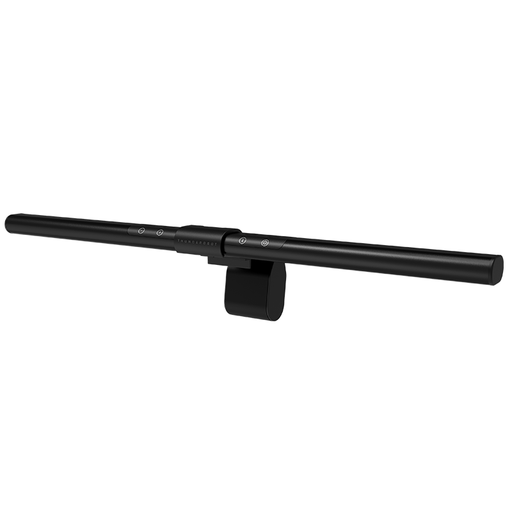 No image available
Thunderobot L1 Monitor Light Bar
Consider this format if you write beside a monitor and want to keep a lamp base off the desk. The listing names ten-level dimming and an Ra95 colour-rendering value; check that the mounting clip fits your screen and that the light reaches your usual paper position. Treat glare-control and eye-care wording as product claims, not assured results.
View on Joybuy
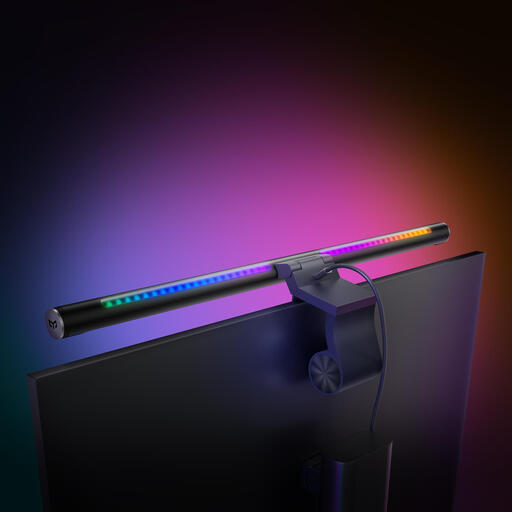 No image available
Yeelight Screen Light Bar Pro Libra 2
This monitor-mounted format is relevant when your paper normally sits in front of the screen. The product name lists knob control and Matter, Alexa, Google Home and Apple Home compatibility; check the requirements of your own setup before relying on those features. Confirm monitor fit and whether the illuminated area covers your writing position.
View on Joybuy
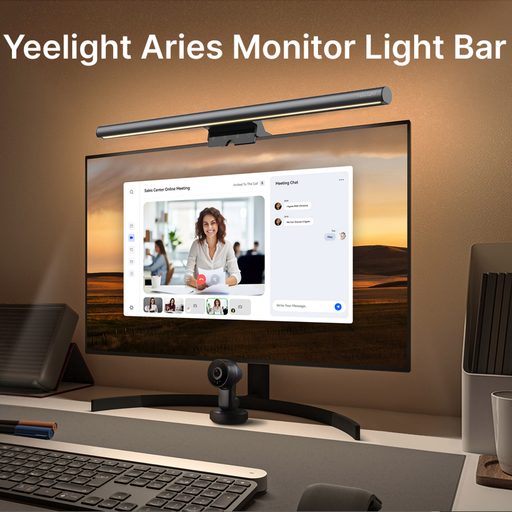 No image available
Yeelight Aries USB-C Monitor Bar Light
For handwriting directly in front of a monitor, this clip-mounted bar keeps a conventional lamp base off the writing surface. Its product name specifies USB-C, dimming and adjustable colour temperature. Check your monitor against the stated 0.3–1.4 inch clip range and confirm that your page receives enough light; that fit range does not establish paper coverage.
View on Joybuy
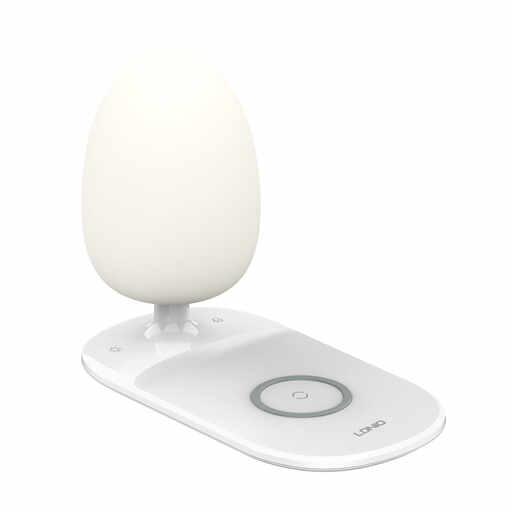 No image available
LDNIO Wireless USB-C Charging Desk Lamp, 1M, White
A freestanding lamp is worth considering if you move notebooks around rather than keeping paper beneath a monitor. Check how this lamp can be aimed at your writing area, whether its brightness settings suit the room and how much surface its base occupies. If wireless charging matters, check that your device is compatible.
View on Joybuy
 No image available
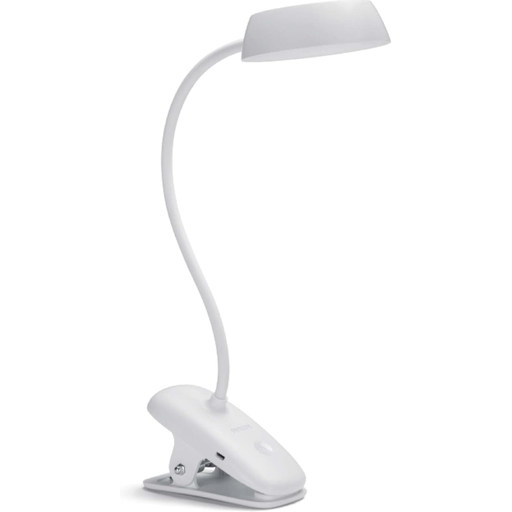
Philips Doughnut USB Rechargeable Desk Clip Lamp, 3W, White
The clip format may suit a writing surface with little room for a lamp base. The product name specifies USB rechargeability and 3W; check the clip opening, suitable surface thickness and how the light reaches your page before choosing it. Assembly is required, and the stated use restriction is for dry environments.
View on Joybuy
Questions about handwriting lamps
Do I need the brightest LED desk lamp for handwriting?
No: choose light you can place and adjust for the paper, rather than relying on a maximum-output figure alone. The Health and Safety Executive says lighting needs depend on the task and that glare and contrast also matter; assess the result at your usual writing position.
Can a monitor light bar replace a movable desk lamp for writing?
It can work when the monitor is compatible and your paper stays within the bar's illuminated area. BenQ specifies 63 cm × 40 cm coverage at 500 lux for ScreenBar Halo, but that figure applies to that model and stated measurement condition, not every light bar or desk layout. A movable lamp offers another way to place light when papers shift away from the monitor.
What electrical-safety checks matter for a mains desk lamp in the UK?
Check the plug and cable, and stop using the lamp if either is damaged. Electrical Safety First advises buying from a reputable retailer, checking for a UK three-pin plug and fuse, placing the lamp on a stable surface and keeping its cable tidy.
Is UKCA the only marking recognised for products sold in Great Britain?
No. GOV.UK guidance dated 21 August 2026 says Great Britain continues to recognise CE marking alongside or instead of UKCA marking where the aims and requirements of the relevant product regulations meet UK needs. Check which requirements apply to the particular lamp; this Great Britain guidance covers England, Scotland and Wales, while Northern Ireland has different arrangements.


