What to prioritise when choosing a shared TV
For one living-room TV used for family viewing and console play, compare room fit, gaming connections, dialogue and everyday operation. Which? includes picture, sound, ease of use and gaming among its TV assessment areas.
OLED television
Consider when: contrast and viewing from seats to the sides are priorities.
Trade-off: the panel type alone does not establish how a particular model handles reflections or dialogue, so check the exact TV and room.
Mini LED LCD television
Consider when: you want to compare this LCD approach for a room with substantial daylight, alongside the model’s gaming features.
Trade-off: the category does not establish off-centre viewing, dialogue quality or which refresh rate is available through each HDMI input.
Conventional LED LCD television
Consider when: everyday programmes are a priority and the TV’s size, sound and interface suit the household.
Trade-off: check the resolution tied to any advertised high-refresh gaming mode; TCL specifies that the 55V6C-UK’s 120Hz Game Accelerator is limited to FHD.
| Concern |
What to check when buying |
Who this matters to |
| Room fit and shared viewing |
Measure the viewing distance and available space; check reflections and the picture from usual seats. For a wall mount, match its VESA pattern and weight rating to the TV. |
I want the screen to fit our room and remain comfortable to watch from different seats. Around 31% of consumers put room fit first. |
| Console capability |
Check resolution and refresh rate together, plus VRR, ALLM and which HDMI inputs support the features you want. PlayStation and Xbox guidance notes that modes can depend on the display resolution and input. |
I want the console and games we use to work with the TV’s intended gaming modes, rather than paying attention to a headline feature alone. Around 31% of consumers put console capability first. |
| Dialogue audibility |
Compare speech clarity for the exact TV and check its sound settings. If considering a soundbar, confirm ARC/eARC compatibility on the relevant ports; Sony notes that not every HDMI terminal on a TV supports eARC. |
I want to follow speech during everyday viewing before adding another device to the setup. Around 23% of consumers put dialogue first. |
| Everyday ease of use |
Check setup and interface assessments, required apps and how the household will switch between viewing services and the console. |
I want everyone at home to be able to use the TV and switch inputs without unnecessary complication. Around 15% of consumers put ease of use first. |
Brands to consider for reference
These examples relate to specific UK models and their stated features; they are not conclusions about every product from each brand.
LG
The UK OLED55C6ELB is a 55-inch OLED model to compare for shared viewing and gaming features.
- LG specifies up to 4K 165Hz and G-SYNC/FreeSync support for this model.
- Those specifications do not establish performance with a particular console or game. Check reflections, dialogue and the full connection layout.
Samsung
The UK QE55QN80HAUXXU is a 55-inch Neo QLED Mini LED model for comparing an LCD option with gaming features.
- Samsung advertises Motion Xcelerator 144Hz for this model.
- The advertised feature does not establish a particular console’s output through every port, or the TV’s off-centre picture and speech quality.
TCL
The UK 55V6C-UK is a conventional Direct LED 4K model to consider for mixed household viewing.
- TCL specifies Google TV and several HDR formats for this model.
- Its 120Hz Game Accelerator is specified for FHD resolution; do not treat that feature as evidence of 4K at 120Hz.
Sony
The UK BRAVIA 5 K55XR55BP.UKA is a 55-inch Mini LED and Google TV model for family-viewing comparisons.
- Sony describes picture processing and a Mini LED backlight for this specific model.
- Check the exact model’s viewing, dialogue and HDMI performance rather than assuming the claims apply to every BRAVIA TV.
Joybuy product choices
These Joybuy options are televisions for shared living-room viewing; check each model’s fit, console connections and audio against your own setup.
 No image available
TCL 55P8K QLED 4K HDR PRO Smart TV
A TV option for households balancing shared viewing with console play; check the exact gaming modes and connections against your console.
The product name lists a 288Hz Game Accelerator, an ONKYO 2.1 sound system, Miracast and Google Cast. Check resolution and refresh rate together for the mode you intend to use.
View on Joybuy
 No image available
Samsung S85F QE83S85FAE 83-inch 4K Ultra HD Smart TV
Consider this large-screen option only if its dimensions suit the room and usual viewing distance; confirm the console connections you need before choosing.
The product name specifies an 83-inch (2.11 m) 4K Ultra HD smart TV with Wi-Fi and a one-year warranty.
View on Joybuy
 No image available
Hisense 55U7Q Pro 55U7QTUK Pro Mini LED 4K HDR Smart TV
A 55-inch TV option to compare for shared viewing and console use; check the resolution available with the gaming mode and input you plan to use.
The product name lists 165Hz Game Mode Ultra, VIDAA OS and a built-in subwoofer. Confirm the resolution and refresh rate supported together for your setup.
View on Joybuy
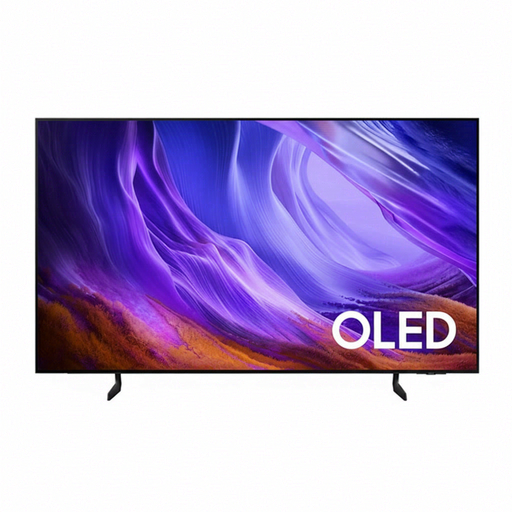 No image available
OLED TV, black
An OLED screen option for shared viewing. Check the exact model’s screen size, console inputs, app support and dialogue performance before deciding.
The product name identifies OLED display technology and a black finish.
View on Joybuy
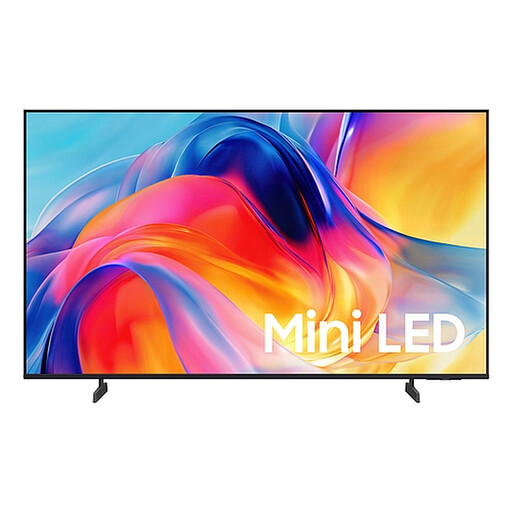 No image available
Samsung M73H 55-inch Mini LED 4K UHD Smart TV Class F
A 55-inch screen option for shared living-room viewing; check the console connections and features on the exact model before choosing it for gaming.
The product name specifies Mini LED, 4K UHD, smart TV and Class F.
View on Joybuy
Frequently asked questions
Does a 120Hz gaming feature mean the TV will show console games at 4K 120Hz?
No. Check resolution and refresh rate together for the exact TV and HDMI input, then check the console and game. TCL specifies that the 55V6C-UK’s 120Hz Game Accelerator operates at FHD resolution.
What should I check before connecting a console and soundbar?
Check the TV’s ARC/eARC-labelled input and the soundbar’s corresponding connection, then confirm which input remains for the console and whether it supports the gaming output you want. Sony notes that not every HDMI terminal on a TV supports eARC.
Can I choose a wall mount by screen size alone?
No. Match the mount to the TV’s VESA hole pattern and weight, and check that the installation location suits the chosen placement. Which? advises checking that the bracket’s measurements match the TV’s mounting holes.
What UK after-sales rights matter when ordering a TV online?
For distance sales, GOV.UK says customers generally have 14 days after receiving an item to tell the seller they want to cancel, followed by another 14 days to return it. Faulty or misdescribed goods have separate rights; check the seller’s arrangements and any warranty without treating a warranty as a replacement for statutory rights.
Do we need a UK TV Licence just because we buy a living-room TV?
Owning a TV is not, by itself, the criterion. GOV.UK says a licence is needed to watch or record live TV on any channel or service, or to use BBC iPlayer, so consider how the household will actually use the screen.


