Developers running several local services
If you keep containers, a local database, an IDE and browser tools open together, assess memory for the whole workload and allow SSD space for images and local data.


Choose a laptop configuration for the database, containers, IDE and browser you expect to run together, then check that its operating system and processor architecture suit your tools. An x86 Windows or Linux-oriented laptop is the more direct route for Windows-specific tools or required x86_64 images; an Apple-silicon MacBook is an option when your stack supports ARM64 or you can accept the necessary compatibility checks and emulation. At a shared desk, confirm the exact laptop and dock can support your display and peripherals.
If you keep containers, a local database, an IDE and browser tools open together, assess memory for the whole workload and allow SSD space for images and local data.
If your workflow needs Windows-specific software or Docker Desktop with WSL 2, check the Windows setup and firmware virtualisation requirements before choosing a configuration.
A MacBook is worth considering if you can check that your database images, extensions and dependencies support ARM64, or that emulation is acceptable where they do not.
Start with the services you run simultaneously, then choose a platform that fits your tools and a connection setup that works at the shared desk.
Consider it when: You rely on Windows-specific tools or regularly need x86_64 container images without architecture translation.
Allow for: A Windows workflow using Docker Desktop and WSL 2 also requires the appropriate virtualisation setup.
Consider it when: Your local tools and database images support ARM64 and you want a macOS workflow.
Allow for: Check exceptions image by image; Docker says emulation can run other architectures, but complex builds may take longer.
| Concern | What to check | Who this matters to |
|---|---|---|
| Concurrent workload | List the database instances, containers and desktop applications you run together; compare that workload with the RAM in the exact configuration. | If my database, containers and IDE stay open while I work in the browser, I need capacity for all of them at once. Around 33% of consumers put concurrent-workload headroom first. |
| Platform compatibility | Check required image architectures, database extensions and tools; for Windows with WSL 2, check firmware virtualisation. | I cannot change a required tool or container image simply to suit a new laptop, so platform fit decides my purchase. For around 27% of consumers, compatibility is the primary concern. |
| Shared-desk connections | Compare the exact laptop ports, display support and charging requirements with the dock and peripherals you intend to use. | When I arrive at a shared desk, I want to connect my display and input devices without rebuilding the setup. A repeatable desk connection comes first for around 20% of consumers. |
| Storage and data handling | Allow for database files, container images and volumes, source code and retained backups; check where work data may be stored. | My local data and container files need room to grow, and I need a workable way to handle backups. Around 20% of consumers make storage and data handling their main concern. |
A processor label does not tell you whether the selected build has enough memory and storage for the database, containers and applications you run together. Configurations within one product family can differ.
Compare the exact RAM, SSD and operating system with your simultaneous workload before choosing a build.
Docker selects an architecture-specific image variant when one is available. Emulation offers another route for some workloads, but Docker notes that complex builds can take longer.
Check each required database image, extension and test dependency against the laptop architecture and your deployment target.
A Windows laptop intended for Docker Desktop with WSL 2 needs the relevant virtualisation support and Windows features enabled.
Confirm those requirements, then set up WSL 2 and try the database and containers you actually need while you can still resolve setup problems with the seller.
Docker's licensing conditions for professional use depend on the organisation and use case, not on who owns the laptop.
Ask your employer or client whether Docker Desktop is approved for your work before making it part of the planned setup.
The ThinkPad P-series is a reference point for a configurable Windows-oriented development laptop.
Precision configurations are relevant if you want to compare Windows and Linux workstation options.
MacBook Pro is a macOS option for a development stack whose essential tools and images work with Apple silicon.
These laptops offer Windows and Apple-silicon configurations to compare for local development. Match their stated memory and storage to your workload, then check your required tools and shared-desk connections before choosing.
 Image unavailable
Consider this configuration if your simultaneous Windows development workload calls for the stated memory and storage. The title specifies an AMD Ryzen AI 9 HX 370, a 16-inch 4K OLED touchscreen and Windows 11 Home.
Check your required images and tools, Windows virtualisation setup, and the exact dock and display arrangement.
 Image unavailable
Consider this laptop if its stated 32 GB memory and 1 TB SSD fit the services and local data you plan to keep on it. The title also specifies an Intel Core Ultra 7 255H and a 16-inch QHD+ 165 Hz display.
Confirm the operating-system configuration, required development tools and compatibility with your intended dock and display.
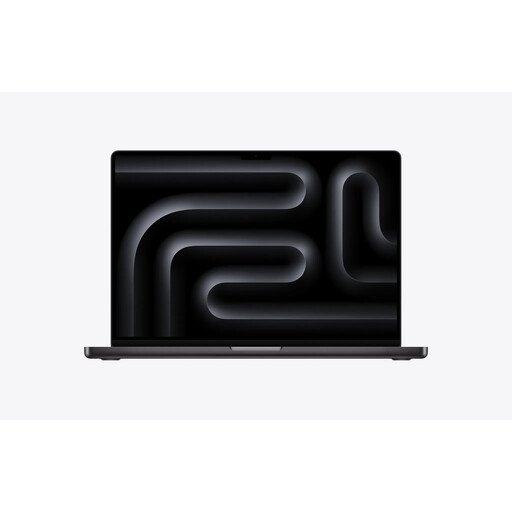 Image unavailable
This is a macOS option to assess if your database images, extensions and development tools support ARM64. The listed variant has an 18-core CPU and 40-core GPU.
Check whether any required x86_64 workload needs emulation and whether your dock supports the intended display and peripherals.
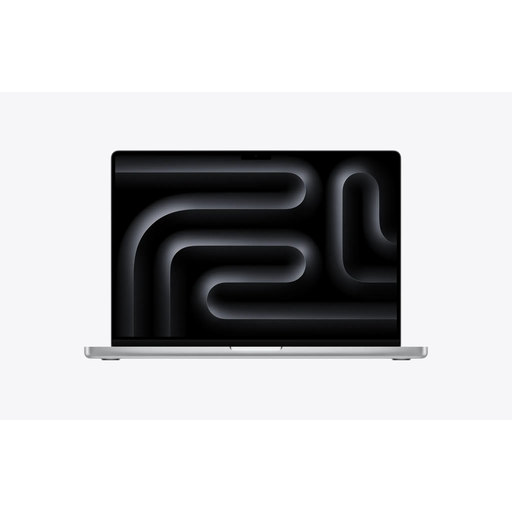 Image unavailable
This macOS configuration is another choice to assess for an ARM64-compatible database and container stack. The listed variant has an 18-core CPU and 32-core GPU.
Compare its 36 GB memory with the services you run together, and check required images, extensions and dock compatibility.
 Image unavailable
Consider this 14-inch Windows 11 Home configuration if its stated memory and SSD capacity suit your local workload. The title specifies an AMD Ryzen AI 9 HX 370 and a WQXGA+ display.
Check your required tools and virtualisation setup, plus the ports and external-display support needed at your shared desk.
Not necessarily: Docker documents a WSL 2 route for Docker Desktop on Windows that does not inherently require Windows Pro. Check the installation requirements for your chosen setup, including hardware virtualisation and the Virtual Machine Platform feature.
It can when the required images and tools support ARM64. Docker selects a matching variant from a multi-platform image where available; check extensions and other dependencies separately, and assess whether emulation is acceptable for any exceptions.
A dock can simplify connecting the display and peripherals you use regularly, provided it works with the exact laptop configuration. Check the laptop's port, display and charging specifications against the dock before buying either item.
Yes. Docker's professional-use licensing conditions depend on the organisation and use case, rather than laptop ownership. Confirm your employer's or client's entitlement and software policy before relying on Docker Desktop for work.