What matters when choosing
Check whether the lesson room needs better coverage, whether the broadband line struggles during shared use, and whether a wired connection is practical. That helps distinguish a placement problem from a reason to consider higher-capacity equipment.
| Concern |
What to check |
Who this matters to |
| Coverage across floors |
Plan node positions between the router and lesson room; treat stated coverage areas as planning guides, not a promise through walls and floors. |
If my lesson room is upstairs, I need a usable connection there before extra wireless speed matters. Around 36% of consumers put coverage first. |
| Stability during shared use |
Check the broadband connection at different times and whether interruptions coincide with other calls, streams or games. |
When several people are online during my lesson, I need the video and audio to remain usable. Shared-use stability is the primary concern for around 29% of consumers. |
| A fixed lesson workstation |
Check whether the laptop or desktop can connect by Ethernet to the router or a suitably placed mesh node. |
If I study or teach from one desk, I would rather use a cable than rely on the signal in that room. Roughly 21% of consumers prioritise a wired lesson connection. |
| Future network capacity |
Compare planned broadband speed and wired equipment with port speeds; check which devices can use newer Wi-Fi features. |
If I am upgrading to multi-gig broadband or connecting many demanding devices, I want the network equipment to accommodate that plan. Around 14% of consumers make future capacity their main concern. |
Joybuy product choices
These mesh-system options are relevant if you want to position equipment between the broadband connection and a lesson room on another floor. The three-packs offer more units to place than the two-pack shown here; in either case, check where each unit can maintain a useful connection before choosing.
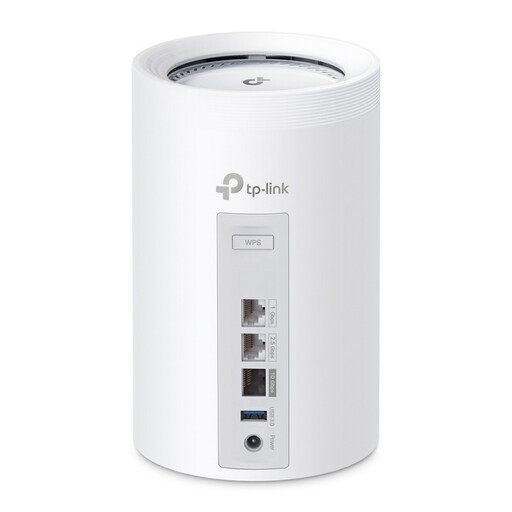 No image available
TP-Link Deco BE65 BE9300 Wi-Fi 7 mesh, 3-pack
Consider this three-unit system if you need to plan coverage across floors and have a use for multi-gig wired connections. TP-Link lists tri-band Wi-Fi 7, four 2.5 Gbps ports per unit and combined wired and wireless backhaul for the Deco BE65. Check compatibility with your broadband equipment and plan node positions around the lesson room.
View on Joybuy
 No image available
TP-Link Deco BE22 BE3600 Wi-Fi 7 mesh, 3-pack
This three-pack gives you units to position across a multi-floor home. Check the Ethernet connections and backhaul arrangement against your intended placement, as well as compatibility with your broadband equipment; Wi-Fi 7 in the product name does not establish the signal you will receive in the lesson room.
View on Joybuy
 No image available
NETGEAR Orbi 370 RBE373 Wi-Fi 7 mesh, 3-pack
Consider the three-unit layout if the broadband router and lesson room are on different floors. The product name identifies dual-band BE3600 Wi-Fi 7 and 2.5 Gbps Ethernet; check where the units can connect well to one another and whether the system suits your broadband equipment.
View on Joybuy
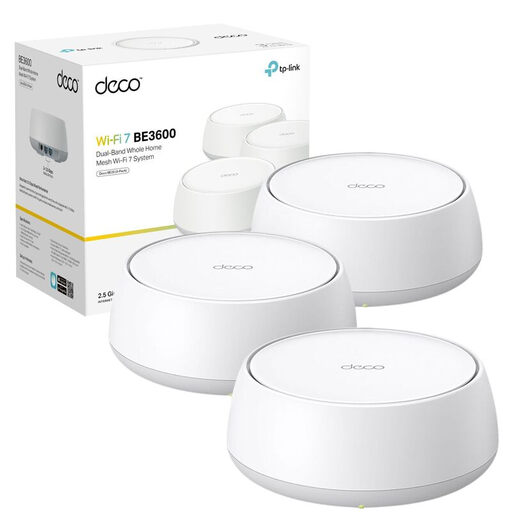 No image available
TP-Link Deco BE25 Wi-Fi 7 mesh, 3-pack
This three-pack is worth considering when you can place mesh units between floors. If a wired lesson device or Ethernet backhaul is part of the plan, confirm the ports and backhaul options for the units you would use, along with broadband-equipment compatibility.
View on Joybuy
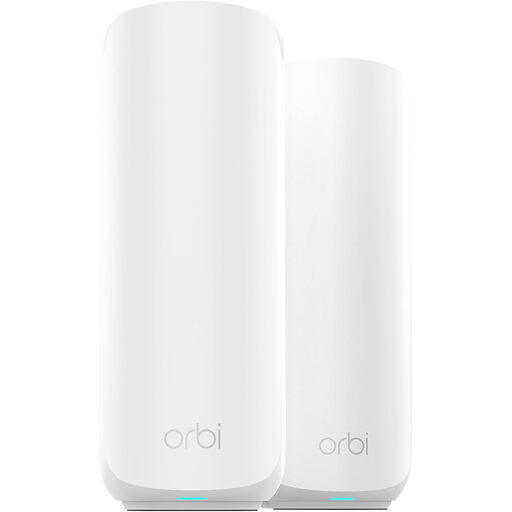 No image available
NETGEAR Orbi RBE372 Wi-Fi 7 mesh, 2-pack
Consider a two-unit arrangement only if you can place both units so the lesson room has coverage and the units retain a strong link. Check the ports, backhaul arrangement and compatibility with your broadband equipment before relying on it for a three-storey layout.
View on Joybuy
Common questions
Will a faster router stop my language lesson buffering?
Not if the broadband connection is the bottleneck. Check the connection at different times and note whether interruptions coincide with other household activity; if the line is adequate but the lesson room has a weak Wi-Fi signal, router placement or mesh coverage is the more relevant issue.
Should I choose mesh instead of one router for three floors?
Mesh is a sensible starting point when floors or walls separate the lesson room from the router because its nodes can be placed nearer to where Wi-Fi is needed. A centrally placed single router may suffice where the lesson device already receives a strong signal, while mesh performance still depends on placement and the link between nodes.
Where should a mesh node go for a top-floor lesson?
Place it where it can maintain a strong connection to the preceding node as well as reach the lesson room, rather than automatically putting it at the far edge of coverage. An intermediate-floor position may help; TP-Link’s Deco guidance says Ethernet backhaul offers more placement flexibility when cabling is available.
Is Ethernet worth using for a lesson laptop?
Yes, if the laptop stays in one place and a cable can reach the router or a suitably connected mesh node. Ofcom recommends Ethernet as a faster, more reliable connection than Wi-Fi; check that the proposed node has an available port.
Can I use mesh with my broadband provider’s router?
Often you can keep the provider’s router and add mesh, but the setup depends on the provider equipment and connection type. Confirm how the mesh connects, whether the provider router must remain in service and what help the provider offers with third-party equipment before ordering.


