What matters when choosing?
Choose a setup that can stay near the voices you need to record; extra inputs or wireless equipment are useful only when the interview arrangement calls for them.
Close-positioned USB microphone
Choose when: One seated speaker can remain close to a microphone connected to a compatible computer or tablet.
Trade-off: A fixed microphone is less convenient for moving speakers or several people seated at different distances; its position and recording-device connection still need checking.
Portable standalone recorder
Choose when: Pairs need to conduct interviews away from a computer and carry recordings between sessions.
Trade-off: Built-in microphones still need close placement, and a project requiring separate external microphones needs a recorder with suitable inputs.
Wireless clip-on microphone
Choose when: The speaker moves or sits away from the recording device but can wear a microphone close to their voice.
Trade-off: Charging, pairing and clothing placement add preparation; check how many transmitters and recording channels the interview needs.
| Concern |
What to check |
Who this matters to |
| Speech in a noisy or echoing room |
Check how close the microphone can stay to the speaker and whether you can listen to a test recording. |
If nearby conversations or room echo could obscure an interviewee’s words, I would prioritise keeping their microphone close. Roughly 40% of consumers put speech clarity in a difficult room first. |
| Portable recording and file handling |
Check the recording control, storage arrangement and how files will move to the school’s device. |
For repeated pupil-led interviews, I need a recording routine the next pair can follow and files we can organise afterwards. Around 40% of consumers primarily value that portable workflow. |
| Speaker movement |
Check the required transmitter count, device compatibility and whether a clip-on position avoids clothing rub. |
If the interviewee will move or sit away from the recorder, I need the microphone to remain near their voice. Approximately 20% of consumers make that freedom of movement their primary concern. |
Joybuy product choices
These portable recorders and wireless microphone systems suit interviews away from a fixed desk microphone. Choose between them by speaker movement, the number of microphones required and the device that will save the recording.
 No image available
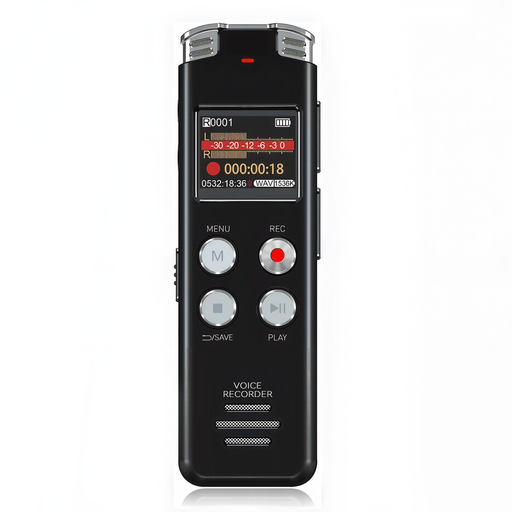
Rexsun L357 128GB portable voice recorder
A portable recorder to consider for repeated classroom interviews. Its title identifies 128GB storage and an LCD screen; test where it must sit to capture the intended speaker, and check whether its monitoring arrangement suits your interview.
View on Joybuy
 No image available
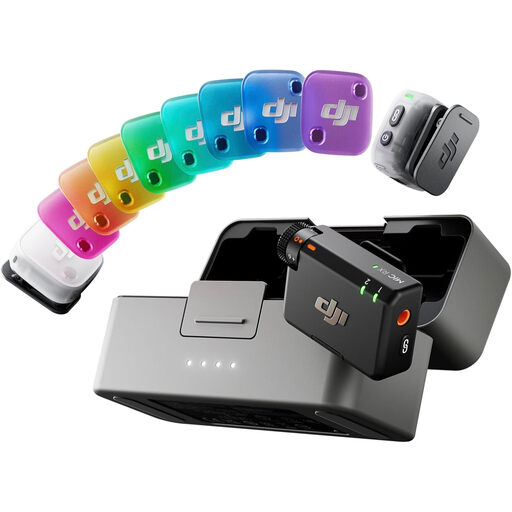
DJI Mic Mini 2, 2 TX + 1 RX + Charging Case
A wireless option when microphones need to stay close to speakers who move or sit apart. The title specifies two transmitters and one receiver; confirm compatibility with the school’s device and app, and check whether the required voices can be recorded separately.
View on Joybuy
 No image available
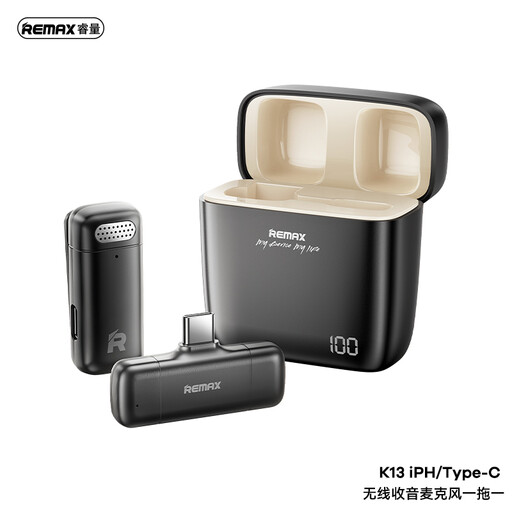
REMAX K13 1-to-1 USB-C wireless microphone, black
A wireless option for keeping one speaker’s microphone close to a compatible USB-C recording device. Check the school’s device and app before buying; the 1-to-1 configuration should not be taken to mean that two speakers can be recorded on separate channels.
View on Joybuy
 No image available
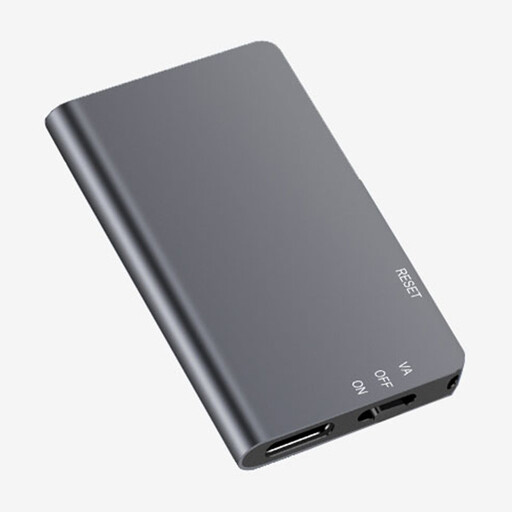
Rexsun L810 64GB digital voice recorder
A portable choice for interview practice away from a computer. Its title specifies 64GB storage and one-touch recording; test speech capture at the intended table position and confirm live monitoring if someone needs to listen during the interview.
View on Joybuy
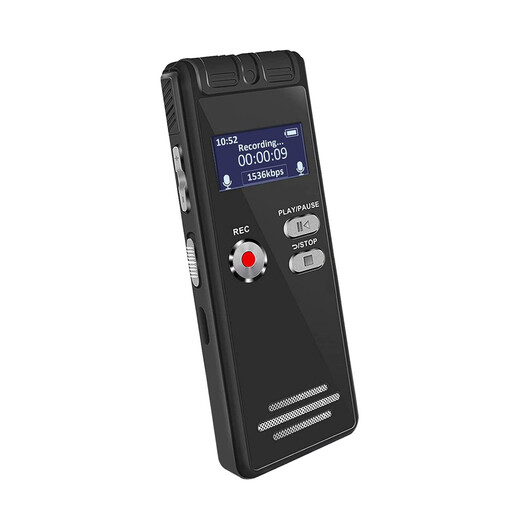 No image available
Rexsun L15 64GB portable voice recorder
A portable recorder for a simple interview setup. The title identifies an LCD screen and 64GB capacity; confirm whether that storage is internal or uses a detachable card, along with the recording format and any live-monitoring requirement.
View on Joybuy
Frequently asked questions
Do we need a dedicated recorder instead of a phone or laptop?
Not necessarily, but a dedicated recorder is worth considering for repeated interviews away from a computer. The University of Leicester’s East Midlands Oral History Archive favours dedicated digital recorders for long oral-history interviews; whichever device the school uses, test the recording and confirm how files will be transferred and backed up.
Where should we put the microphone during a seated interview?
Put a table microphone as near the interviewee as practical and make a test recording in the actual room. The University of Leicester’s East Midlands Oral History Archive also advises checking lapel-microphone placement so that clothing does not rub against it.
Can one microphone record both interviewer and interviewee?
It can record both voices, but their different distances from the microphone may affect the result. Test both speaking positions; if each voice needs its own microphone, check that the recorder has enough suitable inputs, such as the two XLR/TRS inputs Zoom lists for the H4essential.
What should a school arrange before recording identifiable voices?
Agree the recording’s purpose, who may access it, where it will be stored and whether it will be shared before the interview takes place. Check the school’s data-protection process and the appropriate lawful basis with its data-protection lead; do not assume that a plan for recording also permits publication.
Should pupils practise before the oral-history interview?
Yes. The Oral History Society’s school resources include practising equipment operation and recording; a short rehearsal also gives pupils a chance to hear whether microphone distance, room noise or handling sounds need attention.


