For a project update from a desk, a wired headset avoids charging and pairing checks; choose wireless if you need to move or switch devices. Check the microphone, connector and meeting-app settings against your setup, then make a test call. A dim room calls for a separate look at lighting and camera settings, not a different headset microphone.
Who this choice suits
Presenting from a desk
If you will stay at a laptop or workstation, a wired connection avoids charging and pairing before the update. Check the connector and run a test call; HP lists several connection options for the Poly Blackwire 5220, while Microsoft Support explains how to test a call in Teams.
Presenting near distractions
If nearby conversation or keyboard noise could interfere, distinguish microphone noise reduction, which addresses outgoing speech, from active noise cancellation, which addresses what you hear. Logitech describes both as separate features of Zone Wired 2.
Moving or switching devices
If you need to stand while speaking or alternate between a computer and phone, wireless connectivity becomes more relevant. EPOS states that IMPACT 1000 can connect to up to three devices; check its setup with the devices and meeting app you will use.
What matters when buying
Start with where you will present and how the headset connects, then consider what remote listeners need to hear and what you need to hear yourself.
| Concern | What to check | Who this matters to |
|---|
| Connection and compatibility |
Match the connector to your presentation device, check any included adapter, and confirm the microphone is selected in the meeting app. |
When I am presenting from a desk, I want the intended microphone ready without a last-minute connection change. Roughly 36% of consumers would make dependable setup their primary concern. |
| Outgoing speech |
Look for a stated noise-cancelling microphone if nearby sound is a concern; do not confuse it with noise cancellation for listening. |
If people are talking nearby, I need colleagues to understand the decisions and next steps I present. Around 27% of consumers would put speech clarity first. |
| Movement and device switching |
For wireless use, check supported connections, charging needs and compatibility with the devices you intend to switch between. |
I may need to stand or take a follow-up call on another device without changing headsets. Approximately 19% of consumers would prioritise that flexibility. |
| Comfort and controls |
Consider fit, access to mute and volume controls, and whether you need to remain aware of the room. |
During a longer update and questions, I want a comfortable fit and controls I can reach without interrupting myself. For about 18% of consumers, continued comfort and control would matter most. |
Mistakes to avoid
-
Choosing listening noise cancellation for an outgoing-speech problem
Active noise cancellation addresses sound reaching the wearer; it is not the same as microphone noise reduction for remote listeners.
If nearby sound could interrupt your update, check the exact headset for a stated noise-cancelling microphone. Consider listening noise cancellation separately if you also need fewer distractions.
-
Expecting a headset to fix a dark video image
Lighting affects what the camera shows, while the headset handles audio. Microsoft Support lists a brightness adjustment for video in low light in Teams.
Choose the headset for speech and connection; check room lighting or available camera settings before the presentation.
-
Leaving wireless setup until the meeting starts
A charged and paired headset still needs to be selected as the correct microphone in your device and meeting settings.
Check charge and pairing, confirm the input and mute setting, and make a test call. Microsoft Support provides test-call guidance for Teams.
-
Assuming every variant has the same connectors and accessories
Connector and adapter choices can differ between variants, so a product-family name alone is not enough to establish what will work with your computer.
Check the exact model’s connector, included accessories and warranty information before ordering.
An incompatible connector may mean arranging a suitable adapter or changing headsets before you can present.
Relevant headset brands
Poly
The Blackwire 5200 line is relevant to desk-based presenters considering a wired headset.
- HP lists USB-C, a tethered USB-A adapter and 3.5 mm connectivity for the specified Blackwire 5220 variant, alongside inline controls and a noise-cancelling microphone.
- Check the exact connector variant and included adapter; these model specifications do not apply to every Poly headset.
Logitech
Zone Wired 2 is a wired option for someone who also wants to reduce distractions while listening.
- Logitech states that Zone Wired 2 has adaptive hybrid active noise cancellation and noise-cancelling microphones.
- The listening and microphone features address different needs; check the exact model’s connection as well as the feature relevant to your room.
EPOS
IMPACT 1000 is relevant when movement and connections to more than one device matter.
- EPOS states that IMPACT 1000 offers native Bluetooth and connection to up to three devices.
- Wireless setup still calls for charging, pairing and a test with your presentation device and meeting application.
Headsets and headphones on Joybuy
These wired and wireless options relate to desk presentations, movement or calls. Check each connection and microphone arrangement against the device you will use for the update.
 No image available
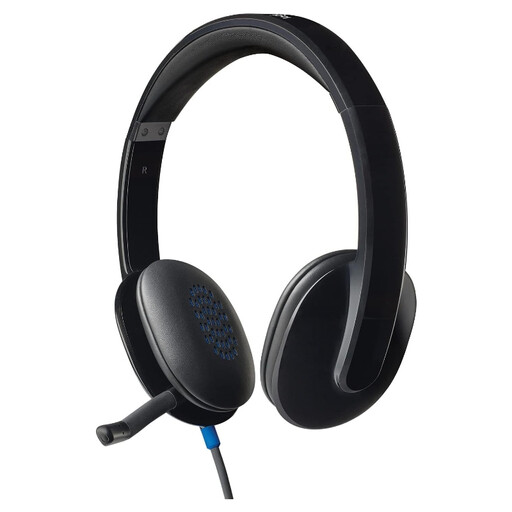
Logitech H540 Wired Headset
A wired option to consider when you will present from a desk. Check that your device accepts its USB-A connection or that you have a suitable adapter, then select and test the microphone in your meeting app.
View on Joybuy
 No image available
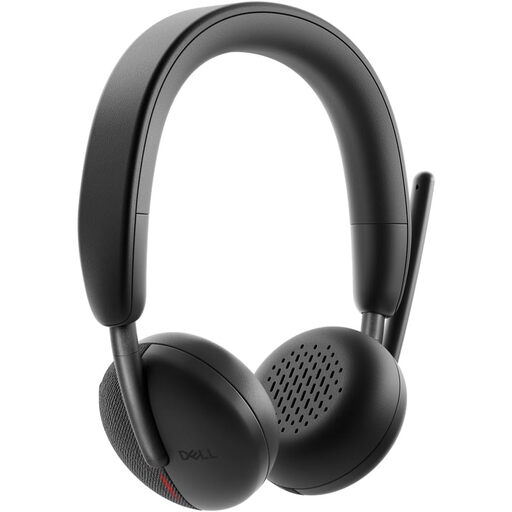
Dell Pro Headset WL3024
Consider this model if switching devices during calls matters to you. Confirm the wireless connection your presentation device supports and which USB receiver or adapter comes with the exact bundle; charge, pair and test it before the update.
View on Joybuy
 No image available
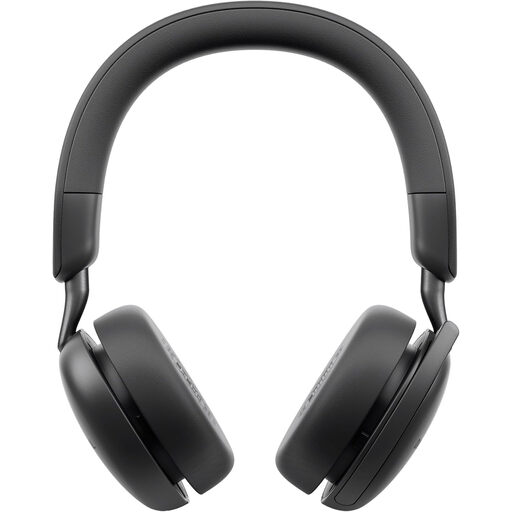
Dell Pro Wireless ANC Headset WL5024
A wireless choice if you need room to move while presenting. Its stated ANC concerns listening, not necessarily what colleagues hear from the microphone; check connection compatibility, charge and microphone selection with your meeting setup.
View on Joybuy
 No image available
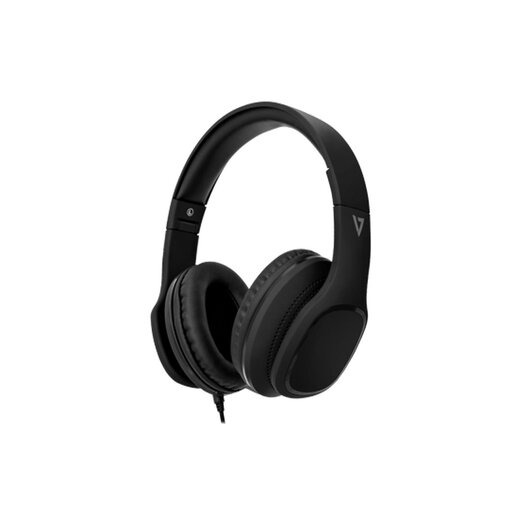
V7 HA701-3EP Wired Over-Ear Headphones with Inline MEMS Mic
For a desk update where a wired headset is practical, check that your device’s 3.5 mm connection supports both headphone audio and microphone input. The product name specifies 40 mm drivers and passive noise cancellation; test the inline microphone if nearby noise concerns you.
View on Joybuy
 No image available
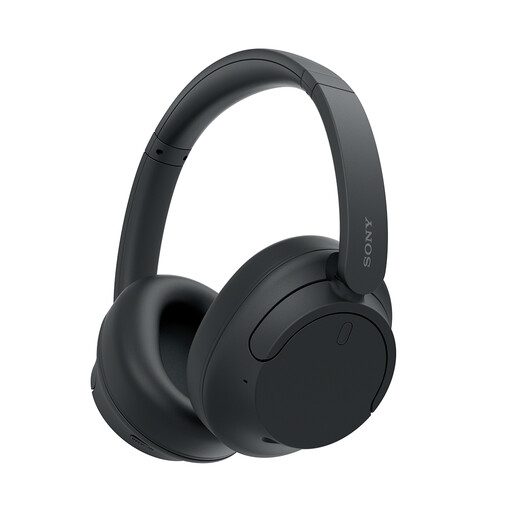
Sony WH-CH720N Noise-Cancelling Over-Ear Headphones (Black)
Consider these if headphones for listening and calls fit your presentation needs. If you plan to use a cable, confirm that the microphone operates through that connection; also check call controls and test the selected microphone in your meeting app.
View on Joybuy
Questions before presenting
Does a dim room call for a different headset microphone?
No: dim lighting affects the camera image rather than the headset microphone. For Teams video, Microsoft Support describes a brightness adjustment for low light; check audio-device settings separately.
What should I check just before the project update?
Select the intended headset microphone and speaker, check mute and make a test call. Microsoft Support also advises checking the selected recording device when troubleshooting microphone problems; if your headset is wireless, check its charge and pairing too.
What does Microsoft Teams certification tell me?
It identifies a device that has passed Microsoft’s certification requirements and testing, according to Microsoft Learn. You still need to check the exact headset’s connector, your device settings and any workplace requirements.
Can I assume the same warranty covers every headset variant?
No; check the terms for the exact model and purchase channel. HP Support lists a two-year limited manufacturer warranty for the Poly Blackwire 5220 USB-A model, which should not be assumed to describe every variant.


