
24/7 Customer Support

Free returns

Same-day & Next-day Delivery

Quality Guaranteed

Unlock Your Welcome Offers: FREE Delivery | Up to 80% OFF | Free 30-day JoyPlus trial
Download the APP
Running out of storage on your phone, camera or gaming console is a common frustration. With so many devices relying on expandable memory, choosing the right microSD card can feel overwhelming. The market is filled with technical jargon—speed classes, capacity labels and endurance ratings—that can make a simple purchase feel complicated.
This guide is designed to cut through the clutter. As the Joybuy Product Recommendation Officer, my role is to provide clear, practical advice to help you find the right memory card for your specific needs. Whether you need more space for photos on your phone, reliable recording for your dash cam or faster loading times on your Nintendo Switch, we will walk you through the key considerations.
Before you buy, it is important to understand a few key features. Matching the card's specifications to your device and how you plan to use it will ensure you get the performance you expect.
The first thing most people look at is capacity. This is measured in gigabytes (GB) and determines how many photos, videos or apps you can store.
Always check your device's specifications first, as some older gadgets may have a maximum capacity limit.
A card's speed is crucial for smooth performance, especially when recording video or running apps. You will see these ratings on the packaging:
Standard microSD cards are not designed for the constant rewriting that occurs in dash cams and home security systems. For these devices, you need a high endurance SD card. These cards are built to withstand thousands of hours of continuous recording and overwriting and they often have better resistance to extreme temperatures. Using a standard card as a dash cam memory card can lead to premature failure and lost footage.
Here are a few standout options that cater to different needs, based on their features and intended use.
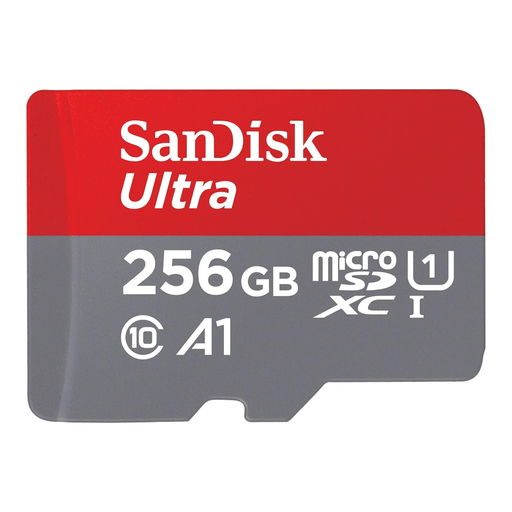
Why It Stands Out: This SanDisk microSD card is a versatile all-rounder. It combines a generous 256GB capacity with solid performance that is ideal for everyday use in modern smartphones and tablets. The A1 rating ensures that apps stored on the card load quickly and run smoothly.
Pros:
Who is it for? This card is an excellent choice for Android smartphone and tablet users who need a reliable and spacious memory card to expand their device's storage for media and apps.
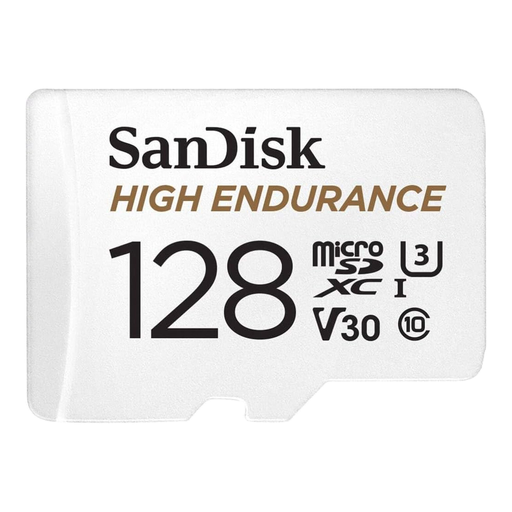
Why It Stands Out: Built specifically for reliability under constant use, this card is the go-to option for "set and forget" recording devices. Its high-endurance design means it is engineered to handle continuous writing and rewriting, making it perfect for security systems.
Pros:
Who is it for? This is the card for anyone using a dash cam or a home security camera. Its durability and endurance provide the reliability needed to ensure important moments are always captured.
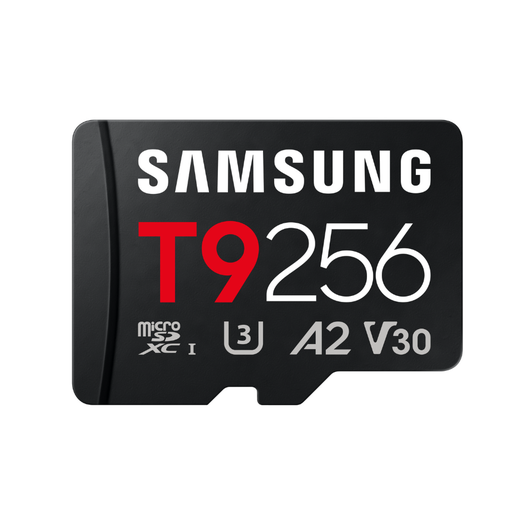
Why It Stands Out: When speed is the top priority, this Samsung microSD card delivers. With exceptionally fast read and write speeds and an A2 rating, it is built for performance-intensive tasks like 4K video capture on drones, action cameras and loading demanding games on consoles.
Pros:
Who is it for? This card is aimed at gamers, content creators and tech enthusiasts who require the fastest possible performance for smooth 4K video recording, quick game loading and seamless multitasking.
If the recommendations above do not quite match what you are looking for or if you need a different capacity or feature set, there are many other excellent cards available.
Browse our full range of Camera SD memory card to find the perfect fit for your device.
The main difference is storage capacity. microSDHC (High Capacity) cards range from 4GB to 32GB. microSDXC (Extended Capacity) cards range from 64GB up to 2TB. Most modern devices support microSDXC, but it is always wise to check your device's manual to confirm compatibility before purchasing a card larger than 32GB.
While most microSD cards will work with the Nintendo Switch, the console benefits greatly from a fast microSD card. For the best experience and faster game loading times, look for a card with a UHS-I speed rating and a high read speed (90MB/s or more). An A1 or A2 rating can also help with games that have frequent loading screens.
The most reliable way is to consult your device's user manual or the manufacturer's official website. Look for the "specifications" section, which should state the type of card supported (e.g., microSDXC) and the maximum capacity it can handle (e.g., "up to 512GB"). Using a card with a capacity larger than your device's maximum may cause it to not be recognised.