
24/7 Customer Support

Free returns

Same-day & Next-day Delivery

Quality Guaranteed

Unlock Your Welcome Offers: FREE Delivery | Up to 80% OFF | Free 30-day JoyPlus trial
Download the APP
A Mini LED 4K Smart TV can deliver stronger contrast, brighter HDR highlights and smoother gaming than a conventional LED television. However, choosing the right model involves more than comparing screen size or counting advertised features.
UK shoppers commonly encounter three purchasing traps:
The right choice depends on your room, viewing distance, connected devices and preferred smart platform. Use the following checks before selecting a model.
Mini LED TVs use many smaller LEDs behind the panel. These are grouped into independently controlled areas known as local-dimming zones. When implemented effectively, this can make dark scenes appear deeper while allowing bright highlights to stand out.
A smart TV with local dimming is particularly useful for films, HDR streaming and gaming in a dimmed room. Nevertheless, no LCD-based TV eliminates all haloing. Subtitles, stars or white logos against a dark background may still create a visible glow, depending on the content and viewing angle.
Look for the actual dimming specification where available. For example, the TCL Q6C range lists up to 512 zones, while the TCL Q7C 75-inch model lists up to approximately 2,048 zones. These figures should be treated as one part of the picture-quality assessment rather than a guarantee of identical performance across every scene.
A 4K HDR TV has a resolution of 3,840 × 2,160 pixels and can display a wider range between dark and bright areas than standard dynamic-range content. HDR performance depends on more than the label: panel brightness, local dimming, colour volume and source quality all matter.
If you stream films or use compatible games, check whether the television supports the formats you need:
For a bright UK living room, higher brightness can help HDR highlights remain visible during daytime viewing. For a darker cinema-style room, contrast control and picture accuracy may matter more than peak brightness alone.
A native 120Hz panel is a practical starting point for sports and console gaming. Some models support 144Hz gaming TV or 165Hz gaming TV modes when connected to a compatible PC. A console may still output at a lower limit, so check the specifications of your PlayStation, Xbox or graphics card.
Important gaming features include:
Also check how many HDMI 2.1 ports are provided. Four ports can be convenient if you use a console, gaming PC, soundbar and media player. A cable rated for the required bandwidth is also necessary.
The following recommendations focus on different household needs rather than presenting one universal choice.
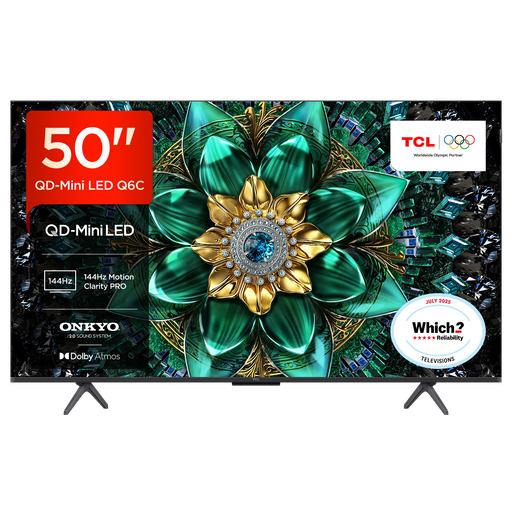
Why This Fits Their Persona: The 50-inch format suits smaller lounges, bedrooms and flats where a large-screen 4K TV could dominate the room. Google TV provides access to apps and voice control in one interface.
It lists QD-Mini LED backlighting, Dolby Vision IQ, HDMI 2.1, VRR and a refresh rate of up to 144Hz, rather than relying only on a generic 4K label.
50-inch 4K resolution; Google TV; QLED quantum-dot colour; 30W Onkyo audio with Dolby Atmos and DTS Virtual:X.
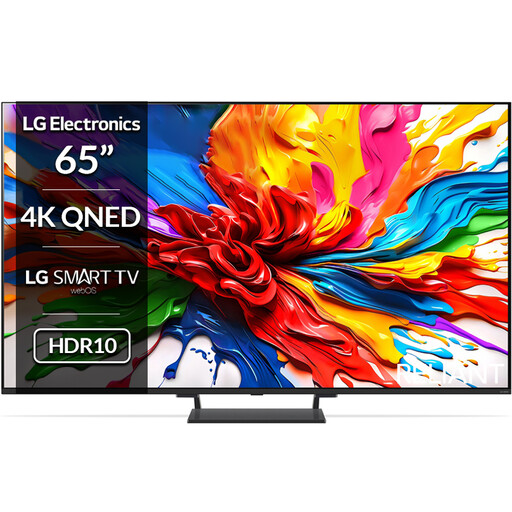
Why This Fits Their Persona: A 65-inch screen works well in a dedicated lounge or media room, while webOS and built-in audio features keep everyday operation straightforward.
The specification identifies four HDMI 2.1 inputs, Mini LED backlighting, Dolby Vision and VRR up to 144Hz, making key compatibility details easier to verify.
65-inch 4K QNED display; four HDMI 2.1 ports; 40W 2.2-channel audio; webOS 25 and Dolby Atmos compatibility.
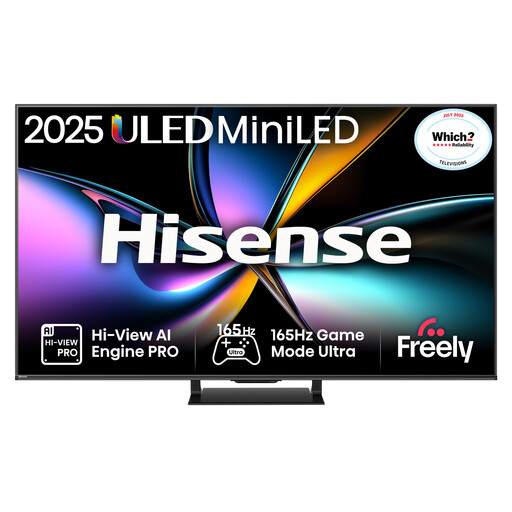
Why This Fits Their Persona: Designed for households sharing the screen between competitive gaming, sport and streaming, with a 65-inch panel and high-refresh-rate connectivity.
Its listing specifies 165Hz native refresh, VRR on four HDMI 2.1 inputs and local dimming, helping buyers distinguish gaming hardware from motion-interpolation wording.
165Hz native panel; Dolby Vision IQ and HDR10+ Adaptive; 2.1.2-channel Dolby Atmos audio; VIDAA OS and AirPlay 2.
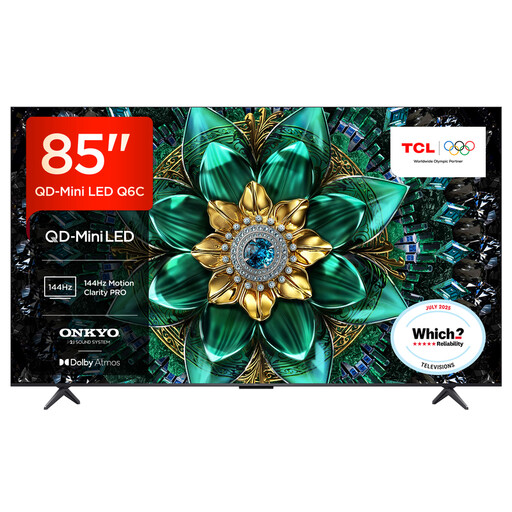
Why This Fits Their Persona: The 85-inch screen is suited to a spacious lounge or dedicated media room where several people watch films, sport and games together.
The listing gives the screen dimensions, stand depth, four HDMI inputs and 144Hz VRR details, helping with both room planning and device compatibility.
85-inch 4K QD-Mini LED display; up to 512 dimming zones; 40W 2.1 Onkyo audio; Google TV and Dolby Atmos compatibility.
We have compiled a complete, real-time list of products that fully satisfy these strict selection criteria and UK safety regulations.
Yes, provided the model supports the console’s required signal. Look for 4K at 120Hz, HDMI 2.1, ALLM and VRR. A 144Hz or 165Hz specification is more relevant to compatible gaming PCs, as many consoles have lower output limits.
Lifespan depends on operating hours, brightness settings, ventilation, software support and electrical conditions. Avoid blocking ventilation openings, use the supplied power equipment and keep the screen away from moisture. Check the manufacturer’s warranty and retailer terms before purchasing.