Daytime theatre viewers
If daylight or room lights reach the screen, reflections can obscure low-lit sets and dark costumes. RTINGS identifies reflection handling as an important part of bright-room viewing.


Start with reflection handling and brightness: both affect whether you can see a dim stage scene when daylight or lamps reach the screen. A Mini LED or RGB LED model is worth considering when daytime glare dominates, while an OLED may suit viewers who also prioritise dark scenes in the evening—provided the exact model handles reflections in their room. Whichever route you take, check its picture modes and the recording service or player you intend to use.
If daylight or room lights reach the screen, reflections can obscure low-lit sets and dark costumes. RTINGS identifies reflection handling as an important part of bright-room viewing.
If you can dim the lounge, you may place more weight on dark-scene contrast and on keeping a production’s original framing and motion. The UHD Alliance’s Filmmaker Mode guidance explains how that mode preserves the source presentation.
If several people sit away from the centre, assess the picture from their seats as well as yours. Sony describes a wide-angle feature for BRAVIA 9, but that model-specific claim should not be assumed for other TVs.
For this bright-lounge decision, compare how each exact TV handles light in the room before choosing a panel type; then check the picture settings, seating positions and playback route.
Consider it when: Daylight or lamps regularly reach the screen and daytime visibility is your main concern.
Keep in mind: Brightness alone does not settle the choice. RTINGS highlights reflection handling too, and dimming and side-seat performance need checking on the exact model.
Consider it when: You also watch in a dimmed room and value the dark-scene contrast associated with OLED’s individually lit pixels, as described in Samsung’s UK display guide.
Keep in mind: An OLED label does not establish glare control. Check reflections for the particular model and your seating layout.
| Concern | What to check | Who this matters to |
|---|---|---|
| Daytime visibility | Note where windows and lamps reflect in the screen; compare the exact model’s reflection handling as well as its brightness. | When a window faces the TV, I need to follow a dim stage scene without seeing the room reflected over it. Around 36% of consumers would put glare control first. |
| Faithful picture | Look for Filmmaker Mode or a documented creator-oriented mode, and check whether motion smoothing can be turned off. | I want filmed movement, colour and framing to remain close to the recording rather than a more processed presentation. Roughly 29% of consumers would make picture fidelity their primary concern. |
| Shared seating | Assess the picture from the centre and the usual side seats, particularly if the sofa is wide. | If we watch together, the people at either end of the sofa need a picture they can enjoy too. Around 21% of consumers would prioritise consistency across seats. |
| Playback and dialogue | Confirm the intended recording app or connected player works with the TV, and assess dialogue at your usual listening level. | I need my chosen recording to play and its dialogue to be clear before refining the picture. For about 14% of consumers, that would be the deciding need. |
A bright picture can still have a distracting reflection across a dark costume or set. RTINGS considers reflection handling alongside brightness when assessing bright-room TVs.
Check where light falls at your normal viewing time, then compare reflection performance for the exact model.
OLED and Mini LED describe display approaches, not identical reflection, dimming or viewing-angle behaviour across every model.
Compare the precise model and screen size you intend to buy rather than extending a claim about another TV to it.
Filmmaker Mode is designed to disable motion smoothing and preserve the source frame rate and aspect ratio, according to the UHD Alliance’s mode guidance.
Compare a familiar theatre recording with that mode, or another suitable creator-oriented setting, before settling on your preferred presentation.
Relevant if you are comparing specific BRAVIA models with different display technologies and picture modes.
Relevant if you want to consider OLED alongside the room’s daytime viewing demands.
Relevant if you want to compare Neo QLED Mini LED and OLED routes within one brand’s range.
Relevant if you are considering a large-screen Mini LED model with published display specifications.
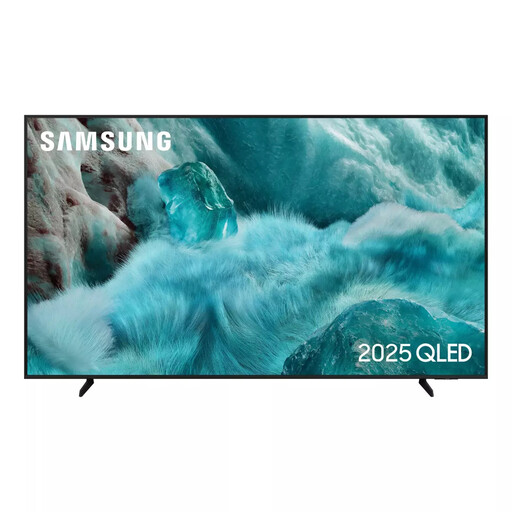
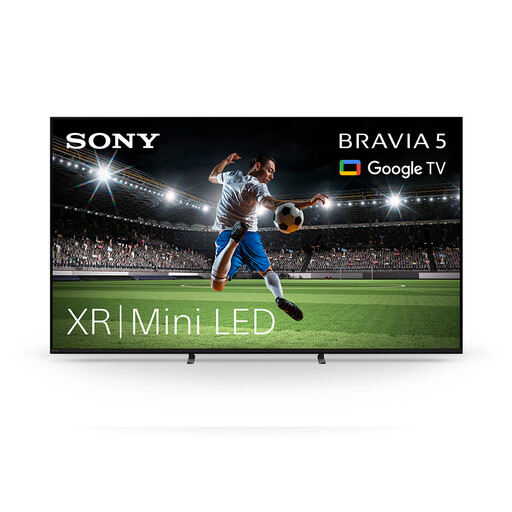
These 55-inch TVs cover OLED, a Q7F 4K model and a BRAVIA 5 Mini LED option. For each one, make the final choice against your lounge’s reflections and the theatre-recording source you use.
 No image available
Consider this OLED if evening theatre viewing matters alongside daytime use. Check how the exact model handles reflections from your windows or lamps, and confirm your recording service or player before buying.
 No image available
Consider this model if you want a 55-inch 4K TV for recorded productions. Assess its reflection handling and brightness in the intended room, then confirm the app or connected player you will use.
 No image available
Consider this Mini LED model if daytime viewing is a priority. Its Google TV designation does not establish support for your particular theatre service, so check the playback route as well as reflection handling and the picture modes you want.
It is a useful starting point if you want to retain the recording’s frame rate and aspect ratio without added motion smoothing, as described by the UHD Alliance. In a bright lounge, reduce direct reflections where practical and compare picture settings if dark scenes remain difficult to see.
Check where the screen would sit relative to windows and lamps, then judge the view from central and side seats. Confirm mounting compatibility and what is supplied for the specific TV before arranging installation.
TV Licensing says a licence is not required solely to watch on-demand programmes on Netflix. If you also use other services or viewing methods, check the rules that apply to those activities rather than deciding from TV ownership alone.
Consider reuse if it still works, or an appropriate electrical recycling route when it does not. GOV.UK describes the UK waste-electrical framework as encouraging recovery, reuse and recycling; check the collection or take-back options available in your area.