What should you check before buying?
Decide whether connected-device Safari inspection is required, then count the displays, USB connections and development tools the shared workstation must support.
| Concern | What to check | Who this matters to |
|---|
| iPhone and iPad Safari inspection |
Confirm Mac access for Apple’s connected-device inspection workflow and check the selected desktop’s monitor and accessory connections. |
When I need to inspect a layout on an actual iPhone or iPad, a resized desktop viewport will not settle every Safari question. Around 27% of consumers put real-device Safari inspection first. |
| Live Android debugging |
Check that a USB port remains accessible alongside office peripherals and that your local-server workflow suits Chrome’s device connection. |
I need to see what Chrome is doing on the Android phone while I work on the page, rather than rely only on a preview. For around 37% of consumers, that live-device workflow is the primary concern. |
| Shared-desk capacity |
Count simultaneous monitors and check the exact configuration’s display outputs, memory, storage and physical connections. |
A small computer helps my desk layout only if it still connects the screens and equipment I use for development. Shared-workstation fit comes first for around 36% of consumers. |
Compact desktops on Joybuy
These Mac mini and Windows mini-PC choices address compact shared-desk setups. Choose between them by the devices you must debug, then check each configuration against your monitors, connections and local tools; a larger, expandable desktop remains a separate choice if internal expansion is required.
 No image available
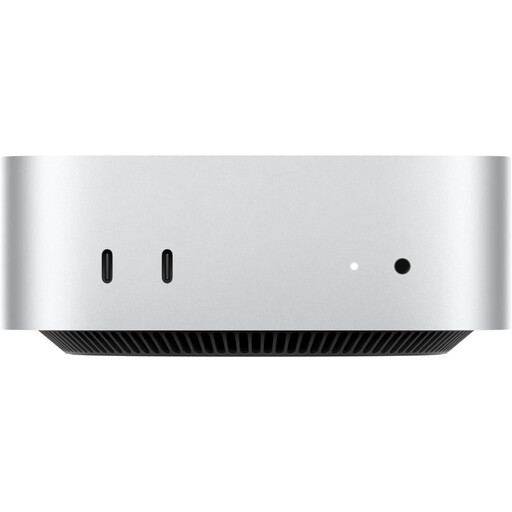
Apple Mac mini (2026), M6 12-core CPU and GPU, 24GB RAM, 512GB SSD
Consider this Mac mini when Apple’s connected-Mac iPhone or iPad inspection workflow is required. The named configuration has a 12-core CPU, 12-core GPU, 24GB RAM and a 512GB SSD; check its display connections and the peripherals needed at your desk.
Joybuy
 No image available
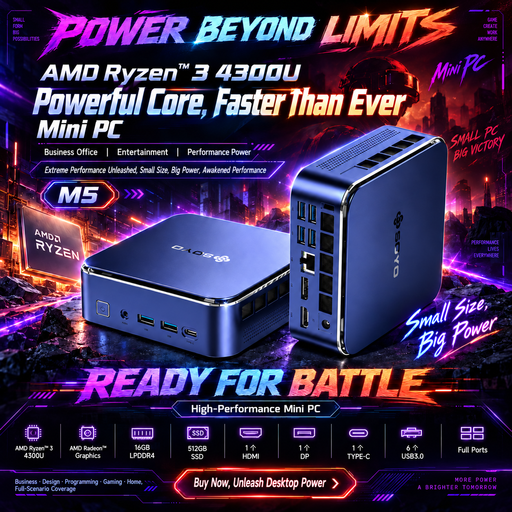
SOYO M5 mini PC, Ryzen 4300U, Win11, 16GB RAM, 512GB SSD
Consider this Windows mini PC for Chrome debugging on a connected Android device if its connections suit the shared desk. Its name specifies a Ryzen 4300U, 16GB RAM, a 512GB SSD, HDMI 2.0, Type-C and DisplayPort 1.4; confirm the required simultaneous display setup before buying. Apple’s documented connected-device iPhone and iPad inspection workflow still requires Mac access.
Joybuy
 No image available
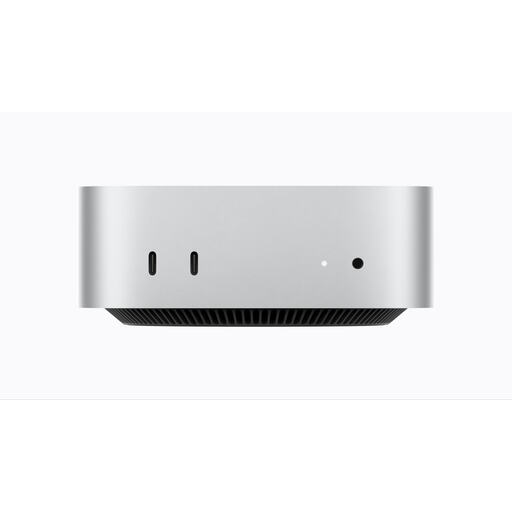
Apple Mac mini (2026), M6 12-core CPU and GPU, 16GB RAM, 256GB SSD
This Mac mini follows Apple’s connected-Mac route for inspecting web content on an iPhone or iPad. The named variant has a 12-core CPU, 12-core GPU, 16GB RAM and a 256GB SSD; check that its storage and exact display connections meet your development setup.
Joybuy
No image available
Apple Mac mini (2026), M5 Pro 15-core CPU, 16-core GPU, 24GB RAM, 512GB SSD
This Mac mini is another configuration for a desk that requires Apple’s connected-device inspection workflow. Its name specifies an M5 Pro with a 15-core CPU, 16-core GPU, 24GB RAM and a 512GB SSD; confirm the number of displays and the connections your setup requires.
Joybuy
 No image available
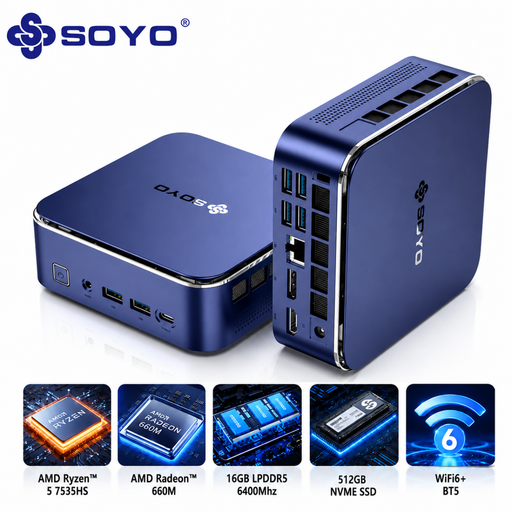
SOYO S5Air mini PC, Ryzen 5 7535HS, Windows 11 Pro, 16GB RAM, 512GB SSD
Consider this Windows mini PC for an Android Chrome debugging workstation if its device and monitor connections meet your needs. The named configuration has a Ryzen 5 7535HS, 16GB LPDDR5 memory and a 512GB NVMe SSD; confirm simultaneous display support and Type-C video compatibility for your monitors. Keep Mac access if connected-device Safari inspection is required.
Joybuy
Common questions
Can a desktop browser’s mobile preview replace testing on a phone?
No, not when you need to check behaviour on the device itself. Chrome for Developers says Device Mode does not run the page on a mobile device, while Apple Developer Documentation says Safari’s viewport presets approximate, rather than exactly reproduce, device layout and behaviour.
Do I need a Mac to inspect a page on an iPhone or iPad?
Apple’s documented inspection workflow uses a Mac connected to the iPhone or iPad. Enable Web Inspector on the device and use Safari’s Develop menu on the Mac; if that check is mandatory, arrange Mac access before choosing a Windows-only workstation.
How do I connect an Android phone for Chrome debugging?
Chrome for Developers describes enabling USB debugging on the Android device, enabling USB-device discovery in Chrome and approving the device’s debugging prompt after connection. If the phone is not detected, try connecting it directly instead of through a USB hub.
Can an Android test phone open my local development server?
Chrome’s USB port-forwarding workflow can map a port on the Android device to a port on the development computer. Chrome for Developers says that traffic travels over USB without depending on the network configuration; check that the desktop has an accessible USB connection and that the intended local port is available.
What should a UK office consider when replacing an old desktop?
Arrange for the old desktop to be handled through the organisation’s electrical-equipment disposal process, rather than treating it as ordinary office waste. GOV.UK identifies the Waste Electrical and Electronic Equipment Regulations 2013, as amended, as the UK framework; check which obligations apply to the organisation’s circumstances.


