Window-side newsletter writers
People drafting and proofing beside a bright window who need to manage reflections through both screen choice and desk position, in line with Health and Safety Executive guidance.


Start by positioning the screen to avoid direct window reflections: the Health and Safety Executive advises arranging the desk and display to avoid glare. For writing and laying out a newsletter, consider an anti-glare QHD or 4K monitor with an adjustable stand; Full HD can suit simpler drafting if you need less space for side-by-side work. Check the exact screen finish and stand rather than expecting display brightness alone to fix the room.
People drafting and proofing beside a bright window who need to manage reflections through both screen choice and desk position, in line with Health and Safety Executive guidance.
People moving between copy, research, images and page-layout tools who want enough screen space to see more of their work together.
People working from a laptop who want a simpler desk connection, provided the monitor, cable and laptop support the required display and charging functions.
Control the light reaching the screen first, then decide how much copy and layout you need visible at once. Check positioning and laptop connections against your desk setup.
| Concern | What to check | Who this matters to |
|---|---|---|
| Window reflections | Look for an anti-glare finish and check whether you can angle the screen away from the window or control daylight with blinds or curtains. | I need to proofread without a reflection obscuring the text; around 42% of consumers put glare control first. |
| Text and layout space | Compare resolution at the screen size you want: decide whether Full HD is enough for drafting or whether QHD or 4K better fits side-by-side work. | When I edit copy alongside research and page layouts, I want room to keep them visible; roughly 33% of consumers prioritise text and layout space. |
| Positioning and laptop setup | Check the stand adjustments or compatible mounting options. If using USB-C, confirm laptop display support and charging requirements. | If my laptop anchors the newsletter desk, I need to position the screen comfortably and connect it as intended; about 25% of consumers put positioning and laptop setup first. |
A brighter display may still show distracting reflections. The Health and Safety Executive advises arranging the desk and screen to avoid glare.
Before buying, see whether you can turn the desk or screen and use blinds or curtains to control intrusive light.
Brightness sensors and other model-specific features do not replace suitable lighting and screen positioning.
Check the screen finish and stand first. The Health and Safety Executive advises placing the top of the screen at eye level, about an arm's length away.
At the same 27-inch size, the BenQ GW2790's Full HD resolution provides less pixel density than the Dell S2725DS's QHD resolution, according to their manufacturer specifications.
If you regularly view copy, research and a page layout together, compare those resolution options before deciding how much workspace you need.
A monitor's stated charging capability does not establish that a particular laptop and cable can use it for display and charging.
Compare the laptop's display support and charging requirement with the exact monitor and cable specifications.
These manufacturer examples illustrate different specifications to compare; assess the exact model against your window position and newsletter work.
Dell's S2725DS and S2725QS illustrate 27-inch QHD and 4K monitors with anti-glare treatment and adjustable stands.
BenQ's GW2790 is a 27-inch Full HD option for straightforward drafting and browsing.
LG's 27UP850K-W illustrates a 27-inch 4K option for laptop-based writing and image or layout work.
These models span WQHD and 4K options for layout work and Full HD options for drafting. Compare each screen's finish and positioning options with the light and space at your desk.
 No image available
Consider this WQHD model if you work between newsletter copy and layouts. Check that you can position it away from direct reflections and confirm USB-C charging compatibility before relying on a single cable.
 No image available
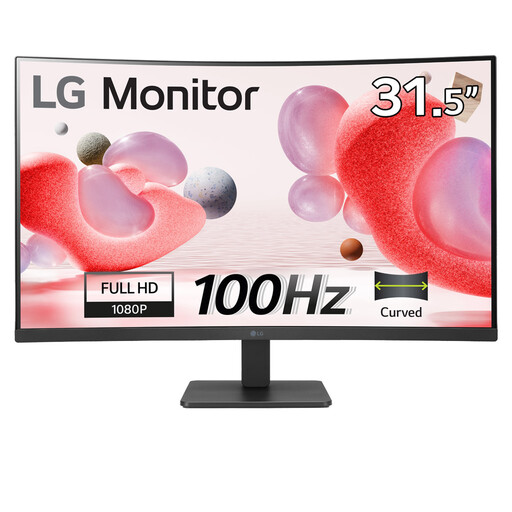
For reading and straightforward drafting on a larger screen, decide whether Full HD gives you enough detail for layouts and whether you can position the display comfortably. Its listed features include a VA panel, anti-glare finish and HDMI connection.
 No image available
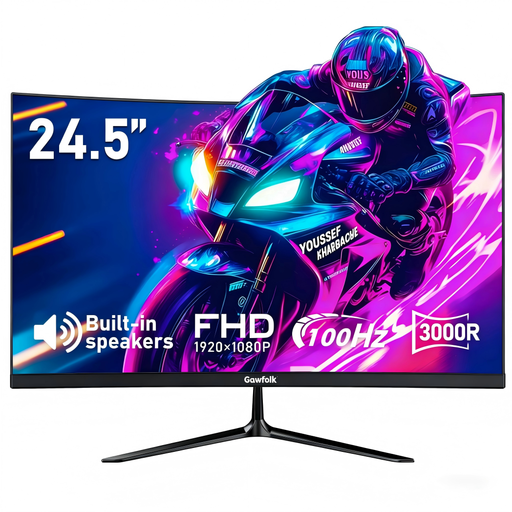
This smaller Full HD option may suit a drafting-focused desk. Its title lists an anti-glare finish, HDMI and 75 × 75 mm VESA mounting; check rated brightness and how you would position it beside the window.
 No image available
Consider this WUXGA IPS model if screen positioning and a laptop-based desk are priorities. For a bright-window position, check its screen coating and rated brightness; confirm the laptop connection and charging requirements separately.
 No image available
The 4K display is an option to assess for detailed newsletter layouts. Its title lists an IPS panel and USB-C 65W; confirm the screen finish and rated brightness for window-side use, and check that your laptop supports the intended display and charging connection.
Not on its own. The Health and Safety Executive advises arranging the desk and screen to avoid glare or bright reflections; angle the display away from the window and use blinds or curtains where needed. Anti-glare treatment is a supporting feature.
Place it directly in front of you, with the top of the screen at eye level and the screen about an arm's length away, following Health and Safety Executive guidance. Check stand adjustment or compatible mounting options if your desk and window position make that difficult.
No; USB-C matters if you want a compatible connection to handle display and, potentially, charging. Check your laptop's display support and charging requirement against the monitor and cable. LG states that its 27UP850K-W can carry display, data and up to 90W charging over USB-C, but that does not establish compatibility with every laptop.