What to check when choosing
Set the desk and window position first, then decide how much screen workspace and adjustment your moving tasks require. Check laptop connections separately rather than treating USB-C as a substitute for those decisions.
| Concern |
What to check |
Who this matters to |
| Window glare |
Check for a matte or anti-glare surface, and plan a position that avoids direct window reflections. |
When daylight falls across my desk, I need to read listings and spreadsheet cells without a reflected window obscuring them; around 36% of consumers put glare control first. |
| Document workspace |
Compare screen size and QHD or 4K resolution, allowing for desk depth and text scaling. |
If I keep plans, budgets and browser windows open together, I need enough usable space to compare them; around 29% of consumers place document workspace first. |
| Flexible positioning |
Check stand height adjustment or confirmed VESA mount compatibility for the intended desk. |
My desk or chair may change during the move, so I need to reset the screen position rather than rely on one fixed angle; roughly 21% of consumers prioritise positioning flexibility. |
| Laptop connection |
Confirm USB-C video support on both devices and compare the monitor’s power delivery with the laptop’s needs. |
For a temporary laptop desk, I want fewer connections to set up each time; about 14% of consumers put connection simplicity first. |
Joybuy monitor choices
These monitors offer different ways to approach a window-side planning desk: some have stated anti-glare surfaces, while larger-format models offer room to consider for multiple documents. Check screen placement, desk dimensions and laptop compatibility against the particular model you choose.
 Image unavailable
Acer X Predator X49X 49-inch curved ultrawide monitor
Consider this format if you want a wide area for moving-related windows and have room to position it away from direct reflections.
49-inch, 32:9 curved QD-OLED display with Dual QHD resolution and USB-C.
Check desk width and depth, your viewing distance and brightness in normal use before choosing a window-side position. Plan for help when moving a screen of this size.
View on Joybuy
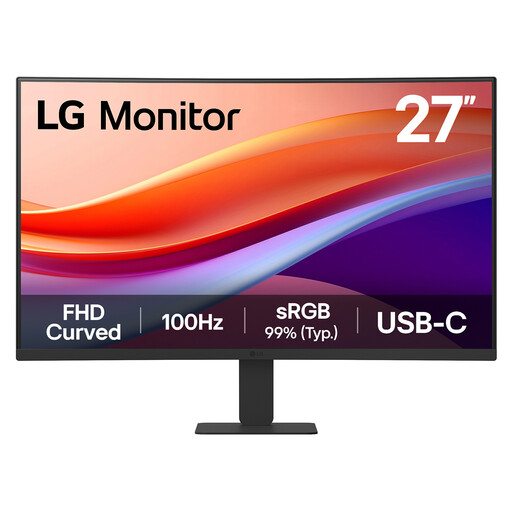 Image unavailable
LG 27U421A 27-inch curved Full HD monitor
This is a 27-inch option to consider when you can manage window reflections through screen placement and want to check a USB-C laptop connection.
Curved Full HD VA display with USB-C and HDMI; the title also identifies Reader Mode.
Confirm USB-C video compatibility and charging power for your laptop. Full HD provides fewer pixels for dense side-by-side documents than QHD or 4K.
View on Joybuy
 Image unavailable
Dahua 32-inch 4K curved OLED monitor
Consider the larger 4K format if comparing plans and spreadsheets is central to your setup and the desk has sufficient space.
3840 × 2160 OLED display with USB-C, stated 65W power delivery and a USB hub.
Check the screen finish before placing it beside a bright window, and confirm that your laptop supports the connection and can use the available charging power.
View on Joybuy
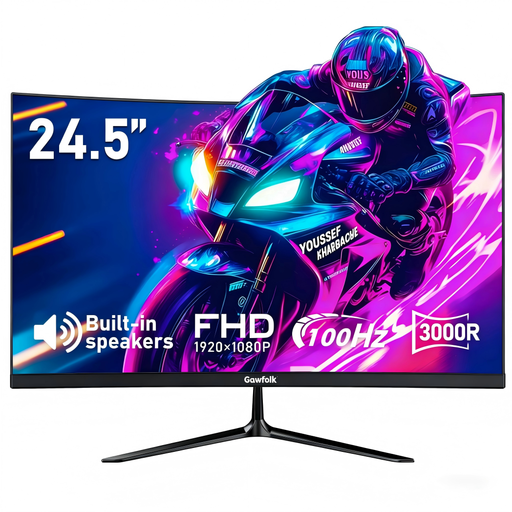 Image unavailable
Gawfolk 24.5-inch curved Full HD anti-glare monitor
The stated anti-glare finish makes this a compact option to examine for a daylight-exposed desk, alongside blinds or a change of screen angle.
24.5-inch Full HD curved display with HDMI; the product title states VESA mounting at 75 × 75 mm.
Confirm the mounting pattern with the seller before ordering an arm or bracket, as the mounting information differs within the listing. Check the stated brightness for your intended position.
View on Joybuy
 Image unavailable
Dell P2425H 24-inch Full HD monitor
Consider this smaller screen if the temporary desk has limited space and you can position the display to manage daylight.
24-inch 1920 × 1080 IPS display with USB-C, DisplayPort, HDMI and VGA listed in the product title.
Confirm what the USB-C connection does with your laptop before relying on it for video or charging. Full HD gives less pixel workspace than a QHD or 4K option for dense documents.
View on Joybuy
Questions about bright-window setups
Should I choose a brighter monitor or move the desk?
Address direct reflections first by changing the screen position or controlling daylight. The Health and Safety Executive advises repositioning screens or using blinds to avoid glare; a matte surface can help but does not replace a workable desk position.
Does DisplayHDR 400 mean a monitor will work well beside a window?
No: VESA DisplayHDR 400 identifies an HDR certification tier, not how distracting window reflections will be at your desk. Check the screen finish and planned position separately, along with brightness information for normal use.
Do I need USB-C for a temporary laptop desk?
USB-C is useful if your laptop and the monitor support the video connection you intend to use. For charging through the same cable, also check the laptop’s charging requirements against the monitor’s stated power delivery.
Does a new home-working monitor require a workstation assessment?
For workers who use display screen equipment daily as part of normal work, continuously for an hour or more, the Health and Safety Executive says employers must carry out a workstation assessment. That assessment concerns the whole setup and working conditions, not just the monitor model.
What should I do with an old monitor after replacing it?
Use an appropriate electrical recycling route rather than putting the old monitor in general household waste. Check local collection options or the retailer’s take-back arrangements when arranging the replacement.


