Glare-affected renewal administrator
You work through member renewals near a bright window and need to address reflections before weighing up display specifications.


Deal with window reflections through screen placement and light control before choosing a monitor: a brighter display or an eye-care label cannot resolve direct glare on its own. Then choose screen space for the renewal records you handle, and consider USB-C charging or stand adjustment only where those features suit your laptop and desk.
You work through member renewals near a bright window and need to address reflections before weighing up display specifications.
You move between email, spreadsheets and web forms on a laptop. A compatible USB-C monitor could simplify your desk connections.
You compare renewal lists, payment records and correspondence, so usable screen space and positioning matter to your choice.
For club-renewal work beside a bright window, check the desk and window light first. Then decide how much room you need for records and which connections and adjustments your setup calls for.
| Concern | What to check | Who this matters to |
|---|---|---|
| Window reflections | Test the intended screen position when the window is brightest. Check light-control options and screen finish; a matte surface does not eliminate direct glare. | I need to read renewal forms without a window reflected across the text; around 36% of consumers would put glare control first. |
| Record workspace | Compare screen size, resolution and readable text scaling at your usual viewing distance. | When I compare member lists with emails and forms, I need enough usable room to see the records clearly; roughly 29% of consumers would make workspace their primary concern. |
| Laptop connections | Confirm the laptop's USB-C video support, its charging requirement and the monitor's connections. | If I reconnect a laptop regularly, I want a connection that handles the functions I actually use; about 21% of consumers would prioritise laptop connectivity. |
| Desk positioning | Check the stand's movements and the monitor's footprint against the available desk space. | I need to place the screen at a workable angle without crowding the desk; around 14% of consumers would put positioning and fit first. |
Even a high-resolution monitor can reflect a bright window. The UK Health and Safety Executive treats disturbing glare as a workstation-layout and lighting issue, not just a screen specification.
Look at the proposed desk position when the window is brightest, and consider repositioning the screen or controlling the light before comparing monitors.
Video output, charging power and cable capability need to work together. A USB-C connector alone does not establish that a monitor can charge your particular laptop while displaying its picture.
Check the laptop's display-output method and power requirement against the exact monitor and cable.
A large panel takes up more physical room, while its text may need scaling for comfortable reading.
Measure the available space and assess your preferred text size at your normal viewing distance.
Adaptive brightness or other labelled features do not establish that reflections will disappear at your window-facing desk.
Resolve direct glare and find a workable screen position first; assess brightness features as a separate convenience.
Worth comparing if you want a monitor with USB-C options or brightness features for an administrative desk; check features on the exact model.
Relevant to a laptop-led desk where a monitor with hub connections could reduce cable handling.
Relevant when a large display and flexible positioning are both priorities.
Relevant if your administrative desk needs to switch between two connected sources.
These monitors offer different screen configurations for renewal records. Compare each one against your available desk space, window reflections and laptop requirements rather than assuming a display feature will solve glare.
 No image available
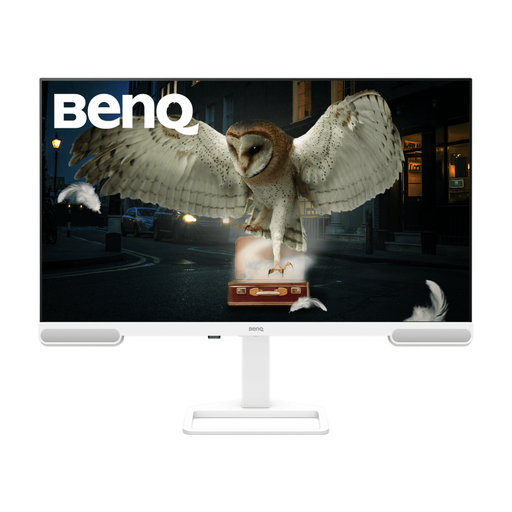
For reading renewal lists and forms, compare this IPS WQHD display at your preferred text size. Check its screen finish, stand movement and laptop connections against your desk setup.
 No image available
For document-heavy administration, assess whether this IPS QHD display gives you a readable layout; the named variant also specifies a 100 Hz refresh rate. Confirm the exact variant's ports if USB-C is important to your laptop setup.
 No image available
For comparing multiple records, consider whether the stated 3840 × 2160 resolution remains readable at your chosen text scaling. Check the screen's footprint and positioning options, as well as reflections at the intended desk position.
 No image available
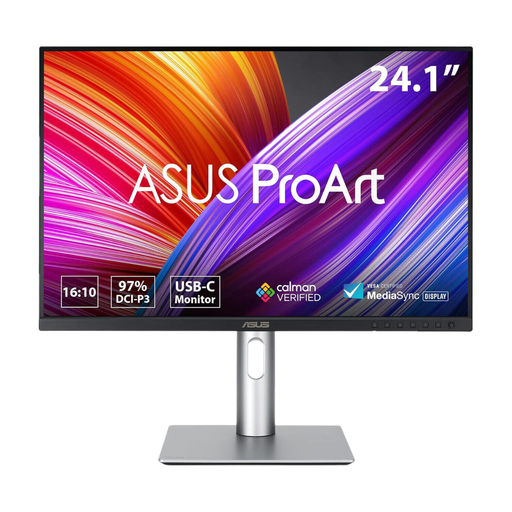
For forms and member lists, assess whether this IPS WUXGA display fits the workspace and text size you need. If laptop charging or reflection control matters, confirm the relevant connections and screen finish for this variant.
 No image available
For viewing several renewal documents, consider this 31.5-inch 4K IPS display if your desk has room and your preferred text scaling works well. USB-C is named for this model; confirm its video and charging functions, screen finish and stand movement for your setup.
Not on its own: a bright window can still create reflections on the screen. The UK Health and Safety Executive emphasises workstation layout and lighting, so check screen placement and window-light control before treating brightness as a deciding feature.
Check that your laptop supports video through the proposed connection and that the monitor and cable support the functions you need. Compare the laptop's charging requirement with the exact monitor's power-delivery rating; BenQ UK specifies up to 65 W for the GW2790QT, while Dell UK specifies up to 100 W for the P2426HE.
The UK Health and Safety Executive says employers must assess workstations where workers use display screen equipment daily as part of normal work for continuous periods of an hour or more. Whether that employer duty applies to a particular club role depends on the role and organisation, so do not assume the same position for volunteers.
Recycle it rather than putting it in the waste bin, as Recycle Now advises for monitors. Check a local electrical-recycling route or the relevant retailer's take-back arrangements before transporting it.