What matters when choosing?
Start with the space available and how many documents you need to see together. Then check the laptop connection and whether the stand lets you place the screen comfortably.
| Concern |
What to check |
Who this matters to |
| Visible workspace |
Compare native resolution at the same screen size: the cited Full HD models are 1920 × 1080, while Dell lists the P2425D at 2560 × 1440 QHD. |
If I keep a detailed spreadsheet, event plan and messages open together, I want room to compare them without constantly switching views. Roughly 45% of consumers put that document workspace first. |
| Desk fit and simplicity |
Measure the space for the screen and stand; check desk depth, the ports you will use and any mounting option you need. |
With limited desk space, I would rather have a straightforward second screen for schedules and slides than make the setup more complicated. For around 33% of consumers, a compact, simple setup is the primary need. |
| Laptop connection and positioning |
Check USB-C video output and charging compatibility before relying on one cable; compare the stand adjustments you need. |
If I plan at the same laptop desk regularly, I want connections and screen height that work with that arrangement. Laptop-desk integration comes first for approximately 22% of consumers. |
Joybuy monitor choices
These monitors offer Full HD, QHD and WUXGA routes for a compact planning desk. Compare the named resolution and model first, then check the exact stand and laptop connections needed for your setup.
 No image available
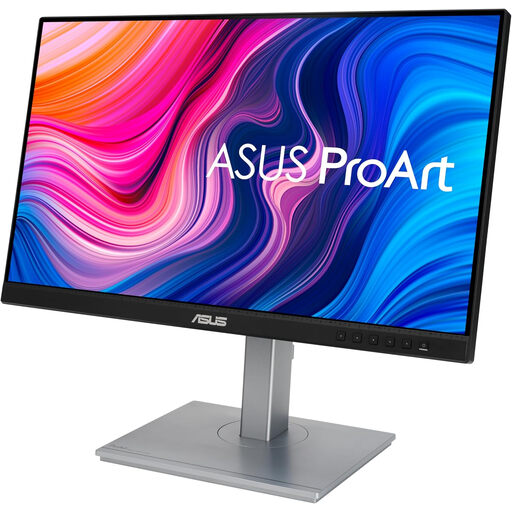
ASUS ProArt PA24ACRV IPS QHD
Consider this QHD route if comparing detailed event plans on screen is a priority.
The product name specifies an IPS QHD display. If a one-cable laptop setup matters, check USB-C video and charging compatibility with your laptop before relying on it.
View on Joybuy
 No image available
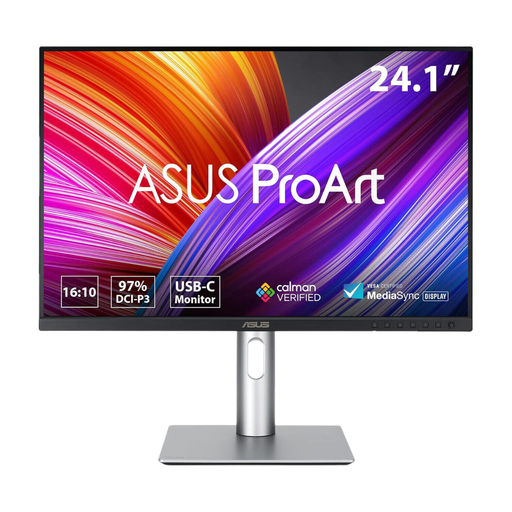
ASUS ProArt PA247CV IPS Full HD 75Hz
This Full HD option is relevant when schedules, emails and slides are the main work on a second screen.
The product name specifies an IPS display and 75Hz refresh rate. Check laptop USB-C video and charging support if you intend to use a single cable.
View on Joybuy
 No image available
ASUS ProArt PA248CRV IPS WUXGA
Consider the WUXGA route if document layout is more important to you than choosing between Full HD and QHD alone.
The product name specifies an IPS WUXGA display. Check the exact stand adjustments and your laptop's USB-C video and charging support if those features will decide the purchase.
View on Joybuy
 No image available
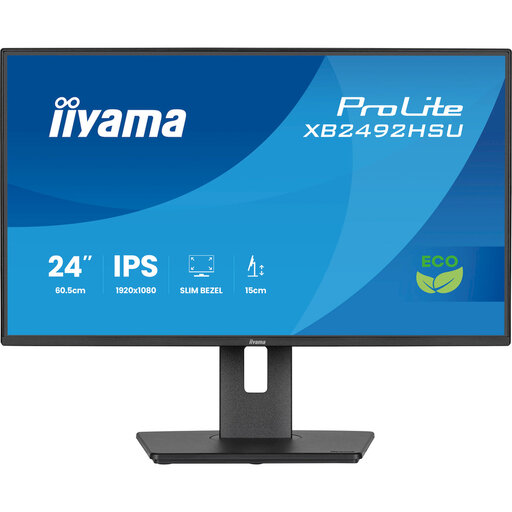
iiyama ProLite XB2492HSU 24-inch Full HD, matte black
This Full HD model is a route for a compact second screen used for event schedules and ordinary documents.
The product name identifies a 24-inch model. Check its dimensions with the stand against your available desk space and confirm that its connections suit your computer.
View on Joybuy
 No image available
Dell P2425 24-inch monitor
Consider this model for a compact document-planning desk, keeping its P2425 identifier distinct from Dell's P2425D and P2425HE.
The product name specifies a 24-inch monitor. Confirm the exact resolution, refresh rate and USB-C functions on the product-detail page if they affect your choice.
View on Joybuy
Frequently asked questions
Is Full HD enough for planning a library event?
Full HD can suit a second screen used mainly for schedules, email, slides and ordinary documents. If several detailed plans need to stay visible together, compare QHD instead: Dell lists the P2425D at 2560 × 1440, while LG and BenQ list the cited 23.8-inch Full HD models at 1920 × 1080.
Will a USB-C monitor charge my laptop and show video through one cable?
It can do both only when the monitor and laptop support the required USB-C functions. Dell states that the P2425HE provides up to 90W power delivery; check your laptop's USB-C display output and charging requirements before planning around one cable.
Do I need a height-adjustable stand in a student room?
A height-adjustable stand matters most if the fixed screen position would not work with your desk and chair. Dell lists height, pivot, swivel and tilt adjustment for the P2425D and P2425HE, whereas LG lists tilt adjustment for the 24MR400-B; measure the space before deciding which arrangement you need.
How should I arrange disposal of an old monitor?
Check your local authority's electrical recycling arrangements or ask the retailer about applicable take-back options rather than assuming there is one collection route everywhere. UK government guidance covers the recovery and recycling of waste electrical and electronic equipment, including the category to which monitors belong.


