What matters when choosing
For family-history research in a student room, start with the record views you want open together, then check desk fit and laptop connectivity. A larger screen and a higher resolution answer different needs: compare both before deciding that either is necessary.
| Concern |
What to check |
Who this matters to |
| Document workspace |
Compare native resolution and screen size against the number of record views you keep open. |
If I keep a scan beside a transcription and notes, I want to avoid constant window switching; around 31% of consumers put document workspace first. |
| Desk fit and positioning |
Measure usable width and depth, including the stand and cable space; check stand adjustment or suitable mounting. |
My screen needs to leave a workable place for my laptop, keyboard and notes; roughly 31% of consumers make desk fit and positioning their main concern. |
| Laptop connection |
Match video ports and, if needed, USB-C power delivery to your laptop; check which cable is included. |
I would rather not find that the display works but my laptop still needs a separate charging connection; around 23% of consumers prioritise laptop connectivity. |
| Useful features |
Decide whether you will use extra resolution, stand adjustment or a USB hub before choosing a model for those features. |
If I mainly search records and read one document at a time, I want features that match that routine; about 15% of consumers put that proportionate choice first. |
Joybuy monitor choices
These monitors offer compact-screen and larger-display options for working with family-history records. Compare each model’s stated display details with your desk measurements, and check the connection your laptop needs.
 No image available
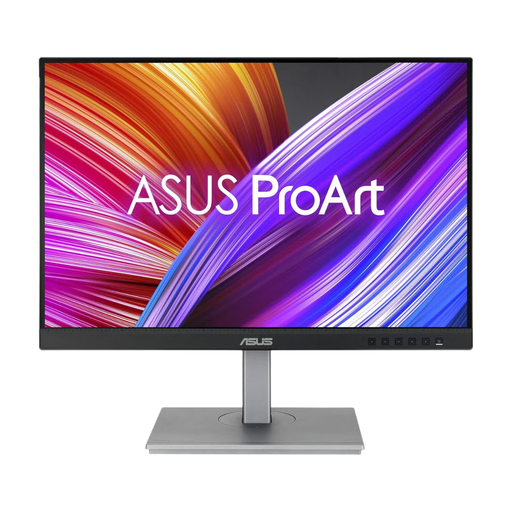
ASUS ProArt PA24ACRV IPS QHD
Consider this QHD model if you want space for record images and notes; check its dimensions against your desk before choosing it.
The product name specifies an IPS display and QHD resolution. If you plan to connect a laptop through USB-C, confirm video and charging compatibility for the configuration offered.
View on Joybuy
 No image available
ASUS ProArt PA248CNV IPS WUXGA
If you often read records alongside notes, consider whether a WUXGA screen suits the way you arrange those windows.
The product name specifies IPS and WUXGA. Check the laptop connection you intend to use and whether the necessary cable is supplied.
View on Joybuy
 No image available
LG 27UP650K 27-inch 4K IPS
For keeping detailed scans and other research windows visible, consider this larger display if its screen and stand fit your desk.
The product name specifies a 27-inch 4K IPS screen with HDMI and DisplayPort. Check which video output your laptop provides before selecting a cable.
View on Joybuy
 No image available
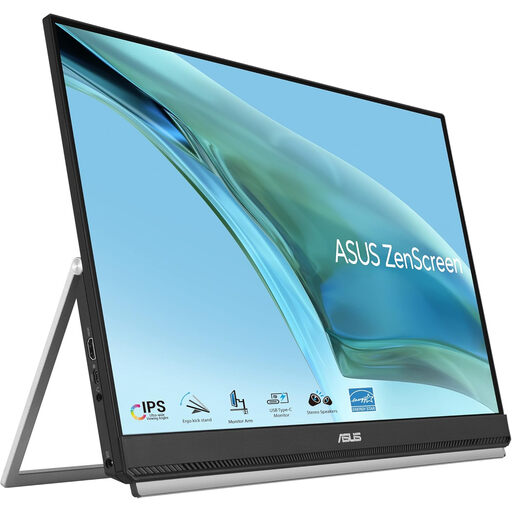
ASUS ZenScreen MB249C IPS USB-C
If the position of a second screen matters on your student-room desk, check which mounting arrangement will work with your furniture.
The product name specifies IPS and USB-C. Confirm that your laptop supports the video connection you intend to use and check its charging requirement separately.
View on Joybuy
 No image available
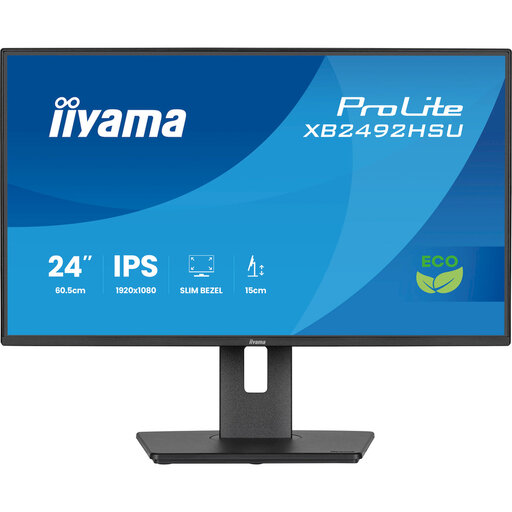
iiyama ProLite XB2492HSU 24-inch Full HD
For web searches, record pages and transcriptions at a smaller desk, consider whether a 24-inch Full HD screen gives you enough room.
The product name specifies a 16:9 Full HD display. Check the exact connections against your laptop before choosing a cable.
View on Joybuy
Common questions
Is a second monitor worthwhile for family-history research?
It can be worthwhile if you repeatedly compare record images with transcriptions and your own notes, provided you have space for a workable setup. Ancestry’s record-image guidance describes a filmstrip and transcription panel; try identifying which views you currently switch between before deciding how much additional screen space you need.
Will a USB-C monitor charge my laptop?
Only if the particular monitor’s power delivery meets your laptop’s requirements and the connection supports the video mode you need. LG specifies up to 15 W for the 32U631A-B and up to 90 W for the 27U730A-B; check the exact model and whether a suitable cable is included.
What should I measure before choosing a larger screen?
Measure usable desk width and depth with space for the stand, laptop or keyboard, notes and cables. The Health and Safety Executive includes the work surface and immediate environment in its workstation guidance for workers; for a student room, the practical question is whether you can still position and use everything comfortably.
How should I check what to do with an old monitor in the UK?
Check the electrical-equipment collection arrangements where you live and any rules set by your accommodation. GOV.UK describes waste electrical and electronic equipment rules aimed at reducing disposal through incineration and landfill; ask your local collection service or retailer what options apply to your monitor.


