What matters when choosing
For community-survey work in a quiet study, settle the screen’s position and the space needed for documents and tables before deciding whether laptop-hub or meeting features would earn their place on the desk.
| Concern | What to check | Who this matters to |
|---|
| Screen positioning |
Check height and tilt adjustment against your chair and desk; consider pivot or a suitable mount if needed. The Health and Safety Executive advises placing the top of the screen around eye level, about an arm’s length away. |
When I spend long sessions reviewing responses, I want to position the display without arranging the rest of the desk around a fixed stand; around 36% of consumers would put positioning first. |
| Document and table space |
Compare resolution and aspect ratio, not diagonal size alone: Dell lists 1920 × 1200 WUXGA for the P2425E and 2560 × 1440 QHD for the P2425D. Consider whether extra document height or more pixels for tables matters more to you. |
Long questionnaires make me want less vertical scrolling, while detailed response tables make visible detail more important; around 29% of consumers would make workspace their primary concern. |
| Laptop connectivity |
Confirm USB-C video support on the laptop, the monitor’s power-delivery rating and the connections needed for your peripherals. BenQ lists 20 W for the GW2490TC; Dell lists up to 90 W for the P2425HE. |
Moving a laptop into the study, I would value a connection that handles the display and the desk equipment I actually use; roughly 21% of consumers would prioritise laptop connectivity. |
| Meeting features |
Decide whether calls from the study are regular enough to warrant a webcam, microphone or speakers. LG lists these features on the 24BA850; check the exact model for any others you need. |
If I mainly prepare surveys in silence, I would rather choose for reading and data work than for occasional calls; about 14% of consumers would put a simpler quiet-study setup first. |
Joybuy monitors for survey-planning work
These monitors offer WUXGA or QHD choices relevant to questionnaires and survey tables. Choose the format for your work, then check the exact stand, ports and laptop compatibility of the model you intend to buy.
 No image available
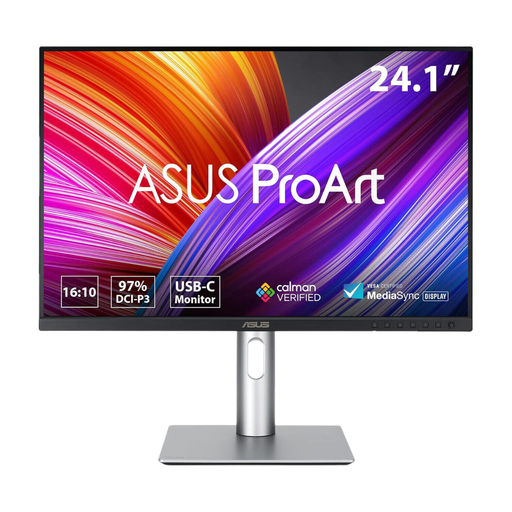
ASUS ProArt PA248CRV IPS WUXGA
Consider this WUXGA IPS model for document-heavy survey work. If you plan to connect a laptop by USB-C, confirm its video and charging compatibility, as well as the included cable and hub configuration for the version sold.
 No image available
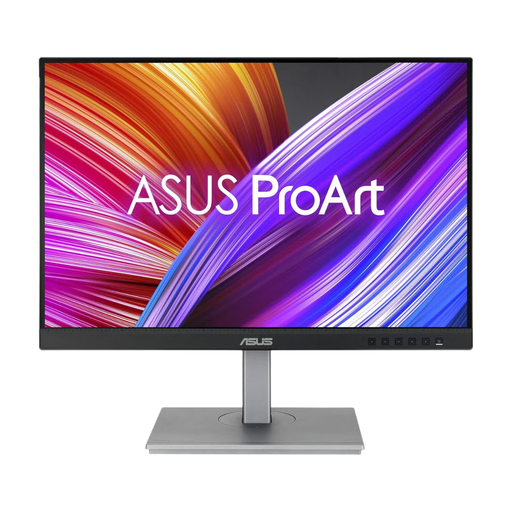
ASUS ProArt PA248CNV IPS WUXGA
This WUXGA IPS option is relevant if long questionnaires are your main screen task and you also need to assess wired desk connections. Confirm the exact hub, Ethernet and cable configuration, and check laptop USB-C compatibility before planning around one cable.
 No image available
ASUS ProArt PA24ACRV IPS QHD
Consider this QHD IPS model when detailed survey tables matter more than the extra document height of a 16:10 screen. Check the laptop’s USB-C video and charging requirements and confirm which cable accompanies the version sold.
 No image available
ASUS ProArt PA278CV IPS WQHD
This WQHD IPS option is worth comparing if you work with survey tables and side-by-side material. Check its dimensions against your desk and viewing distance; if laptop charging matters, confirm the USB-C functions and power-delivery rating for this model.
 No image available
Dell P2425 24-inch WUXGA
The 24-inch, 1920 × 1200 format described by Joybuy makes this a document-oriented option for survey planning. Check the exact refresh rate and USB-C functions before choosing it for a setup that depends on either; do not assume it will charge a laptop.
Common questions
Does an employer need to assess a workstation used for survey planning?
Yes, when the worker falls within the display-screen-equipment conditions described by the Health and Safety Executive: daily use as part of normal work for continuous periods of an hour or more. The assessment considers the whole workstation, the task and individual requirements; it does not mandate a particular monitor model.
Where should I place the monitor on the study desk?
The Health and Safety Executive advises placing the top of the screen around eye level and the screen about an arm’s length away. Check the chair, keyboard and available desk depth as well as the stand adjustment when arranging the workstation.
Can an eye-care mode replace breaks during long survey sessions?
No. The Health and Safety Executive advises short, frequent breaks or changes of activity alongside an appropriately arranged workstation; a monitor mode does not replace those measures.
When is USB-C power delivery worth considering?
Consider it if your laptop supports video over USB-C and you want a monitor connection that may also handle charging. Compare the laptop’s charging requirement with the exact monitor rating: BenQ lists 20 W for the GW2490TC, while Dell lists up to 90 W for the P2425HE. Neither rating establishes compatibility with every laptop.
Do I need a built-in webcam or speakers in a quiet study?
No, not for questionnaire drafting and spreadsheet work alone. Integrated equipment becomes relevant if you regularly join meetings from that desk; otherwise, make screen format, positioning and compatible connections the priority.


