Joybuy monitor choices
These monitors offer different ways to approach detective-adventure play at a small desk, from a curved Full HD VA gaming screen to QHD IPS detail and adjustable general-use displays. Compare each listing’s stand footprint and gaming specifications with your own setup before choosing.
 No image available
KOORUI MG24A12FV2 24-inch curved gaming monitor
Consider this Full HD VA model if you want a compact gaming screen with its listed 180Hz refresh rate and Adaptive Sync. Its title also specifies a 1500R curve, two HDMI ports, DisplayPort and tilt adjustment; check whether the stand’s stated 229.15mm depth leaves enough room on your desk.
View on Joybuy
 No image available
ASUS ProArt PA24ACRV IPS QHD monitor
This QHD IPS option is worth considering when image detail and flexible screen positioning matter more to you than a gaming-specific design. Check its exact width and depth with stand, refresh rate and VRR support if those affect your choice.
View on Joybuy
 No image available
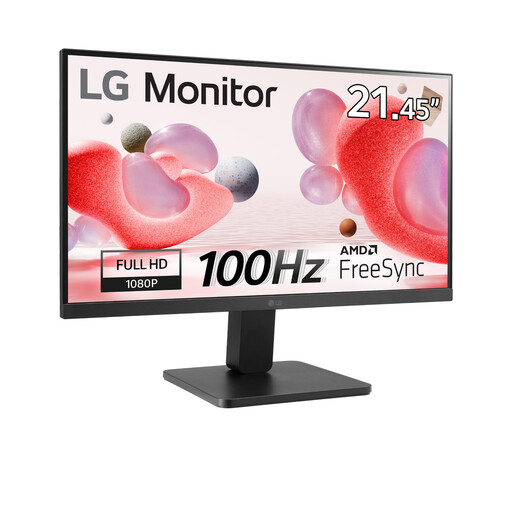
LG 22-inch Full HD VA 100Hz monitor
The 22-inch screen may appeal if available desk space is particularly tight and you prefer a VA panel. Its title specifies HDMI; check the with-stand dimensions and whether this screen size suits your viewing distance.
View on Joybuy
 No image available
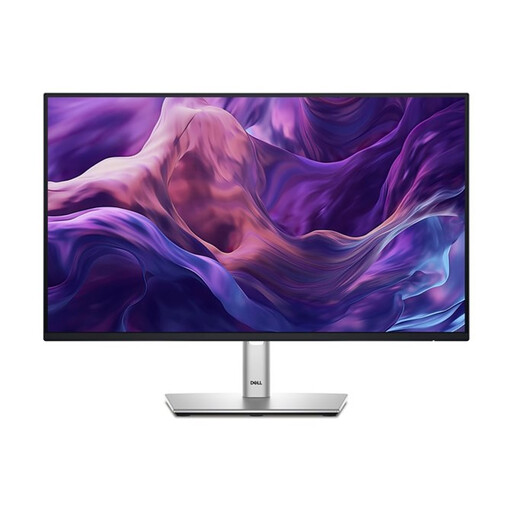
Dell P2425H 24-inch Full HD IPS monitor
This 100Hz general-use monitor is an option if you want a compact IPS display rather than a higher-refresh gaming model. The title lists 1920 × 1080 resolution, USB-C, DisplayPort, HDMI and VGA; check the stand footprint and VRR support if either matters to your setup.
View on Joybuy
 No image available
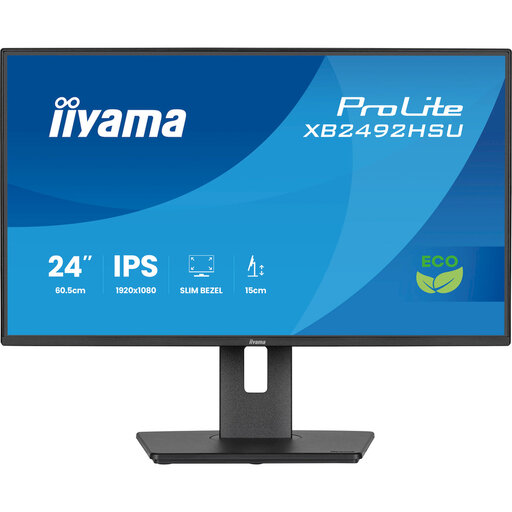
iiyama ProLite XB2492HSU 24-inch class Full HD monitor
Consider this model when compact Full HD viewing and adjustable positioning are more important to you than high-refresh gaming. Its stated 60Hz limit matters if you also play faster games; allow for its listed 543 × 209.5mm width and depth with stand.
View on Joybuy
Frequently asked questions
Should I choose Full HD or QHD at around 24 inches?
Choose QHD if fitting 2560 × 1440 pixels into a compact screen is your priority; choose a Full HD gaming model if its higher listed refresh rate and VRR support matter more. Dell lists the 23.8-inch P2425D at QHD and 100Hz, while the researched compact Full HD gaming examples from ASUS and LG list refresh rates from 165Hz to 200Hz. Compare the stand as well as the display.
Will any monitor arm fit a 24-inch screen?
No: match the arm to the exact monitor’s VESA pattern and supported weight. ASUS specifies 75 × 75mm for the VG249Q5R, while LG specifies 100 × 100mm for the 24GS60F-B and 24GQ50F-B, and BenQ specifies 100 × 100mm for the EX2510S.
Do the input and cable affect the refresh rate I can use?
Yes. Check the monitor’s ports, your computer or console output, and the mode supported over the connection you intend to use. ASUS lists HDMI 2.0 and DisplayPort 1.4 for the VG249Q5R; an advertised monitor refresh rate alone does not tell you which mode your complete setup will offer.
Can I assume the cables and plug are the same in every box?
No. ASUS notes that accessories can vary by region, and LG notes that the supplied power cord depends on country. Check the particular listing’s included cables and plug before ordering.
What should I do with an old monitor when replacing it?
Check the retailer’s or your local authority’s collection and recycling options rather than assuming ordinary household-waste disposal is appropriate. GOV.UK’s guidance on waste electrical and electronic equipment describes measures intended to encourage recovery, reuse and recycling of equipment such as monitors.


