
24/7 Customer Support

Free returns

Same-day & Next-day Delivery

Quality Guaranteed

Unlock Your Welcome Offers: FREE Delivery | Up to 80% OFF | Free 30-day JoyPlus trial
Download the APP
By Joybuy Product Recommendation Officer
If your desk is the centre of your professional, creative or gaming world, you understand the challenges of maintaining a comfortable and productive environment. Long hours staring at a screen can lead to eye fatigue, and traditional desk lamps often create screen glare or take up valuable workspace. A monitor light bar is an elegant and practical solution designed to address these specific problems.
This guide is designed to help you understand what makes a quality screen bar light and to showcase some excellent options available. We will explore the key features to consider, from adjustability to eye-care technology, helping you find the perfect addition to your desk setup.
Choosing the right light for a computer monitor involves more than just brightness. Here are the key factors to consider to ensure you get the most out of your investment.
The primary function of any lamp is to provide light, but quality and control are what set a monitor light bar apart. Look for models with an adjustable colour temperature, typically measured in Kelvin (K). A warmer light (around 2700K-3000K) is ideal for relaxing or reading, while a cooler, more neutral light (5000K-6500K) can help with focus and concentration during work hours.
Equally important is a dimmable function. The ability to adjust brightness allows you to adapt the lighting to the time of day and the ambient light in your room, creating the perfect dimmable desk light for any task. For designers and content creators, pay attention to the Colour Rendering Index (CRI). A CRI of Ra90 or higher ensures that colours on your desk and screen appear natural and accurate.
A key benefit of a monitor lamp is its ability to reduce eye strain. This is achieved through an asymmetrical optical design that directs light downwards onto your desk, not onto your screen. This creates an anti-glare screen light that illuminates your workspace without causing distracting reflections.
Many modern models also incorporate flicker-free technology and features designed to reduce exposure to potentially harmful blue light, making them a true eye-care monitor lamp. These features contribute to a more comfortable viewing experience, especially during long sessions at the computer.
A monitor light bar should complement your setup, not complicate it. Most use a simple counterweight clip system that rests on top of your monitor without screws or adhesives. Before purchasing, check the manufacturer's specifications to ensure it is compatible with your monitor's thickness, especially if you have a curved or ultra-wide screen.
Power is typically supplied via a USB cable, which can be plugged into your monitor, a computer or a separate power adapter. This minimalist approach helps to reduce cable clutter, contributing to a clean and organised home office lighting setup.
Here are a few recommendations that cater to different needs, from straightforward functionality to advanced smart home integration.
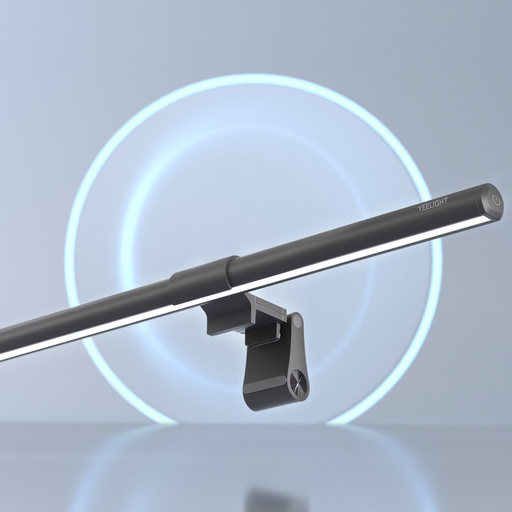
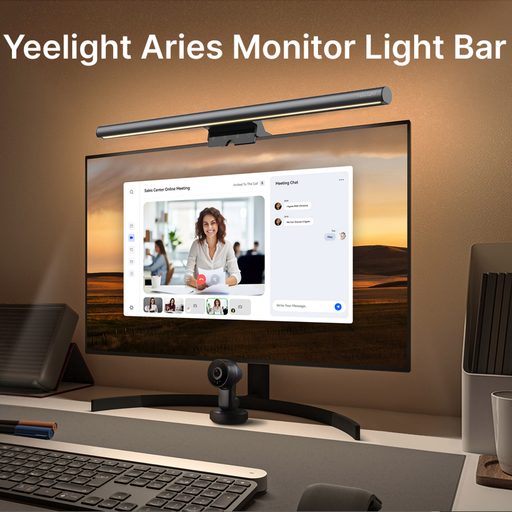
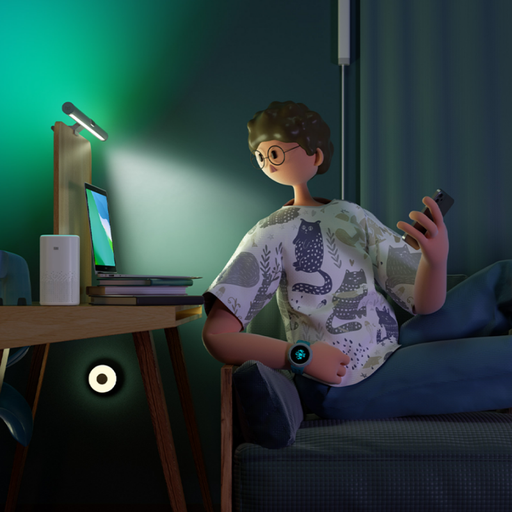
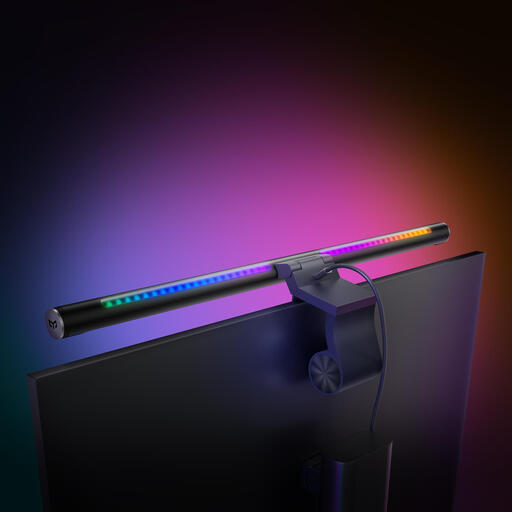
gaming desk light or a high-end workstation.A monitor light bar is a specialised tool for a specific job. If your needs are different, or if you're simply exploring other ways to illuminate your home or office, a wider range of options might be more suitable.
Explore our full range of lighting spotlight solutions to find the perfect fit for your workspace.
Is a monitor light bar worth it? For individuals who spend significant time at their desk, a monitor light bar is a worthwhile investment. It effectively saves desk space, reduces eye strain by providing focused, glare-free illumination and improves the overall ergonomics and aesthetics of a workspace.
Does a screen bar light cause glare on the monitor? A properly designed anti-glare screen light will not cause glare. These lamps use an asymmetrical optical design that casts light forward and down onto the desk surface, intentionally avoiding the screen to prevent reflections and maintain a clear view.
Can I use a monitor light bar on a curved monitor? Many modern monitor light bars are designed with versatile mounting systems, such as weighted clips, that are compatible with both flat and curved screens. It is always best to check the product's specifications for the supported monitor thickness and curvature to ensure a secure fit.