What matters when choosing a monitor?
Settle the desk’s position relative to the window before comparing displays. Then decide how much document space you need and whether the stand and connections suit your laptop setup.
| Concern |
What to check |
Who this matters to |
| Reflections and readable text |
Check the exact screen finish and brightness controls, then whether the desk can be positioned away from direct window reflections. |
If changing daylight makes the proposal hard to read, I need to manage both reflections and screen settings. Around 42% of consumers put reflection control first. |
| Document workspace |
Compare native resolution at the same screen size and try text scaling at your intended viewing distance. |
When I need a draft, sources and a budget visible together, usable document space matters more than extra connections. Around 33% of consumers prioritise that workspace. |
| Desk and laptop setup |
Check stand adjustments, USB-C video support and whether the monitor’s stated power delivery meets your laptop’s charging requirement. |
If I move between laptop work and the window-side desk, I need a screen I can position and connect without compromising charging. Roughly 25% of consumers put setup flexibility first. |
Joybuy monitors for proposal writing
These monitors cover different document-writing setups, from a 27-inch Full HD display to 4K models and a larger 32-inch option. For a bright-window desk, check each exact model’s screen finish as well as its resolution and connections.
 No image available
ASUS ProArt PA278CV IPS WQHD
Consider this model if a WQHD document workspace suits your proposal workflow; compare it with 4K if you regularly arrange several documents side by side.
IPS and WQHD are stated in the product name. For window-side use, check the screen finish; for laptop use, confirm video compatibility and any USB-C charging rating before ordering.
View on Joybuy
 No image available
ASUS ProArt Display PA32UCG-K 32-inch 4K IPS Mini LED
The 32-inch format is an option if your proposal work calls for a larger display and your desk has room for it.
The product name specifies 4K, IPS and Mini LED. Check the screen finish for the window-side position and confirm the brightness specification on the exact product page before relying on it.
View on Joybuy
 No image available
MSI MD272UPSW 27-inch 4K IPS Smart Monitor with Google TV
This model may suit laptop-based proposal work if you want a 27-inch 4K display and your laptop supports the required USB-C video connection.
The product name states USB-C 65W. Compare that rating with your laptop’s charging requirement, and check the screen finish before choosing it for a bright-window desk.
View on Joybuy
 No image available
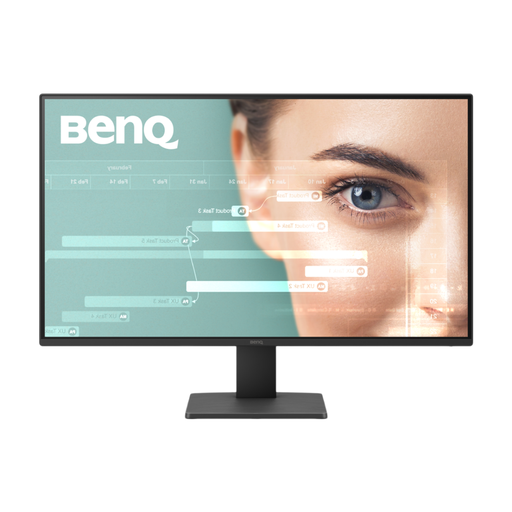
BenQ GW2791 27-inch IPS Full HD 100Hz
For straightforward proposal drafting, consider whether Full HD gives you enough room for your documents before choosing this 27-inch model.
Its product name states IPS, Full HD and 100Hz. Check the exact screen finish, brightness controls and stand adjustments against your window-side desk.
View on Joybuy
 No image available
LG 27UP650K 27-inch 4K IPS Monitor
This 27-inch 4K option is relevant if you want native resolution for detailed proposal documents and can set a comfortable text scale.
The product name states IPS, HDMI and DisplayPort. Check the screen finish for window-side use and confirm that its connections suit your computer.
View on Joybuy
Questions about window-side monitors
Can a brighter monitor solve glare from a window?
No, brightness alone cannot remove a reflection on the screen. Position the workstation and manage daylight first, then assess the monitor’s finish and brightness controls; the Health and Safety Executive’s workstation guidance includes lighting and screen placement.
Do I need 4K for proposal writing?
Not necessarily: 4K is worth considering when you want more native space for documents on a screen of the same size and can use comfortable text scaling. A 27-inch Full HD monitor can suit simpler drafting, but it gives you less native desktop space than a 27-inch 4K model.
Will a USB-C monitor charge every laptop?
No. Confirm that your laptop supports video output through USB-C and compare its charging requirement with the exact monitor’s power-delivery rating; also check the cable needed for the intended connection.
What should I do with an old monitor in the UK?
Use an appropriate electrical-equipment collection or recycling route rather than treating the monitor as general waste. GOV.UK identifies the UK Waste Electrical and Electronic Equipment Regulations 2013, as amended, as the framework for electrical-product recovery and recycling; ask your retailer or local authority which route is available to you.


