Student treasurer using a laptop spreadsheet
You enter and check ticket sales, prizes, expenses and proceeds, and need a screen that connects to your laptop’s actual video output.


Start with a monitor that fits the desk and has a video input your computer can use. A 23.8–24-inch Full HD IPS screen is one suitable route for reviewing raffle spreadsheets; height adjustment matters more if you work at the desk regularly, while a tilt-only stand may suffice for occasional entries. The monitor displays records held on your computer—it does not save figures or manage the raffle.
You enter and check ticket sales, prizes, expenses and proceeds, and need a screen that connects to your laptop’s actual video output.
You need to check the monitor and stand against the space available, rather than choosing by screen size alone.
You spend longer sessions reconciling figures and may value an adjustable screen position. You still need a separate way to save and control access to the records.
Check your computer’s output and the available desk space before comparing stand adjustments or optional display modes. A monitor gives you room to view a spreadsheet, but record storage remains a separate decision.
| Concern | What to check | Who this matters to |
|---|---|---|
| Viewing spreadsheet figures | Check the panel size and resolution against the space available for your spreadsheet. | If I regularly compare ticket entries with expenses and totals, I want the figures visible on a separate screen. Around 36% of consumers put clear spreadsheet viewing first. |
| Desk fit and screen position | Measure usable desk width and depth; compare the stand footprint and whether it adjusts in height or only tilts. | A shared-room desk may leave little room to position a screen comfortably. For around 29% of consumers, fitting and positioning the monitor is the primary concern. |
| Computer connection | Match your computer’s video output to a specified monitor input; check adapter requirements if the ports differ. | I need the screen to connect to the computer that holds the records, without assuming a USB-C socket carries video. Connection certainty comes first for around 21% of consumers. |
| Longer review sessions | Check stand adjustment and the exact model’s display modes; do not treat comfort-feature names as a promised outcome. | When I spend longer periods reconciling entries, screen position and usable display settings matter more to me. Around 14% of consumers prioritise these longer-session considerations. |
A monitor shows what the connected computer sends it; it does not save raffle entries, reconcile proceeds or control who can access them.
Choose the screen for viewing and desk fit, then decide separately how authorised organisers will enter, save, back up and review the figures.
Dell describes the P2425H’s USB-C port as a downstream data connection, not a laptop video input. Connector shape alone cannot establish what a port does.
Compare your laptop’s video output with the chosen monitor’s stated inputs before selecting a cable.
If the ports do not match, a suitable adapter, dock or different monitor may be needed.
Similarly sized monitors can offer different positioning options: Dell lists height, tilt, swivel and pivot adjustment for the P2425H, while LG lists height and tilt for the 24MS550-B and tilt for the 24MR400-B.
Measure the desk and decide which adjustments you will use before comparing secondary features.
In Great Britain, the Gambling Commission says the rules depend on the type of raffle or lottery being run. The monitor used to view its records does not determine that classification.
Identify the organisers, how tickets will be offered and the applicable lottery type, then consult the Gambling Commission’s guidance before running it. Seek guidance specific to Northern Ireland if the raffle takes place there.
Dell UK lists the P2425H as a 23.8-inch Full HD IPS monitor with height, tilt, swivel and pivot adjustment.
LG UK lists two 23.8-inch Full HD IPS models with different stands: the tilt-adjustable 24MR400-B and the height-and-tilt-adjustable 24MS550-B.
BenQ lists the GW2490 as a 23.8-inch Full HD IPS monitor with two HDMI inputs and integrated speakers.
These are conventional monitors to consider for viewing raffle spreadsheets at a student-room desk. The list includes Full HD, QHD and WUXGA models, so check the display format, desk fit and computer connection for each one rather than assuming they share the same setup.
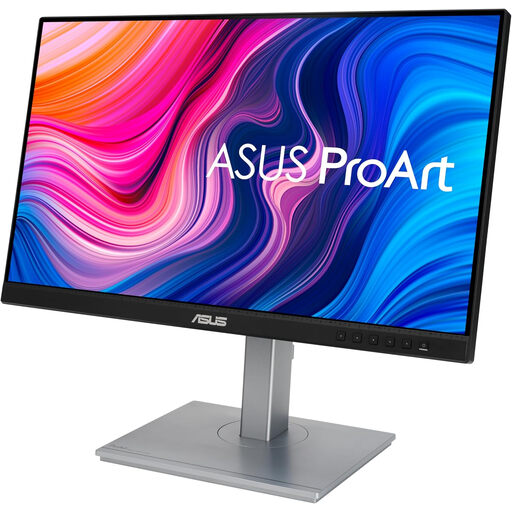 No image available
Consider this for viewing spreadsheet entries on a separate screen at a fixed desk.
The product name specifies an IPS Full HD display and 75Hz refresh rate. Check the stand’s fit and your computer’s video connection before relying on a particular setup.
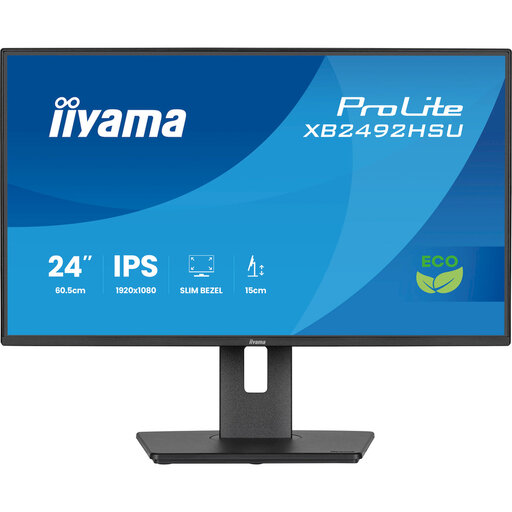 No image available
This is a conventional external screen to consider for reviewing raffle figures at a desk.
The product name specifies a 24-inch-class Full HD LED monitor. Check its stand dimensions and match its stated inputs to your computer’s outputs.
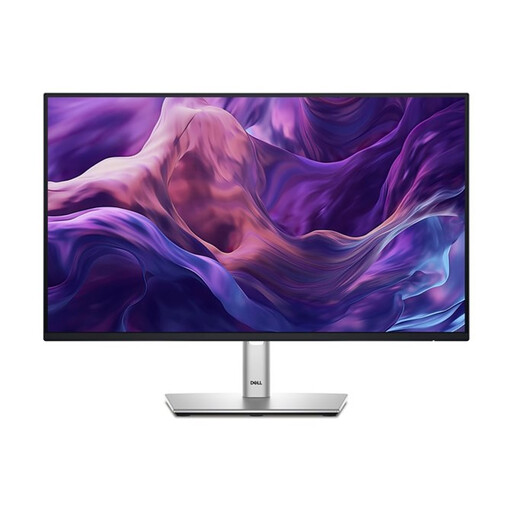 No image available
Consider this model if you review records regularly and want to adjust the screen’s position at a fixed desk.
Dell UK specifies a 23.8-inch 1920 × 1080 IPS panel, height, tilt, swivel and pivot adjustment, and HDMI, DisplayPort and VGA inputs. Its USB-C port is a downstream data connection, not a stated laptop video input; check desk fit and use a video input that matches your computer.
 No image available
This is an option for viewing records if you want to consider a QHD display rather than the Full HD route.
The product name specifies an IPS QHD monitor. Confirm that its resolution, connections and physical dimensions suit your computer and desk.
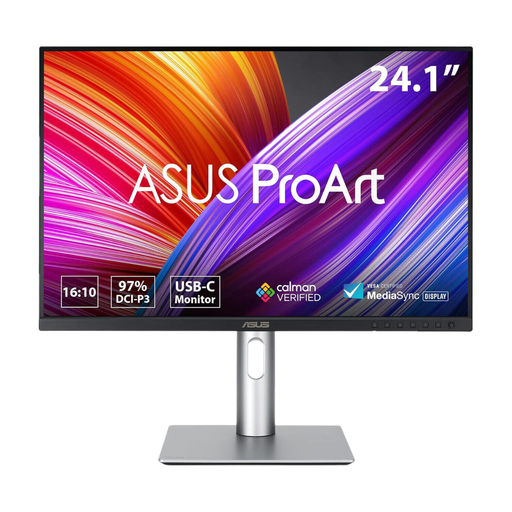 No image available
Consider this as a separate screen for checking spreadsheet entries if its WUXGA format suits your setup.
The product name specifies an IPS WUXGA monitor rather than Full HD. Check its size and stand against the desk, and confirm which connection your computer can use.
No. The monitor displays information from a connected computer; enter and save the figures in suitable software, with access and backups arranged separately.
Height adjustment is worth considering if you review figures repeatedly at the same desk or cannot otherwise position the screen comfortably. A tilt-only stand may suit occasional entry if it fits the desk and your viewing position.
No. A USB-C connector does not, by itself, establish video support. Dell specifies the P2425H’s USB-C port as downstream data; compare your laptop’s video output with the monitor’s stated video inputs.
Yes. The Gambling Commission says the applicable rules depend on the type of raffle or lottery. Identify the organisers and ticket-sales arrangements, then check the relevant official guidance before running it; this Great Britain guidance should not be applied to Northern Ireland without checking its rules separately.