Start with a 23.8–24.1-inch monitor whose stand fits the desk, then choose the display format around your editing work: QHD for finer text and image detail, 16:10 WUXGA for more vertical page space, or Full HD when a simpler setup meets your needs. Check stand adjustment, video connections and any USB-C charging capability against your desk and laptop before buying.
Who these monitors suit
Small-desk recipe editors
If your collection combines recipe copy, ingredient lists and a few images, a roughly 24-inch screen is a useful size to consider. Measure the stand as well as the panel so there is room for your keyboard and reference material.
Colour-conscious cookbook makers
If you work with food photography, illustrations or print-oriented layouts, look for stated colour-space coverage and calibration information. Neither a gamut figure nor a monitor alone guarantees a match to the finished print.
Laptop-based long-session editors
If a laptop drives your external screen, check its video output and the monitor’s inputs before relying on a single cable. Stand adjustment also matters when you need to position the screen centrally for extended work.
What matters when choosing
Measure the usable desk surface first, then decide whether recipe detail, colour-controlled work or laptop connection is your main priority. Treat the percentages below as approximate shares of consumers grouped by their primary need, not as reasons to disregard the other checks.
| Concern | What to check | Who this matters to |
|---|
| Desk fit |
Compare width and depth with the stand attached against the usable surface; check whether the stand can place the screen at a workable height. |
I need room for a keyboard and recipe references without pushing the screen too close. Around 27% of consumers put usable desk space first. |
| Editing detail |
Compare QHD 2560 × 1440, WUXGA 1920 × 1200 and Full HD 1920 × 1080 at the screen size you are considering. |
When I edit small type, ingredient tables and images together, readable detail takes priority; roughly 27% of consumers primarily need that extra detail. |
| Colour work |
Check stated colour-space coverage and calibration information; plan a colour-managed workflow if the collection will be printed. |
Food photographs or illustrations need more careful colour review than my text-only pages. About 20% of consumers make documented colour characteristics their main concern. |
| Laptop setup |
Confirm compatible video inputs, the function and wattage of any USB-C port, and the screen’s adjustment range. |
I want my laptop to drive a centrally positioned screen without assuming its monitor connection will also charge it. Around 26% of consumers prioritise connection and positioning. |
Buying pitfalls
-
Choosing by screen diagonal alone
Similarly sized monitors can take up different amounts of desk depth. BenQ UK lists a depth with stand of 182 mm for the GW2490 and 241.6 mm for the height-adjustable GW2490TC.
Measure the clear space between the wall and your keyboard position, then compare dimensions that include the stand. Allow space for cables and recipe references.
If the stand takes too much working space, a compatible monitor arm or a desk rearrangement may be needed.
-
Assuming USB-C means laptop video and charging
USB-C ports have different functions. BenQ UK specifies DisplayPort Alt Mode and up to 20 W power delivery for the GW2490TC; Dell UK describes the P2425H’s USB-C downstream port as data-only, with up to 15 W power delivery.
Check the laptop’s USB-C video capability, the monitor’s video mode and whether its stated power delivery meets the laptop’s charging requirements.
You may still need to use the laptop’s own charger.
-
Relying on an eye-comfort label instead of positioning
A monitor feature cannot determine whether the complete workstation is arranged comfortably. The Health and Safety Executive advises keeping the screen and keyboard central, with the top of the screen around eye level and the screen about an arm’s length away.
Check that the stand offers the adjustment you need, or confirm mounting compatibility, before planning where the monitor will sit.
-
Expecting sRGB coverage to guarantee a print match
A stated colour gamut covers only part of the process. Even when a monitor has a factory-calibration specification, the file, software and printing process also affect the finished page.
For colour-critical cookbook work, use a colour-managed workflow and obtain a proof from the intended print process rather than judging the print solely on screen.
That workflow may involve calibration equipment or proof prints.
Brands to consider
Dell
Dell’s researched 24-inch office-monitor options cover QHD and Full HD formats. Compare the exact model rather than treating features across the range as interchangeable.
- Dell UK specifies a 2560 × 1440 display and height and pivot adjustment for the P2425D.
- Dell UK describes the P2425H’s USB-C downstream port as data-only, with up to 15 W power delivery; it is not a substitute for checking a laptop’s video and charging connection.
ASUS ProArt
The researched PA248QV is a 24.1-inch, 16:10 option for recipe layouts that include food images or illustrations.
- ASUS United Kingdom specifies 1920 × 1200 resolution, 100% sRGB and Rec.709 coverage, factory calibration, Calman Verified status and a Delta E claim below 2 for the PA248QV.
- Its WUXGA format offers more vertical pixels than Full HD, but fewer total pixels than QHD; its colour specifications do not guarantee a print match.
BenQ
BenQ’s researched GW2490 models illustrate a choice between a shallower basic stand and a more adjustable Full HD setup.
- BenQ UK lists the GW2490 at 182 mm deep with its stand, while the GW2490TC adds 150 mm of height adjustment and USB-C DisplayPort Alt Mode.
- BenQ UK lists the GW2490TC at 241.6 mm deep with its stand and specifies up to 20 W USB-C power delivery; check both desk depth and laptop charging needs.
Joybuy monitor choices
These compact monitor choices cover QHD detail, WUXGA page space and a Full HD option for recipe editing. Compare each model’s stand dimensions and connections with your desk and computer before deciding.
 No image available
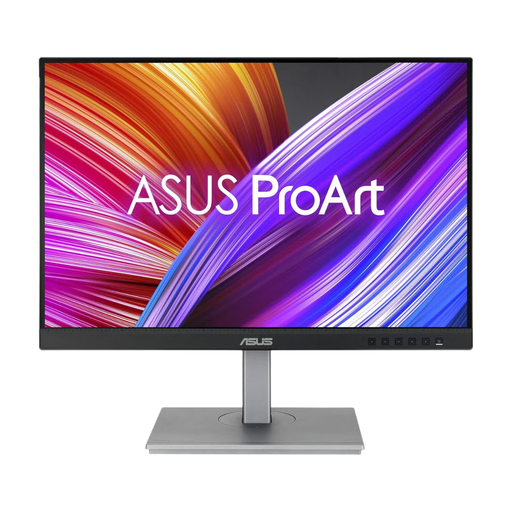
ASUS ProArt PA248CNV IPS WUXGA
Consider this model if a WUXGA display suits your recipe pages. Check its stand footprint against your available desk depth and confirm any required laptop connection before buying.
View on Joybuy
 No image available
ASUS ProArt PA24ACRV IPS QHD
The QHD format is worth considering when small recipe text and image layouts are your priority. Check the dimensions with the stand and any laptop connection you intend to use.
View on Joybuy
 No image available
Dell P2425 24-inch monitor
Consider this 24-inch model for a compact recipe-editing setup. Confirm the stand footprint, the refresh rate of the exact variant and what its USB-C connection does before relying on those features.
View on Joybuy
 No image available
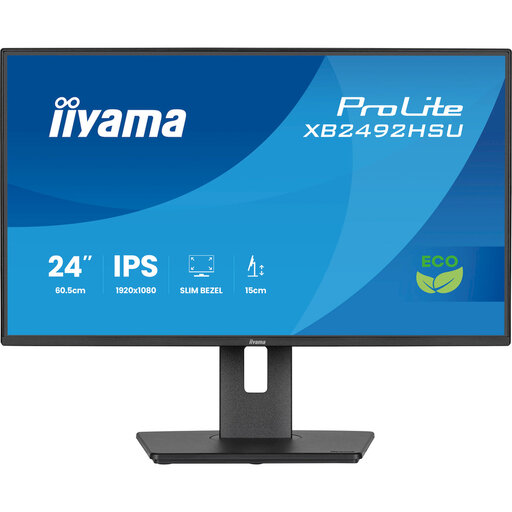
iiyama ProLite XB2492HSU 24-inch Full HD monitor
This 16:9 Full HD option suits a setup where that resolution meets your recipe-editing needs. Compare its stand dimensions with the space left for a keyboard and references.
View on Joybuy
 No image available
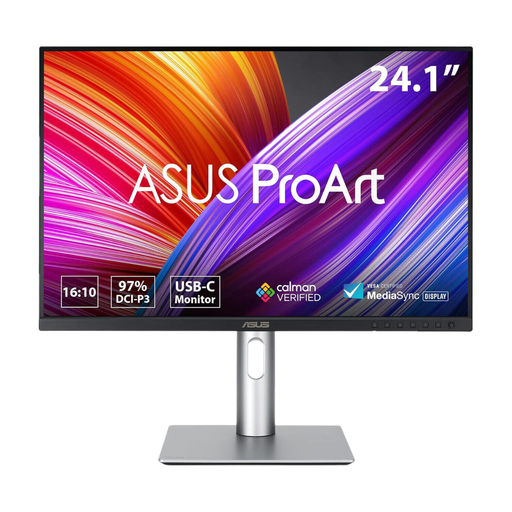
ASUS ProArt PA248CRV IPS WUXGA
Consider this WUXGA model when vertical page space matters to your recipe work. If colour coverage or laptop charging is decisive, confirm the exact specifications alongside the stand dimensions.
View on Joybuy
Common questions
Do I need a 27-inch monitor to edit a recipe collection?
No: a roughly 24-inch monitor may suit this small-desk task if its stand fits and its resolution gives you the detail you need. Measure the usable depth and consider your viewing distance rather than choosing by diagonal alone.
Will a USB-C monitor display my laptop’s picture and charge it?
Only if the laptop and the monitor support the necessary USB-C video connection and the monitor supplies enough power for your laptop. BenQ UK specifies DisplayPort Alt Mode and up to 20 W power delivery for the GW2490TC, while Dell UK describes the P2425H’s USB-C downstream port as data-only with up to 15 W power delivery. Check the exact models before planning a single-cable setup.
Where should the screen sit during a long editing session?
Position it so you can work without twisting towards the screen. The Health and Safety Executive advises keeping the screen and keyboard central, with the top of the screen around eye level and the screen about an arm’s length away; choose a stand or compatible mount that lets you achieve a workable position.
Which after-sales terms should I check before ordering?
Check the return terms and warranty coverage on the exact product listing before ordering. Terms shown for a different monitor do not establish what applies to the model you choose; keep change-of-mind returns distinct from remedies for faulty, damaged or misdescribed goods.


