Quiet cue reviewers
Students checking the timing of reference clips without playing sound aloud need a workable headphone connection as well as a video connection their laptop supports.


For writing sound-effect cues on a limited student-room desk, a 23.8–24-inch Full HD IPS monitor is a sensible starting point, provided its stand fits your space. Match its video input to your laptop and plan a private headphone connection for checking audio; built-in speakers do not serve the same purpose. Check your own residence’s appliance and plug rules before buying.
Students checking the timing of reference clips without playing sound aloud need a workable headphone connection as well as a video connection their laptop supports.
Students keeping a script, cue sheet and reference material on a bedroom desk need to compare the screen and stand dimensions with the space they actually have.
Students who also use the screen for games or moving visual material may care about refresh rate, once the monitor meets their writing, connection and desk-fit needs.
Start with the laptop connection, private-audio route and usable desk space. Consider display comfort for longer writing sessions, then a higher refresh rate if moving content is also a priority.
| Concern | What to check | Who this matters to |
|---|---|---|
| Private audio and connections | Match the monitor’s video input to your laptop’s output. For monitor-connected headphones, check the audio output and source connection; otherwise connect headphones to the computer. | If I need to check cue timing quietly, my first concern is a headphone route that works with my laptop. Around 31% of consumers put private audio and connection compatibility first. |
| Long writing sessions | Compare resolution, screen finish and stand adjustment, then make sure the display can be positioned comfortably on your desk. | When I spend extended periods drafting cues, I want text I can read comfortably and a screen position that works at my desk. Around 31% of consumers place writing comfort first. |
| Desk fit | Measure available width and depth against the monitor’s dimensions with its stand, allowing room for cables. | With limited desk depth, I need room for the monitor and my other work materials without an awkward stand arrangement. Around 23% of consumers make desk fit their primary concern. |
| Motion for other uses | Check the monitor’s refresh rate and whether your computer and chosen connection support the setting you intend to use. | If I also play games or work with moving visual material, smoother motion matters alongside cue writing. Around 15% of consumers prioritise that mixed-use need. |
USB-C functions vary by model. BenQ UK specifies USB-C DisplayPort Alt Mode for the GW2490C but says that its port does not support Power Delivery.
Check that your laptop can send video through the intended port and whether the monitor provides the charging your laptop requires.
With the GW2490C, you will still need a separate laptop charger.
Built-in speakers play sound into the room; their presence does not establish a headphone connection for quiet cue checks.
Confirm an audio route through the exact monitor and source connection, or use headphones connected directly to the computer.
The stand and adjustment affect whether a monitor works on a student desk. BenQ UK lists a 182 mm stand depth for the GW2490, while its adjustment is tilt-only.
Measure your usable desk depth and compare the exact model’s stand dimensions, adjustment and cable clearance before deciding.
A stand that leaves the screen at an unsuitable height may call for a different desk arrangement or an additional riser.
Accommodation requirements are specific to the residence. Newcastle University describes testing requirements for portable electrical equipment in its university-owned accommodation; Swansea University’s residential policy specifies 240V power and three-pin plugs.
Read your own accommodation handbook before bringing in a monitor, particularly if its plug or a proposed mounting arrangement needs checking.
The 23.8-inch Full HD IPS GW2490 and GW2490C are relevant to compact writing desks, but their connection and audio features differ.
The SE2426H is a 23.8-inch Full HD IPS option to assess for a straightforward desk setup.
The 23.8-inch Full HD IPS 24GS65F-B is relevant when the same screen will also be used for games or moving visual material.
These monitors offer screen choices for writing cues, with some also suited to other visual work. Compare each model’s stated display features with your desk space, laptop connections and plan for quiet audio checks.
 No image available
Consider this for cue writing if you want to assess a WUXGA display for your working layout.
The product name specifies an IPS WUXGA screen. Check the stand footprint, laptop connection and headphone arrangement for your setup.
 No image available
This 24-inch option is worth assessing if your main task is keeping cue-writing material on an external screen.
The product name specifies Full HD. Check its stand dimensions, your laptop’s video output and how you will connect headphones for private review.
 No image available
Consider this for a writing-focused desk if a 24-inch screen fits the available space.
The product name specifies FHD. Confirm the stand footprint, a compatible laptop video connection and a private-audio route before choosing it.
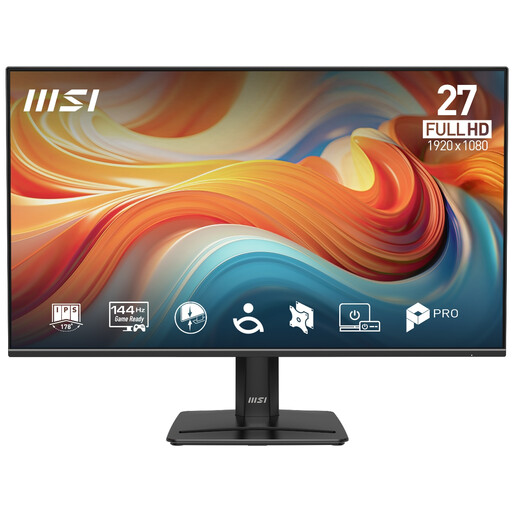 No image available
This model is worth considering if the screen will handle cue writing and motion-heavy material, and you have room for a 27-inch display.
The product name specifies FHD, IPS and 144Hz. Check the stand footprint and whether your computer and connection support the refresh rate you want to use.
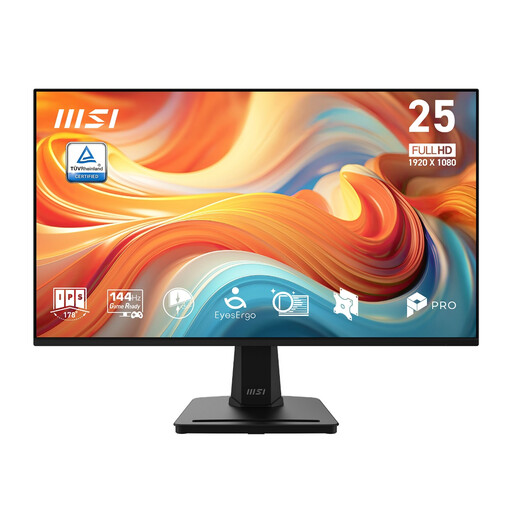 No image available
Consider this model if you write cues but also want to assess a higher refresh rate for other visual uses.
The product name specifies a 24.5-inch FHD IPS screen and 144Hz. Confirm your computer’s supported refresh rate, the stand’s fit and your headphone connection.
No: if you need to check cues without playing sound into a shared room, plan a compatible headphone connection instead. BenQ UK lists 2 × 2W speakers on the GW2490 and a headphone jack on the different GW2490C model, so check the audio connections of the model you choose.
Only if the monitor provides suitable charging and the laptop supports the intended connection. BenQ UK specifies USB-C DisplayPort Alt Mode on the GW2490C but explicitly excludes Power Delivery, so that model still requires separate laptop charging.
It is a reasonable starting point for a script, cue list and reference material on a small desk, provided the actual monitor and stand fit. BenQ UK and Dell UK specify 23.8-inch, 1920 × 1080 IPS screens for the GW2490 and SE2426H respectively; compare the stand dimensions and your preferred text size before buying.
Check your own residence’s rules for electrical equipment and plugs rather than assuming another university’s policy applies. Newcastle University describes portable-appliance testing requirements in its university-owned accommodation, while Swansea University’s residential policy specifies 240V power and three-pin plugs.