A portable monitor can provide a second screen without its own mains connection when your laptop supports the required video and power connection, though the display may draw on the laptop’s battery. At a fixed desk, a USB-C hub monitor can charge the laptop through its display connection, but the monitor still needs a wall socket. Check your laptop’s ports, charging requirements and the complete cable arrangement before choosing.
Who each setup suits
Laptop users avoiding another mains-powered screen
If you keep word lists, quiz questions and answer sheets open beside your main laptop screen, a portable display may give you that extra space without a separate monitor power lead. Check that your laptop can send video through the intended connection; ASUS UK Support notes that a USB-C socket alone does not establish display capability.
Quiz creators working at a fixed desk
If you can allocate one socket to a monitor but want to avoid a separate laptop charger, consider a USB-C hub monitor with laptop power delivery. Dell UK lists this arrangement for the P2425HE; the monitor itself remains mains-powered.
Teachers and tutors moving between locations
A portable second display is worth considering when you prepare or show quiz material in different rooms. Before relying on a one-cable setup, check the laptop’s video output, the monitor’s connection method and whether any driver is needed.
What to check before buying
For vocabulary-quiz preparation with limited sockets, work out how the second screen and laptop will receive power, then check whether they can connect and whether the screen suits your working space.
| Concern |
What to check |
Who this matters to |
| Wall-socket use |
Identify what powers the monitor and laptop; check whether the intended USB-C connection carries both video and monitor power. |
If I have few sockets, I need a second screen without overlooking what keeps my laptop running; roughly 42% of consumers would put socket use first. |
| Laptop compatibility |
Check the laptop’s USB-C video capability and the monitor’s required connection; confirm the cable and any required driver. |
I do not want to set up for quiz work only to find that my laptop cannot send a picture to the display; around 33% of consumers would make compatibility their primary concern. |
| Working space |
Compare the exact models’ screen sizes, resolutions and stand adjustments with your desk space and need to move the display. |
When I spend long sessions reading word lists and editing questions, I want enough room to arrange them comfortably; approximately 25% of consumers would prioritise the workspace. |
Setup mistakes to avoid
-
Assuming every USB-C port sends video
A laptop port may handle charging or data without the video function a portable monitor needs. ASUS UK Support advises checking the port’s display capability; the ASUS ZenScreen MB14AC’s USB-A hybrid connection requires DisplayLink software.
Check your laptop’s port specification against the exact monitor’s connection requirements before ordering, including any driver and cable requirements.
-
Equating one cable with no power planning
A laptop-powered portable screen may use laptop battery power. A fixed USB-C hub monitor can instead charge the laptop, but it needs a mains connection of its own.
Trace the power source for both devices through the full setup, including the laptop charger or adapter, before deciding how many sockets you need.
-
Overloading an extension lead
Electrical Safety First warns that equipment exceeding an extension lead’s maximum current rating can cause overheating and a fire risk.
Check the lead’s rating against the combined load of connected equipment, and do not daisy-chain extension leads.
-
Choosing portability without checking the workspace
A compact second screen may suit moving between rooms, while quiz writing at a regular desk may call for a different screen size or more stand adjustment. The relevant dimensions and adjustments vary by model.
Compare the exact display and stand specifications with the space you use for word lists, questions and answer checking before choosing a portable or fixed setup.
Relevant brands for reference
ASUS
The ZenScreen range includes portable laptop-companion displays for people who need a second screen in more than one place.
- ASUS specifies one USB-C connection for power and video on the 14-inch ZenScreen MB14AC when the laptop supports the required video output.
- The MB14AC’s USB-A hybrid connection requires a DisplayLink driver; its connection details should not be assumed to apply to every ZenScreen model.
Lenovo
The ThinkVision M14t Gen 2 illustrates a portable setup with USB-C power pass-through as well as a second display.
- Lenovo UK specifies a 14-inch 2240 × 1400 IPS display, two USB-C ports and PD 65 W power pass-through for this model.
- Check the laptop’s charging requirement and the adapter and cable arrangement; the stated pass-through capability does not establish suitability for every laptop.
Dell
Dell’s P2425HE is a fixed-desk USB-C hub monitor to consider when the monitor will occupy a socket and the laptop can charge through its display connection.
- Dell UK lists a 23.8-inch FHD IPS display, up to 90 W power delivery and height, pivot, swivel and tilt adjustment for the P2425HE.
- The P2425HE still needs mains power and is a desk monitor rather than a portable display.
Portable monitors on Joybuy
These portable second-screen options are relevant if you prepare vocabulary quizzes in different places or want to assess a setup without a separate monitor mains connection. Check each model’s connection and power arrangement against your laptop before relying on that socket-saving approach.
 No image available
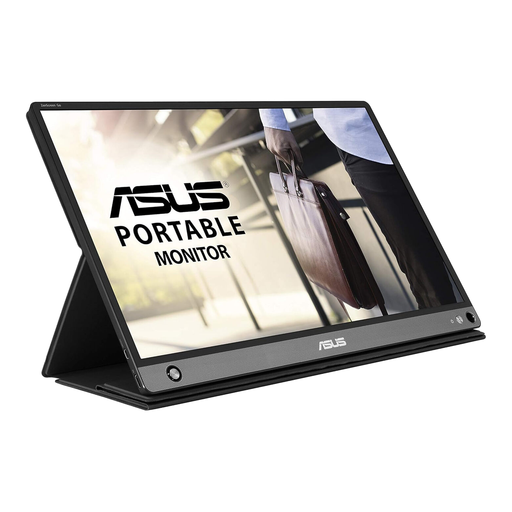
ASUS ZenScreen Go MB16AHP FHD
Consider this portable second screen for quiz preparation away from a monitor outlet. If you plan to use its battery, check that its stated runtime covers your session, and confirm how your laptop will send video and receive power.
View on Joybuy
 No image available
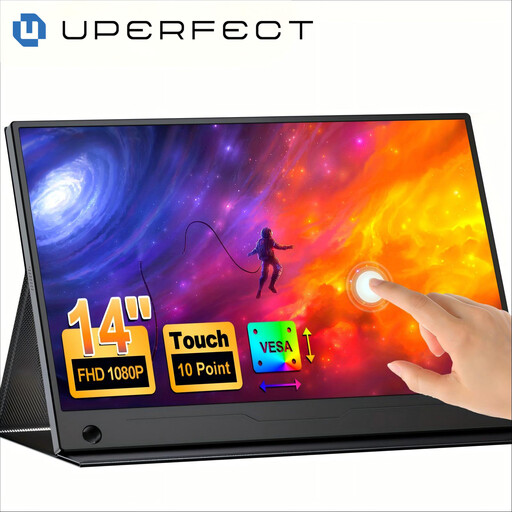
UPERFECT 14-inch 60Hz Touchscreen with VESA and 180° Stand
The touchscreen offers another way to work with quiz material on a portable second display. Its product name specifies a 14-inch screen, 60Hz refresh rate, VESA mounting and an adjustable stand. For one-cable use, confirm that your laptop can provide the required USB-C video and power; otherwise, plan for a separate monitor power supply.
View on Joybuy
 No image available
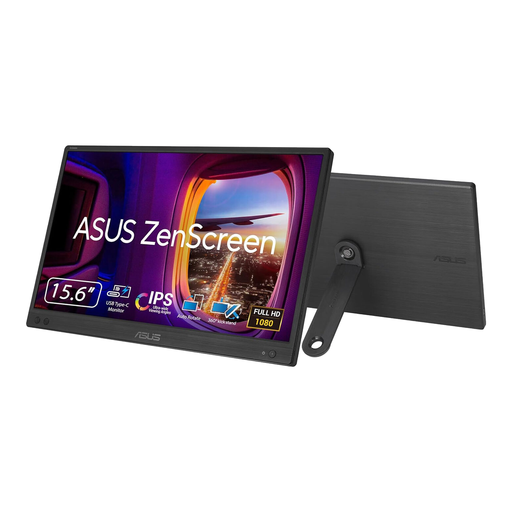
ASUS ZenScreen MB166CR FHD
This portable second screen is an option for moving quiz preparation between locations. Check that your laptop’s USB-C port supports DisplayPort Alt Mode before planning a single-cable connection; do not plan on connecting this model by HDMI.
View on Joybuy
Common questions
Will any USB-C laptop work with a one-cable portable monitor?
No: the laptop’s USB-C port must support the video connection required by the exact monitor. ASUS UK Support advises checking USB-C video capability for plug-and-play display use; a supported USB-A hybrid connection may instead need a driver.
Will a USB-C monitor free up a wall socket?
It can, depending on how both devices are powered. ASUS describes host-supplied power and video through one USB-C connection for the compatible ZenScreen MB14AC, whereas Dell’s P2425HE needs mains power but can charge a compatible laptop through its USB-C connection.
Can I put the monitor and laptop charger on an extension lead?
Only if their combined load stays within the extension lead’s stated maximum rating. Electrical Safety First warns that overloading extension leads and adaptors can cause overheating and fire, so check the equipment and lead ratings rather than treating spare sockets on the lead as spare electrical capacity.
Is a monitor’s USB-C charging rating enough to choose it for my laptop?
No: compare the exact monitor’s rating with your laptop manufacturer’s charging requirement and check the adapter and cable setup. Lenovo UK specifies PD 65 W power pass-through for the ThinkVision M14t Gen 2, while Dell UK specifies up to 90 W power delivery for the P2425HE; neither figure establishes compatibility with every laptop.


