Window-side weather-data readers
If daylight reflects across your charts or tables, screen position matters as much as the display specification. The Health and Safety Executive advises adjusting screens and lighting to avoid reflections and glare.


For plotting weather records beside a bright window, prioritise a screen you can position away from reflections, then choose the resolution that makes your charts and tables comfortable to read. A compact QHD monitor suits a tighter desk, while a 27-inch QHD or 4K monitor offers a different balance of physical space and fine detail. Neither extra pixels nor a higher advertised brightness figure replaces arranging the screen and window light to control glare.
If daylight reflects across your charts or tables, screen position matters as much as the display specification. The Health and Safety Executive advises adjusting screens and lighting to avoid reflections and glare.
If you compare several plots, station tables or maps at once, consider both the screen’s physical size and how much detail its resolution lets you view at a comfortable text size.
If a laptop holds your weather records, a compatible USB-C display and charging connection may simplify your desk. Check the laptop’s video output and charging requirements against the exact monitor.
Start with reflections and where the screen can sit, then choose enough detail for your charts and check any laptop connection you plan to use. Dell UK’s 23.8-inch QHD P2425D, ASUS UK’s 27-inch QHD PA278CV and LG UK’s 27-inch 4K 27UP850K-W illustrate different size-and-resolution routes; a 4K interface may need scaling to keep text comfortable.
| Concern | What to check | Who this matters to |
|---|---|---|
| Glare and positioning | Check the screen finish and whether the stand or mount lets you angle the panel away from window reflections. | When daylight crosses my plots, I need to see faint lines without repeatedly shifting my view. Around 42% of consumers would put glare control and positioning first. |
| Chart detail and workspace | Compare screen size and native resolution, then consider the text scaling you find comfortable. | To inspect maps and station tables together, I need enough readable detail without constant zooming. Roughly 33% of consumers would prioritise chart detail and workspace. |
| Laptop connection | Confirm USB-C video support, the monitor’s charging output and the laptop’s power requirement. | If my laptop is the recording computer, I want a display connection that fits my charging setup. About 25% of consumers would make laptop connectivity their primary concern. |
An anti-glare surface does not make an awkward screen position irrelevant; reflected window light can still cross a chart.
Check how far the stand can adjust and whether the desk lets you turn the panel away from the window. The Health and Safety Executive also advises adjusting screens and lighting to avoid glare.
A 27-inch 4K display can show fine detail, but you may prefer operating-system scaling to keep labels and controls comfortable to read. That changes how much workspace feels usable.
Compare your usual chart density and viewing distance with both 27-inch QHD and 27-inch 4K settings before deciding.
USB-C video and charging depend on the monitor, laptop and connection. For example, ASUS UK specifies up to 65 W power delivery for the PA278CV, while LG UK states up to 90 W for the 27UP850K-W.
Check the laptop’s USB-C video capability, charging requirement and the cable needed for the arrangement you want.
For work use, the screen is only one part of a setup affected by furniture, lighting and the task. Health and Safety Executive workstation guidance addresses those wider conditions.
Review desk position, chair height and screen location after installation, and use your employer’s workstation assessment process where applicable.
Dell UK’s productivity-monitor range includes compact options worth comparing when desk space and chart readability both matter.
ASUS UK’s ProArt line includes QHD and 4K IPS models relevant to users comparing chart detail, screen finish and connectivity.
LG UK lists 4K IPS options for users considering detailed maps alongside laptop connectivity.
These monitors offer QHD, Full HD and 4K options for comparing weather charts at a window-side desk. Check each model’s screen finish and positioning against your room before choosing; confirm laptop compatibility if you need a single-cable setup.
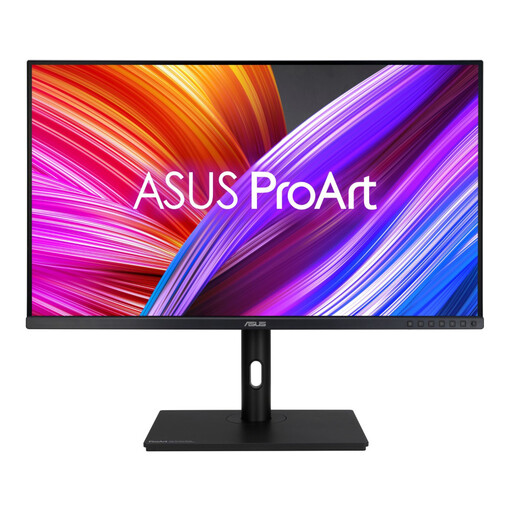 No image available
Consider this WQHD model if you plot several records together and can give the display enough desk space.
Check the screen finish, stand adjustments and connections against your window-side layout.
 No image available
Its 4K resolution is worth considering if fine map labels and detailed charts drive your choice; check whether your preferred text scaling keeps them comfortable to read.
The product name lists HDMI and DisplayPort. Confirm the screen finish for your window-side position.
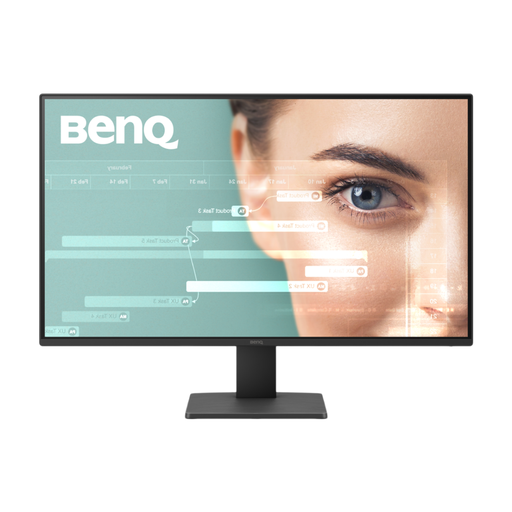 No image available
If your weather plots have relatively simple labels, compare this Full HD option with QHD or 4K before deciding how much detail you need on screen.
Check the stand’s adjustment range against the angles available beside your window.
 No image available
Consider this QHD model when you want chart detail on a more compact desk; check its physical dimensions against your available space.
For window-side laptop use, confirm the screen finish, positioning range and compatibility with the connection you need.
 No image available
Consider its 4K display for detailed weather maps, allowing for the text scaling you find comfortable.
The product name specifies USB-C 65 W. Check your laptop’s video and charging requirements, as well as the screen finish for the window-side desk.
Not by itself: a brightness figure cannot tell you whether reflected daylight will cross the screen in your room. The Health and Safety Executive advises adjusting screens and lighting to avoid reflections and glare.
Yes, if your desk gives you room to reposition the display: height and swivel adjustment can help you change its angle as daylight shifts. Check the exact stand movements before buying; Dell UK lists height, swivel and pivot adjustment for the P2425D.
It can when both the laptop and monitor support the required video and charging arrangement. ASUS UK specifies USB-C power delivery of up to 65 W for the PA278CV, while LG UK states up to 90 W for the 27UP850K-W; check your laptop’s video output, power requirement and cable against the exact model.
Consider the whole workstation, not only the replacement screen. Health and Safety Executive guidance says employers must carry out a workstation assessment for workers whose display-screen use meets its applicable conditions; review the desk, lighting and screen position through your employer’s process where it applies.