Cost-conscious fete treasurers
Consumers who want a budget spreadsheet on one screen while keeping invoices, email or event documents visible on the other, without paying for features they do not expect to use.


Two matching 23.8–24-inch Full HD IPS monitors are a sensible starting point for keeping a village fete budget beside invoices, email and event documents, provided the computer or dock can run two independent external displays and the desk has room for them. If the screens will be used for long sessions, check stand adjustment; consider QHD for more worksheet detail or USB-C power delivery for a compatible laptop, while weighing those features against the cost of a complete two-screen setup.
Consumers who want a budget spreadsheet on one screen while keeping invoices, email or event documents visible on the other, without paying for features they do not expect to use.
Consumers preparing budgets, rotas or supplier records over longer sessions who need to consider how both screens and their stands fit the desk.
Consumers who want to check whether a compatible laptop can connect to two displays, or who value USB-C charging and more worksheet detail.
Start with the cost of two complete screens and the laptop or dock connections. Then decide how much stand adjustment, display detail and USB-C capability the fete work calls for.
| Concern | What to check | Who this matters to |
|---|---|---|
| Cost of the pair | Compare two complete monitors, including stands and the cables or adapters the setup needs. Check the current product details before ordering. | I need to keep the fete's spreadsheet and paperwork open together without committing more of the budget to monitor features I will seldom use; around 50% of consumers put the cost of the complete pair first. |
| Screen position and desk fit | Measure the space for both stands and check height and pivot adjustment on the exact models. | If I will spend long sessions updating budgets and rotas, I need both screens positioned comfortably on the desk; roughly 30% of consumers make workspace fit and adjustment their primary concern. |
| Laptop connections and detail | Confirm support for two independent external displays. If considering USB-C or QHD, check the laptop's video and charging requirements and the screen resolution. | When my laptop drives the setup, I want its connections to work as intended or enough screen detail for dense worksheets; about 20% of consumers prioritise connectivity or display detail. |
Two monitor inputs do not establish that a laptop or dock can drive two independent external displays. Microsoft Support describes arranging multiple displays in Windows after they are connected and detected.
Check the computer or dock documentation for supported external displays and outputs, then match the monitors and cables to those outputs.
Depending on those connections, a dock, adapter or additional cable may be needed.
Port roles differ by model. Dell describes the USB-C port on its P2425H without-stand listing as downstream and data-only, with up to 15 W power delivery; Dell's P2425HE and LG's 24BA850-B instead list power delivery up to 90 W.
Check the exact monitor model, USB-C video function and power-delivery rating against the laptop and cable requirements.
A separate charger, suitable cable or dock may still be necessary.
Two stands must fit the desk as well as the displays. For qualifying regular workplace use, the Health and Safety Executive says employers should assess the whole display-screen-equipment workstation, including equipment, furniture and work conditions.
Measure the desk and consider height or pivot adjustment if the screens will be used repeatedly or by different people. Monitor adjustment alone does not address the whole workstation.
A model name can change what comes with a monitor: Dell identifies a P2425H variant as without a stand, while LG lists an adjustable stand for its 24BA450-B.
Check each exact product title, included stand and supplied cables before deciding what is needed for two usable screens.
The GW2490 and GW2490T are relevant Full HD models to compare when choosing a pair for documents and spreadsheets.
LG's 24BA450-B offers an adjustable Full HD office-screen option, while the 24BA850-B is a separate USB-C option.
Dell's Pro 24 Plus models illustrate why resolution and USB-C port roles need checking by model number.
The X24P1 is a model to consider if a 16:10 screen shape appeals for spreadsheets and text.
These individual monitors offer Full HD, WUXGA or QHD options for a fete budgeting desk. If buying two, check the combined setup and confirm that the computer or dock can connect both screens.
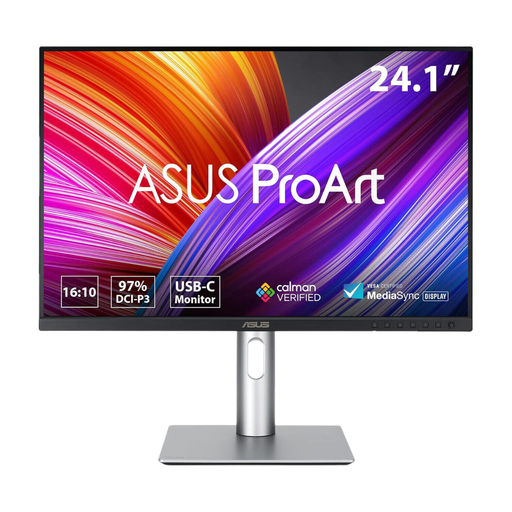 No image available
Consider this monitor if a WUXGA screen format is part of your spreadsheet and document setup. Confirm the connections, stand and cable contents needed for the complete pair.
 No image available
Consider this QHD monitor if more worksheet detail per screen matters to your budgeting work. Check how its connections fit the laptop or dock before planning a pair.
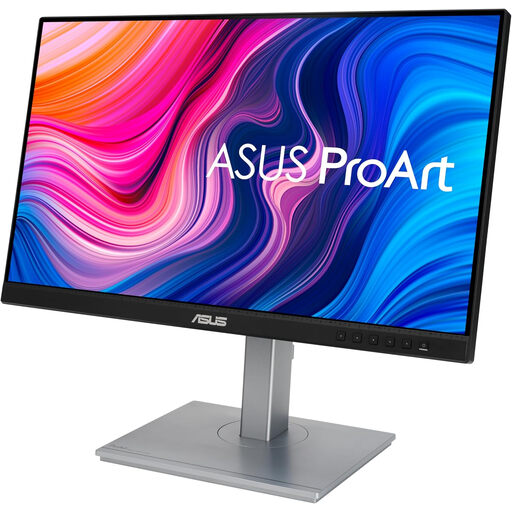 No image available
This Full HD monitor is an option for keeping everyday fete spreadsheets and documents on separate screens. Check the exact connections and supplied cables for a two-monitor setup.
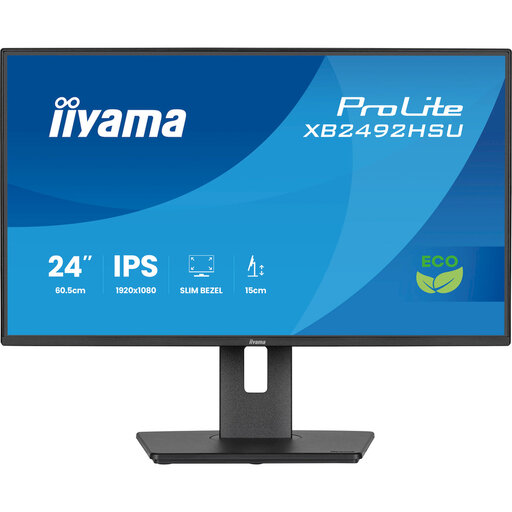 No image available
This 24-inch Full HD model is an option for ordinary budgeting and event documents. Check that two screens and their stands fit the desk, and confirm the required cables.
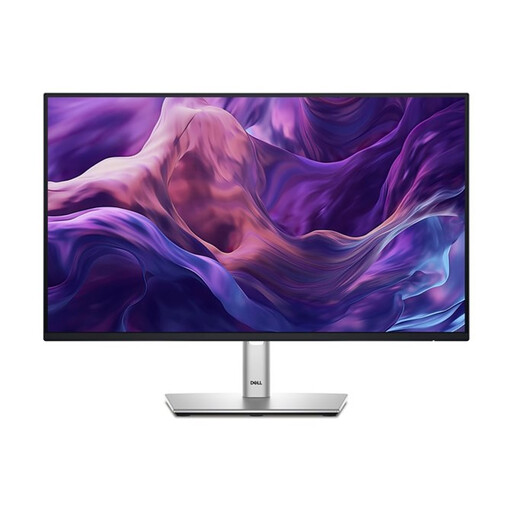 No image available
This monitor is an option for a Full HD budgeting and administration desk. Its product title lists 1920 × 1080 resolution, HDMI, DisplayPort, USB-C and VGA; check the USB-C port's role before relying on it for laptop video or charging.
Not necessarily: check that the laptop or dock supports two independent external displays and has outputs that can connect to the chosen monitors. Microsoft Support advises checking the cables and arranging the displays in Windows after both are detected.
No: the exact monitor, cable and laptop must support the required video and charging functions. Dell lists up to 90 W power delivery for the P2425HE, but describes the USB-C connection on its separate P2425H without-stand listing as downstream and data-only, with up to 15 W; check the model number and the laptop's requirements.
That depends on whether the setup is used for qualifying work, not simply on the number of monitors. The Health and Safety Executive says employers must assess a workstation when workers use display screen equipment daily as part of normal work, continuously for an hour or more; such an assessment considers the whole workstation.
No, but a matching pair can make screen size, resolution and stand adjustment more consistent across the desk. If you mix Full HD and QHD models, check the display arrangement and scaling you will use for spreadsheets and documents.