Offline work commuters
People who need documents, notes or presentations available locally, without depending on cloud access or a socket at their seat.


Carry the smallest kit that keeps your main journey activity working offline: locally stored files and a suitable tablet or laptop for work, downloaded media and headphones for entertainment, or backup power when a flat device would disrupt your day. Treat train Wi-Fi and seat sockets as useful extras, and check download eligibility, storage, charging compatibility and what you can comfortably carry before buying.
People who need documents, notes or presentations available locally, without depending on cloud access or a socket at their seat.
People who want films, programmes, music or podcasts ready to play when a connection drops. Their choice depends on available storage and the download rules of the services they use.
People who rely on a phone for journey essentials or carry several rechargeable devices and need a compatible backup when seat power is uncertain.
For train commuting, start with the activity you need to continue without a connection. Then decide whether charging backup or quieter listening justifies another item in your bag.
| Concern | What to check | Who this matters to |
|---|---|---|
| Offline work | Check space for local files and whether essential documents and apps open without a connection. If you need a keyboard, check compatibility. | If I need to edit documents between stations, cloud access cannot be part of the plan. Around 33% of consumers might put uninterrupted offline work first. |
| Downloaded entertainment | Check the exact title, plan and device for download support, then leave enough free storage. | I want my chosen programmes or playlists ready before boarding, rather than waiting for a stream to start. Roughly 27% of consumers may make playable downloads their primary need. |
| Charging backup | Match the device’s charging input to the power bank’s single-port output and a suitable cable; consider the bank’s carrying size. | If my phone runs flat and there is no suitable seat socket, I lose access to things I need during the journey. Around 20% of consumers might prioritise backup power. |
| Noise control | Check fit, carrying size and stated battery life with noise cancelling switched on, if you intend to use it. | Carriage noise makes it harder for me to follow downloaded audio or concentrate, but I still need to notice my surroundings. Approximately 20% of consumers may put noise control first. |
In its June 2026 rail study, Ofcom found poor mobile performance in 58% to 83% of tests, depending on the network; onboard Wi-Fi performed well only 1% of the time in the study. A cellular device will not make cloud files reliably accessible through coverage gaps.
Before travelling, try opening the documents, media and other essential material you have prepared while the device is offline.
Electrical Safety First distinguishes a bank’s capacity, which affects its potential charging reserve, from its output power, which affects charging. A large capacity does not establish that a particular laptop will charge from it.
Compare the device’s charging requirements with the bank’s single-port output and the cable’s rating, then consider how much capacity you are willing to carry.
Download access depends on the service, plan and title. Netflix says some titles cannot be downloaded and downloads can expire; Spotify says downloads may be lost if the app does not go online at least once in 30 days. Disney+ UK requires an active Standard or Premium plan for downloads.
Check the download option for each title and refresh time-limited content before setting off.
Charging equipment needs to be compatible with the device and in sound condition. London Fire Brigade advises choosing a genuine replacement charger from a supplier you trust.
Inspect power banks and cables regularly. Stop using a battery that swells, leaks or becomes abnormally hot, and keep charging equipment away from heat and liquids.
Current iPad Air models are worth considering for a locally stored work or media library if an iPad suits your apps and carrying preferences.
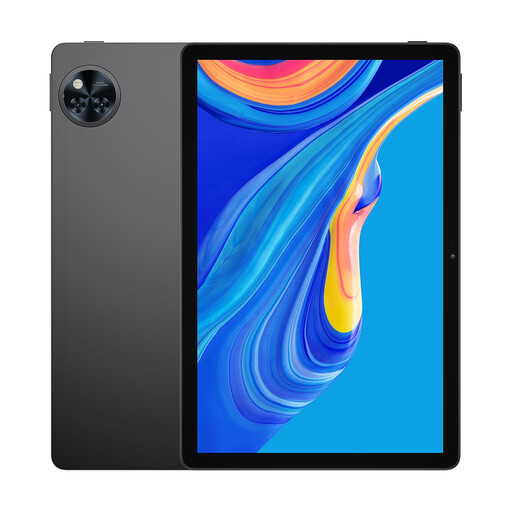
The Galaxy Tab S10 FE is a reference point for commuters considering an Android tablet for local files and entertainment.
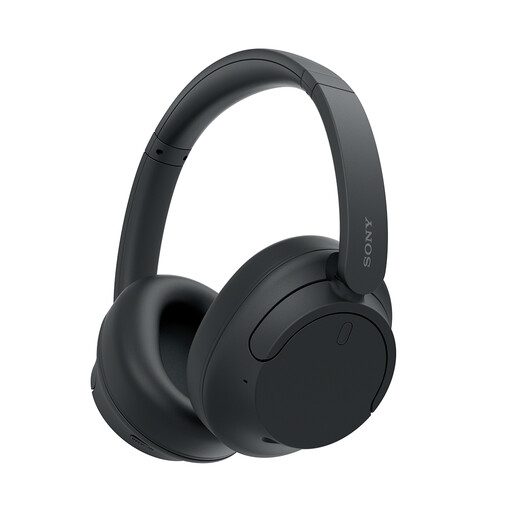
Sony’s over-ear range is relevant if quieter listening is your main reason to carry headphones.
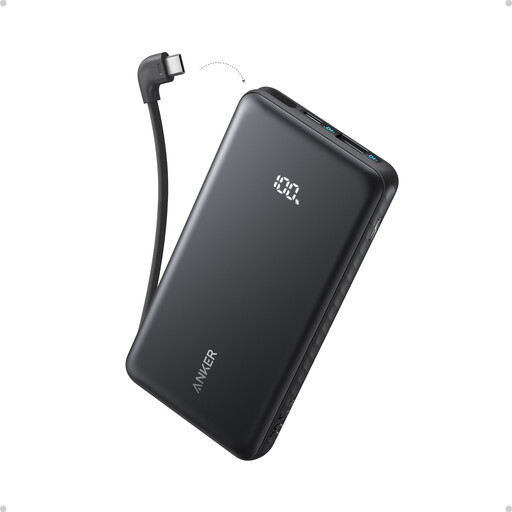
Anker has USB-C power banks to consider when backup charging is more useful than relying on a train socket.
These options cover quieter listening, local storage and charging backup. Choose around the part of your journey that needs protecting, rather than carrying every type of accessory.
 No image available
Consider these when carriage noise gets in the way of audio you have already downloaded to your device.
Over-ear noise-cancelling design. Check the fit for extended wear, and stay aware of announcements and your surroundings.
 No image available
Consider a tablet if local documents or downloaded media are the main reason for adding a screen to your commute.
The title lists an 11-inch screen, 256GB ROM/2TB and an 8580mAh battery. Check usable storage, what the 2TB figure refers to, and whether your apps, plan and chosen titles permit offline access.
 No image available
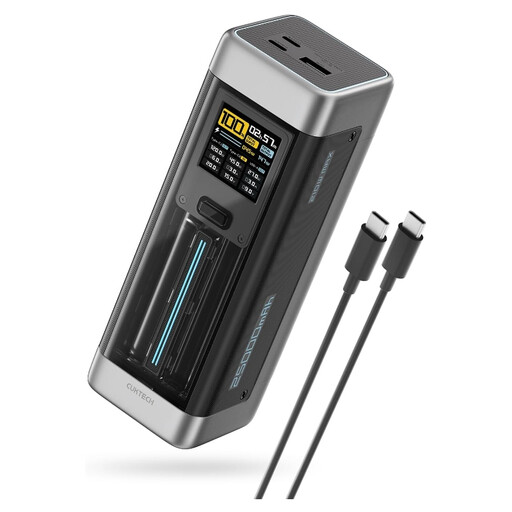
Consider this capacity and stated output when backup charging for a compatible higher-power device matters more than travelling light.
The title specifies 25,000mAh, 140W USB-C and three ports. Confirm the output available from the port you will use, particularly when charging several devices, and match the cable to your device.
 No image available
Consider this option if you want backup charging for a compatible device without packing a separate USB-C lead.
The title specifies 10,000mAh, 22.5W and a built-in USB-C cable. Check that both its output and connector meet your device’s charging requirements.
 No image available
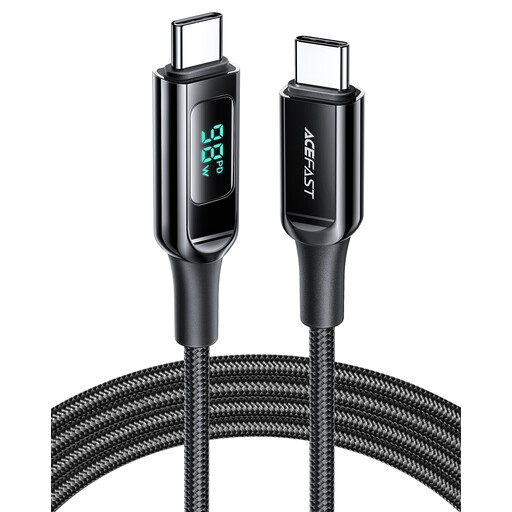
Consider a separate cable if your device and chosen power source both use USB-C and you need a 1.2m lead.
The cable is listed for up to 100W; it supplies no power on its own. Check the device, adapter or power bank and charging requirements of the complete setup.
Prepare essential files and media offline rather than assuming a continuous connection. Ofcom’s June 2026 study across rail-line segments in England, Scotland and Wales found poor mobile performance in 58% to 83% of tests, depending on network, and onboard Wi-Fi performed well only 1% of the time in the study; those findings do not predict every journey.
For an ordinary handheld power bank, check your train operator’s current luggage conditions, particularly if you carry an unusually large battery. National Rail says luggage should be securely packed and manageable and notes that train companies can have different policies; rules for battery-powered transport equipment are a separate consideration.
Do not assume seat power will be available on your particular train. Avanti West Coast lists one plug socket and two USB sockets at each pair of seats on its Evero trains, but facilities depend on the fleet and seating location; carry compatible backup power if a flat device would disrupt your journey.
Spotify, Disney+ and Prime Video provide offline-download options under different conditions, so check your plan, device and chosen content. Spotify says downloads may be lost if its app is not taken online at least once in 30 days; Disney+ UK requires an active Standard or Premium plan, while Amazon UK lists supported Prime Video devices and apps for downloading eligible titles.
Use compatible, undamaged equipment and stop using a bank that swells, leaks or becomes abnormally hot. Keep it away from heat and liquids, avoid covering it while charging, and do not assume it can safely charge a device while the bank itself is being charged; Electrical Safety First notes that most power banks do not support simultaneous charging and discharging.