What to check before buying
For a household considering streaming on an older TV, the decision may turn on the apps, connections, live-TV access, screen or accessibility features that matter most.
| Concern |
What to check when buying |
Who this matters to |
| Required apps and features |
Check the exact device and software version against each required service. For accessibility, check the feature within the app and the programme you intend to watch. |
If a particular UK service or playback feature is essential, I would verify it on the intended device before choosing. Around 26% of consumers in this buying situation put specific apps or app features first. |
| HDMI, power and network |
Confirm a working HDMI input, the device’s stated power method, available sockets and a usable Wi-Fi or Ethernet connection where the TV sits. |
If I want to keep my TV, I need the add-on to connect and run in its actual location. Around 26% of consumers focus first on connection, power and network fit. |
| Live TV and catch-up together |
Check that the exact device or TV supports Freely. Freely specifies at least 10 Mbps for its internet streaming; check broadband at the viewing location. |
If I want live UK channels and broadcaster catch-up together over broadband, I would look specifically for Freely rather than assume every streaming stick offers the same guide. Around 21% of consumers prioritise an integrated live-TV guide. |
| Whether to replace the screen |
Consider whether the current screen’s size, picture and sound still suit you. Check the TV’s resolution and HDR capability against the streamer’s formats. |
If the screen or sound is what I want to change, a new TV may address that need as well as provide a platform. Around 16% of consumers put improving the television itself first. |
| Accessible controls and playback |
Check the exact device’s navigation options and the required app’s subtitles or audio-description support for the viewing mode you use. |
If I rely on a particular spoken menu or playback feature, I would check it in the relevant app rather than assume device settings cover every programme. Around 11% of consumers prioritise accessible controls or playback. |
Joybuy product choices
This selection covers a Roku streaming stick and televisions with built-in smart or Freely platforms, for shoppers weighing an add-on against replacing the screen.
 No image available
Roku Streaming Stick 4K with Dolby Vision
An HDMI-connected streaming stick for adding apps while keeping a working TV.
4K Ultra HD and Dolby Vision support; the TV must support the relevant format to display it.
Joybuy
 No image available
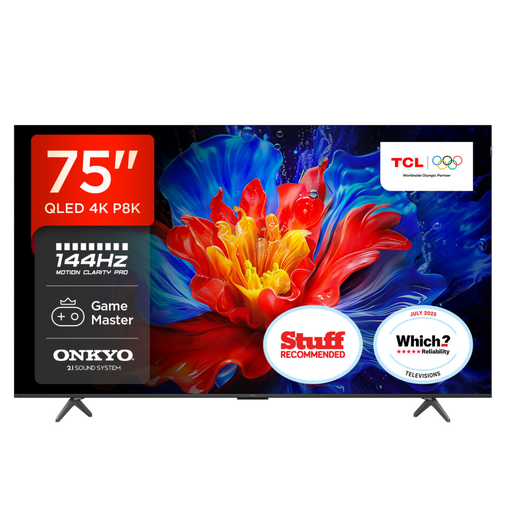
TCL 75P8K QLED 4K HDR PRO Smart Google TV
A television-replacement option with a built-in smart platform, rather than an add-on for keeping the current screen.
75P8K; QLED; 4K HDR PRO; Smart Google TV.
Joybuy
 No image available
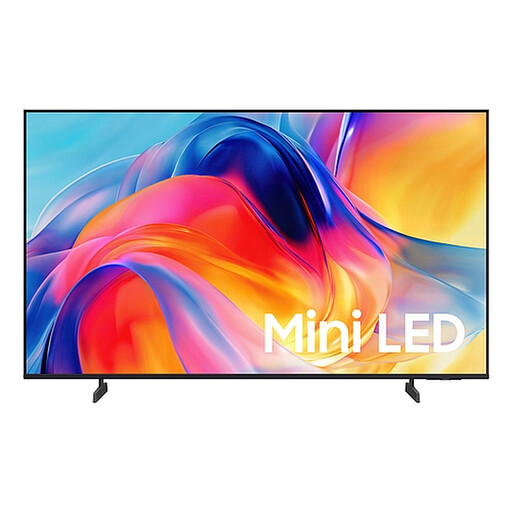
Samsung M73H Mini LED 4K UHD 55-inch Smart TV
A television-replacement option that combines a screen with smart-TV functions.
M73H; Mini LED; 4K UHD; 55 inches; Smart TV.
Joybuy
 No image available
Coocaa 40-inch CTQH38 Full HD Freely TiVo Smart TV
A television replacement for someone seeking a screen with Freely built in, rather than an external box for the current TV.
40-inch; Full HD; Freely; TiVo Smart TV; model 40CTQH38ZUK.
Joybuy
 No image available
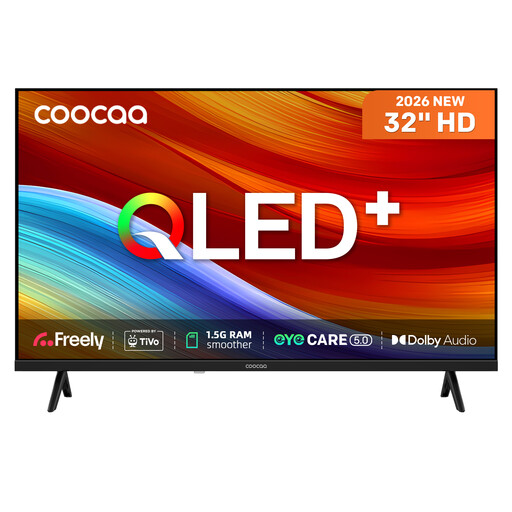
Coocaa 32-inch CTQH38 HD Freely TiVo Smart TV
A television replacement for someone seeking a screen with Freely built in, rather than an external box for the current TV.
32-inch; HD; Freely; TiVo Smart TV; model 32CTQH38ZUK.
Joybuy
Frequently asked questions
Will a 4K streamer make my HD television show 4K?
No. Roku and Google both state that the connected television limits the displayed resolution, so check your TV and the particular streamer before paying for picture features.
What do I need to set up an add-on device?
The requirements depend on the model. Amazon’s Fire TV Stick HD setup specifies an available HDMI input, its power adapter, internet access and an Amazon account; Google TV setup specifies a Google Account and Wi-Fi or Ethernet. Follow the instructions for the exact device.
Do I need an aerial to use Freely on an older HDMI TV?
Freely says its internet-delivered services can be used on an older HDMI TV with a Freely-enabled streaming device without an aerial. Freely specifies a minimum broadband speed of 10 Mbps for live internet channels or on-demand viewing; this is a Freely condition, not a universal streaming-device threshold.
Do I need a UK TV Licence to stream?
TV Licensing says you need to be covered to watch or record live TV on any service or device, and to watch BBC iPlayer live or on demand. It says a licence is not needed solely for on-demand programmes on other services if you do not watch live TV or use BBC iPlayer.
Will subtitles and audio description work the same way in every app?
No. Support can vary by service, platform and viewing mode. ITVX says subtitles on Roku sticks are controlled in the device settings and that audio description is not currently available on its live and FAST channels; check the specific app and programme you need.


