Daytime kitchen-diner viewers
If you watch while daylight or kitchen lights are on, check where reflections fall on the screen before deciding which picture technology you prefer.


If windows, ceiling lights or seats to the side are your main obstacles, start with a TV whose exact size specifies anti-reflection and wide-viewing-angle features. If you mostly watch films with the lights controlled, OLED is worth considering for dark-scene contrast; whichever route you take, check the screen's position, physical fit and distance from kitchen heat and moisture.
If you watch while daylight or kitchen lights are on, check where reflections fall on the screen before deciding which picture technology you prefer.
If you can control the lighting, dark-scene contrast and support for the HDR formats you use may matter more to you than bright-room features.
If people watch from dining chairs as well as a central seat, assess those viewing angles and make sure the TV fits safely away from kitchen heat and moisture.
Decide where the TV can go and which seats need a clear view, then weigh daytime reflections against your preference for evening film viewing. Check features on the exact screen size: Samsung UK specifies Wide Viewing Angle with Anti-Reflection for the 43-inch, 50-inch and 98-inch QN90D variants, not every QN90D size.
| Concern | What to check | Who this matters to |
|---|---|---|
| Daylight and reflections | Check the exact size's screen treatment and look for reflections from windows and ceiling lights at the planned position. | If I watch while the kitchen is bright, I need to follow both outdoor action and darker scenes without a light reflected over the picture. Around 33% of consumers put glare control first. |
| Dark scenes and HDR | Confirm the exact model's HDR formats against your film sources, and assess a dark scene in your usual lighting where possible. | When I settle down to a film in the evening, I care most about contrast in caves, night scenes and other dark settings. Dark-scene presentation comes first for around 27% of consumers. |
| Side seats and fit | Assess the picture from dining seats; measure the space and check the exact model's stand, weight and wall-mount specification. | People at my table should be able to watch too, but the screen must still fit its intended surface or wall. Around 20% of consumers prioritise shared seating and physical fit. |
| Sound and ongoing use | Check dialogue at normal kitchen noise levels, the connections needed for your sound setup and the exact model's energy-label figures. | Cooking noise can mask speech, and I want to understand the electricity use if the TV is on regularly. Sound and ongoing-use checks lead for around 20% of consumers. |
Windows and task lighting can put visible reflections across the screen. An anti-reflection claim also needs to apply to the size you intend to buy: Samsung UK limits its stated QN90D wide-angle anti-reflection feature to particular sizes.
Check reflection paths from each usual seat, then confirm the screen treatment for the exact model and size.
Screen dimensions, stand arrangements, weight and mounting patterns can change between sizes. Sony UK's BRAVIA 8 specifications, for example, give model-specific fitting details.
Measure your furniture or wall space and compare it with the full model number's stand and mounting specifications before choosing a screen size.
A mismatch could mean changing the furniture or mount, or arranging different installation work.
Electrical Safety First advises keeping TVs on a flat, stable surface away from moisture and heat.
Choose a position that meets the TV manual's instructions, and check the proposed installation with an installer if the location is close to kitchen appliances.
GOV.UK describes television on-mode energy consumption in kWh per 1,000 hours for standard dynamic range (SDR) content. A grade alone does not give you that usage figure.
Compare the exact models' kWh per 1,000 hours figures, including high dynamic range (HDR) figures where shown, against the way you expect to use the TV.
These model ranges offer different features to examine for this room; a brand name alone does not establish how a particular size will handle your lighting or seating.
The QN90D Neo QLED range is relevant if reflections and side seating drive your choice.
The BRAVIA 8 OLED range is relevant to film viewing when you can manage room reflections.
The 65C855K is a large-screen QD-Mini LED model to examine if HDR formats and built-in audio matter to you.
These OLED, QLED and Mini LED models offer starting points for evening film viewing or a kitchen diner with changing light. Compare each exact model against your window positions, dining seats and available installation space.
 No image available
Consider this OLED model if adventure films are mainly an evening activity and you can manage reflections. Check its view from the dining seats and the fit of the exact 55-inch set before buying.
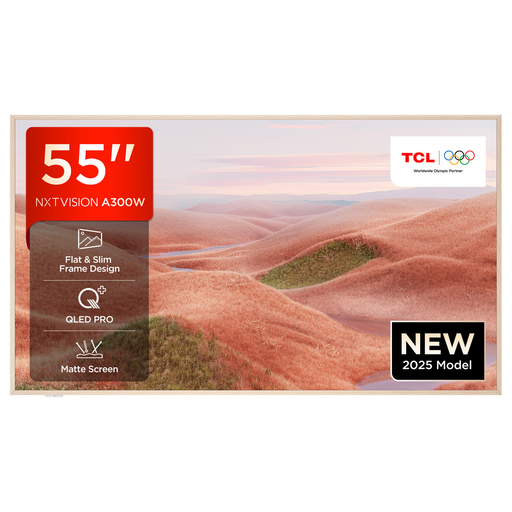 No image available
The named matte anti-glare screen makes this model worth assessing where windows or lights could reflect in the TV; it does not establish the result in your room. Check the planned viewing angles and physical fit. The title also specifies Google TV.
 No image available
This 55-inch Mini LED model is another option to assess for film viewing in a shared room. Its title specifies VIDAA and a built-in subwoofer; check dialogue at your usual kitchen noise level, as well as reflections and stand fit.
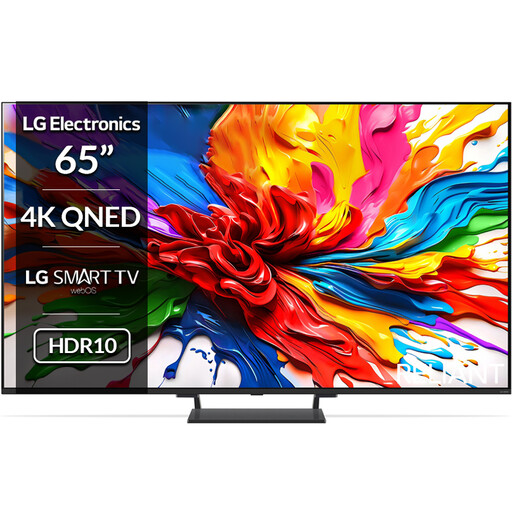 No image available
Consider this 65-inch model if that screen size suits your viewing positions and available space. Confirm the stand footprint and assess reflections and side-seat viewing for the exact set rather than relying on its MiniLED label.
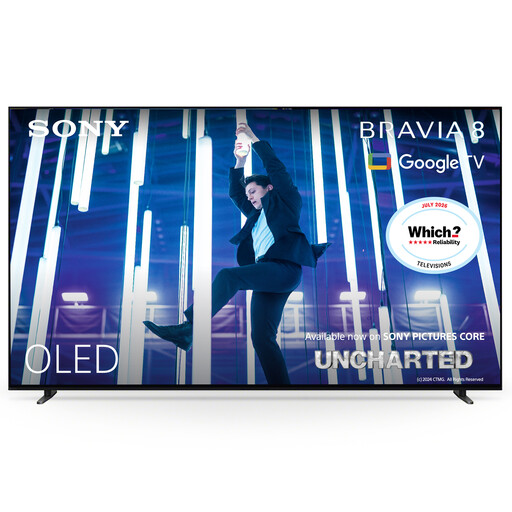 No image available
This OLED model suits consideration when you mainly watch films with controllable lighting. Sony UK lists Dolby Vision for the 55-inch BRAVIA 8; check reflections, side-seat viewing and the exact set's installation measurements in your room.
Check reflections from the intended screen position and from the seats you use before choosing by panel type. Samsung UK specifies Wide Viewing Angle with Anti-Reflection for the 43-inch, 50-inch and 98-inch QN90D variants, so confirm any similar claim for the exact model and size you are considering.
Keep the TV away from moisture and heat, and follow the placement instructions for the exact model. Electrical Safety First also advises using a flat, stable surface; do not assume one clearance distance works for every TV and kitchen appliance.
Compare the exact models' on-mode consumption figures in kWh per 1,000 hours, rather than relying on the label grade alone. GOV.UK specifies this measure for SDR television content; also inspect HDR figures where they are shown, then consider your own viewing hours.