What matters when choosing a setup?
Decide where the intended group plays before choosing a device. Then set up the child’s account and check the exact game’s play and chat options; accessories come after those decisions.
Console with a child account
Consider it when: The child’s regular group plays on a console ecosystem that supports the intended game mode.
Bear in mind: Xbox, PlayStation and Nintendo offer different family controls; game chat and platform chat may need separate settings. Nintendo says standard Switch parental controls apply to the console as a whole, rather than to each player.
Gaming-capable computer
Consider it when: The intended group uses a computer game or service that the household’s console cannot accommodate.
Bear in mind: Account, game and communication-service settings may each need attention; changing a setting inside one game need not close another chat route.
| Concern |
What to check |
Who this matters to |
| Voice and social contact |
Check child-account permissions and both game and platform chat settings. Confirm how the child can mute the microphone. |
I want my child to coordinate with approved friends without opening an unwanted chat route. Around 31% of consumers put controllable communication first. |
| Co-player and platform fit |
Confirm the group’s platforms and whether the exact game supports the intended online or cross-network mode. |
Playing with a particular friend or relative matters more to me than choosing a device in isolation; around 25% of consumers put co-player compatibility first. |
| Accounts and age settings |
Review the game’s PEGI information, create a child account and secure adult or guest access where applicable. |
Before my child starts playing, I need boundaries for content, communication and household use. Around 25% of consumers make account management their primary concern. |
| Shared-room play and access |
Check local-player support and controller compatibility, then review any online-membership requirements for participating accounts. |
We also play together in the same room, so extra controllers need to suit those games. Around 19% of consumers put shared-room play and access first. |
Headsets for a planned chat setup
These Joybuy choices are headsets for households that have decided voice chat is appropriate. Check fit, listening controls and the connection to the child’s exact device before buying; a headset does not set the account’s contact permissions.
 No image available
LOGITECH ASTRO A10 Gen 2 Wired Headset – White
Consider this wired headset once the child’s voice-chat permissions and intended device are settled.
Check the connection, microphone mute, fit and listening controls for the child’s setup.
View on Joybuy
 No image available
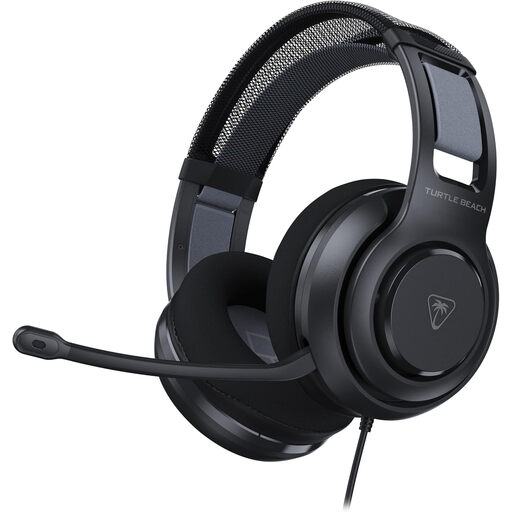
Turtle Beach Atlas 200 Gaming Headset – Black
Consider it for planned voice play on a console or PC after confirming the particular device and chat method.
Check the headset connection and microphone operation, as well as fit and listening controls for the child.
View on Joybuy
 No image available
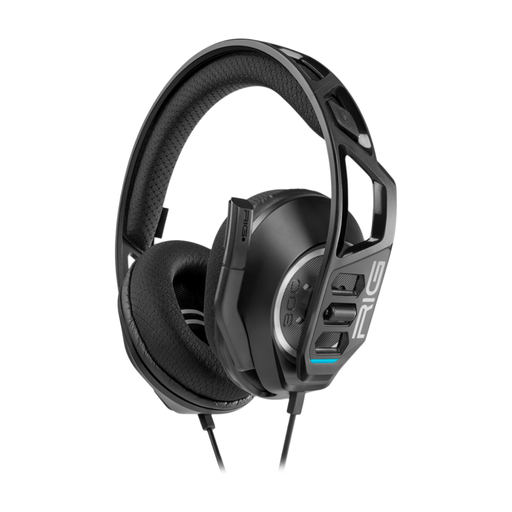
Nacon RIG 300 PRO HN Wired Headset – Black
This wired model is an option when the household has chosen a permitted voice-chat route.
Confirm its connection and microphone controls with the intended device, and check the fit and listening controls before use by a child.
View on Joybuy
 No image available
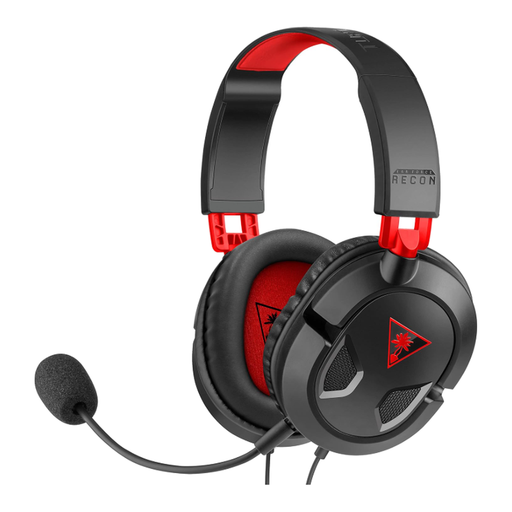
Turtle Beach Recon 50 Wired Headset – PC, Xbox and PlayStation
Its product title names PC, Xbox Series X or S, Xbox One, PS5 and PS4; check the connection and chat method on the exact device the child will use.
Also check microphone operation, fit and listening controls. Game and platform permissions remain separate from the headset.
View on Joybuy
 No image available
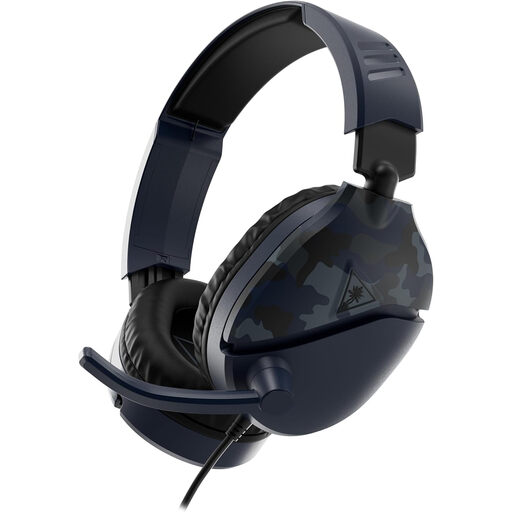
Turtle Beach Recon 70 Gaming Headset – Blue Camo
Consider this model only after confirming the child’s intended platform and permitted chat route.
The product title names Xbox, PlayStation, Nintendo Switch and PC. Check microphone operation with the intended chat method, plus fit and listening controls for the child.
View on Joybuy
Common questions
Can I control voice chat by switching it off in the game?
Not necessarily: a console or platform may provide another chat route. Ask About Games gives Fortnite as an example where disabling in-game voice chat may leave console chat available, so check both sets of permissions.
Does a child need a membership to play online with friends?
The answer depends on the platform and exact game. Nintendo describes online play in supported Switch titles through Nintendo Switch Online, while PlayStation includes online multiplayer with PlayStation Plus memberships; check the game’s requirements for the account that will play.
Can Switch parental controls differ for children sharing one console?
Nintendo says standard Switch parental controls apply to the whole console, not separately to each player. If children need different boundaries, review the relevant game and account options before relying on a shared console.
What should I set up before a child joins online multiplayer?
Set up a separate child account and its age, privacy and communication settings before enabling play. Protect adult access, then check invitations and chat in the exact game and platform the child will use.
Are PEGI age ratings legally enforceable in the UK?
For games supplied in physical form in the UK, the Games Rating Authority says PEGI 12, 16 and 18 ratings are legally enforceable: those games cannot be sold or rented to someone below the stated age. A rating helps assess content suitability but does not set a child’s online communication permissions.


