Laptop-and-tablet switchers
If you join tutorials from more than one device, check the connection and microphone on each. A headset that plays class audio on a tablet still needs to provide usable microphone input for the app you use.


Choose a wired USB headset if you mainly join classes from a computer and want to avoid charging; consider Bluetooth if moving between a laptop and tablet matters more, but confirm that its microphone works in your meeting app on both devices. A 3.5 mm headset depends on a suitable socket or adapter, while a separate USB microphone and headphones suit a fixed desk where the extra equipment will not get in the way.
If you join tutorials from more than one device, check the connection and microphone on each. A headset that plays class audio on a tablet still needs to provide usable microphone input for the app you use.
For extended live classes, a wireless headset’s stated talk time and charging arrangements matter. A wired connection avoids battery management, provided it fits the device you study on.
If other people are nearby during classes, assess the call microphone separately from features that reduce noise for the wearer. A recording or meeting test in your usual study space is more useful than assuming a feature name guarantees clear speech.
Start with the devices and meeting app you actually use, then decide how much you value cable-free note-taking against charging and connection checks.
Choose when: Most classes take place at a computer and you want a headset that does not need charging.
Trade-off: The cable remains on your desk, and the plug may not fit a tablet directly.
Choose when: You regularly move between compatible devices or want to take notes without a desk cable.
Trade-off: You need to manage charging; speaker, microphone and headset-button behaviour can differ by device and app.
Choose when: Your study device has a compatible headset socket, or you have confirmed an adapter that carries microphone input.
Trade-off: It avoids charging but leaves a cable and may require an adapter for a tablet.
Choose when: You usually study at one desk and prefer separate control over microphone placement.
Trade-off: Two audio components take up more space and are less convenient to move between study locations.
| Concern | What to check | Who this matters to |
|---|---|---|
| Device and microphone compatibility | Match the exact headset connector to each device, then check that the meeting app can select it as both speaker and microphone. | If I switch between a laptop and tablet, I need to speak as well as hear the class on both. Around 36% of consumers put that connection and microphone need first. |
| Long-session reliability | For wireless models, compare stated talk time with your class schedule and confirm whether a cable carries audio or only charges the headset. | During lengthy live tutorials, I do not want a flat battery to interrupt participation. Roughly 29% of consumers prioritise staying connected through the session. |
| Voice clarity at home | Examine the call-microphone design and test a recording or meeting from your usual study space; do not use wearer-focused noise cancellation as a substitute for that test. | When my home is noisy, I need tutors to understand my contributions. For around 21% of consumers, outgoing voice clarity is the primary concern. |
| Space for taking notes | Check where a cable would run, whether a wireless receiver uses a needed port, or how much space a separate microphone occupies. | If I write while listening, a cable or microphone stand must not obstruct my desk. About 14% of consumers put note-taking space first. |
A paired headset may play audio while its microphone or physical call controls behave differently in your meeting app. Zoom distinguishes Bluetooth audio from the conditions for full native call controls.
Select and test the speaker and microphone separately in the app. If headset buttons matter, check their support for your operating system, app and exact model.
A familiar plug does not establish that your tablet has the right socket or that an adapter carries microphone input.
Identify the tablet’s connector and confirm that the headset-and-adapter combination supports two-way audio before a tutorial.
Depending on the device, a compatible USB-C or Lightning adapter may be another item to carry.
Listening-time and talk-time figures describe different uses. A headset that lasts through recorded lectures may still need charging during a day of live discussion.
Check the stated talk time and whether the exact model can carry call audio through a cable while connected.
Noise reduction for what you hear does not establish what classmates hear from your microphone.
Assess the call microphone and make a short test recording in the room where you normally study.
Logitech offers both wired USB communications headsets and wireless models relevant to computer-based classes.
Jabra’s Evolve2 65 Flex line is relevant if you are considering a portable Bluetooth headset with a computer adapter.
Poly’s Voyager Focus 2 line is relevant to learners considering Bluetooth use across a computer and another device.
These headset options cover Bluetooth, wired USB and 3.5 mm connections for online classes. Choose by the devices and meeting app you use; a separate desktop microphone is a different setup from the headsets shown here.
 No image available
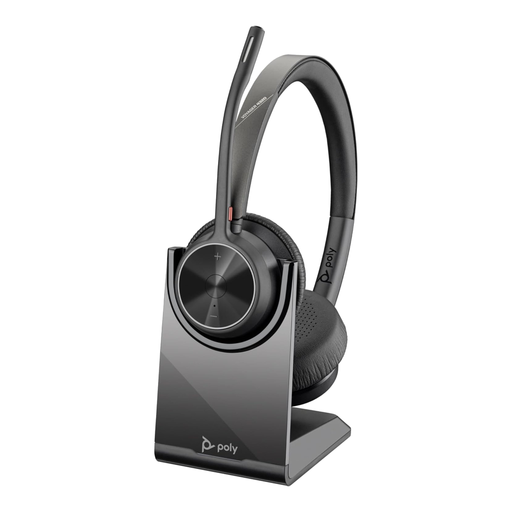
Consider this wireless option if moving between study positions matters. Its listed bundle includes a charging stand; check how the headset connects to each study device and test its microphone in your meeting app.
 No image available
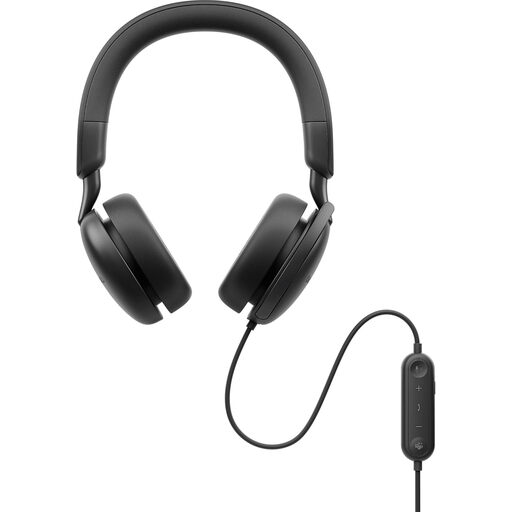
Consider this wired headset for classes taken mainly at one desk. Confirm its connection with your laptop or tablet, and test microphone input in the app you use for tutorials.
 No image available
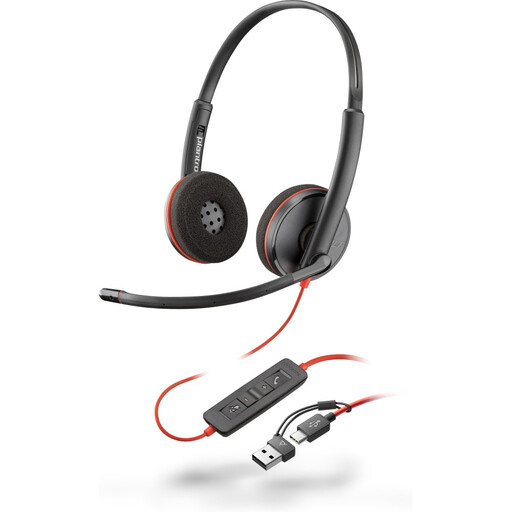
Consider this wired option if your computer connection suits USB-C or the listed adapter. Check tablet and meeting-app compatibility separately, and confirm the wearing style if fit matters to you.
 No image available
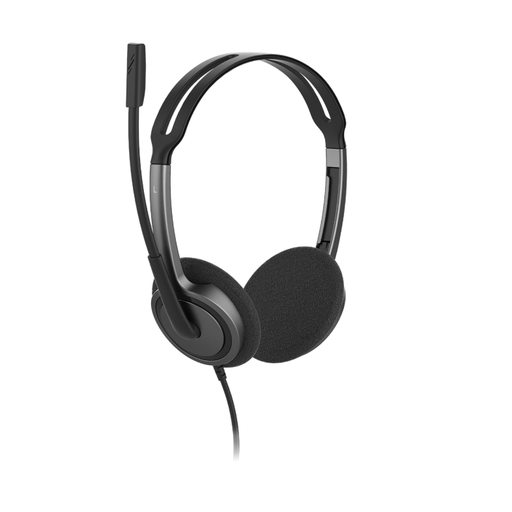
Consider this wired headset if your device has a compatible 3.5 mm headset connection. Its listed rotating microphone can be positioned for use; confirm that any adapter carries microphone input as well as headphone audio.
 No image available
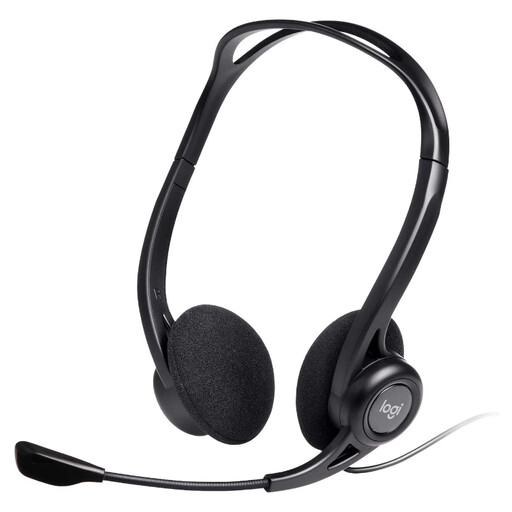
Consider this wired headset for computer-based tutorials if you want controls on the cable. The title identifies a noise-cancelling microphone; check the USB connector against your device and test outgoing speech rather than relying on the feature name alone.
Select the headset as both speaker and microphone in Zoom, then run its audio tests before the class. Zoom Support explains that you can change the input or output if the first selection does not work.
No: Bluetooth speaker and microphone audio does not automatically include full call-button control. Zoom Support sets additional requirements for native controls on Windows and says a USB adapter is needed for full call-control functionality on macOS.
Yes, if the iPad has a suitable headphone jack or you use an adapter appropriate to its port, and the resulting connection supports the headset microphone. Apple Support describes USB-C-to-3.5 mm and Lightning-to-3.5 mm adapters for devices with those respective connections.
Not simply to choose a headset for classes; certification is particularly relevant if you want the supported physical controls and meeting features of a specific Teams setup. Microsoft Support recommends currently Teams-certified models for optimum Teams performance and notes that some older certified devices may not behave as expected.