What matters at the mounting point?
Choose a position and power route before comparing storage and app features: each decision affects what the camera can record at the intended location.
Wired system
Consider it when: cabling is feasible and fixed-location or continuous recording is the priority; eufy describes compatible PoE cameras and local recording in its NVR range.
Allow for: cable routing and checks that the chosen cameras work with the recorder.
Wi-Fi with fixed power
Consider it when: the mount has dependable Wi-Fi and a practical power connection; TP-Link lists Wi-Fi and continuous monitoring for the Tapo C560WS.
Allow for: the exact model’s power requirements and signal strength at the final position.
Wire-free
Consider it when: running a power cable is impractical and battery upkeep or a suitable solar-panel position is acceptable; Ring lists Battery and Solar versions of Spotlight Cam Plus.
Allow for: charging checks or solar conditions, and confirm which power version you are buying.
| Concern | What to check | Who this matters to |
|---|
| Privacy-safe coverage |
Sketch the final view from the mount. Check the available angle and any privacy-masking controls; activity zones alone do not change what the camera sees. |
When watching an entrance near a shared path, I want useful coverage without unnecessarily filming other people. About 30% of consumers put privacy-safe placement first. |
| Night and weather suitability |
Compare the exact model’s IP rating, operating-temperature range and night-viewing or lighting options with the site. |
If my garden is exposed and I need to check alerts after dark, footage at that location matters more to me than a resolution label alone. Roughly 30% of consumers make low-light and weather suitability their primary concern. |
| Recording and power |
Confirm the power variant, recording mode, storage compatibility and any cloud-plan terms. |
For regular footage, I need a power and storage arrangement I can maintain, whether that means cabling, a recorder or a charging routine. About 20% of consumers prioritise recording and power planning. |
| Remote access security |
Check the stated security-update support period for the model and whether the account offers two-step verification. |
When I check alerts away from home, I want access that I can secure and keep updated. Approximately 20% of consumers place manageable, secure remote viewing first. |
Outdoor cameras on Joybuy
These models cover solar-powered wire-free kits and outdoor cameras intended for fixed power or Wi-Fi setups. Compare each one against the cable route, light and view at your planned mounting point.
 No image available
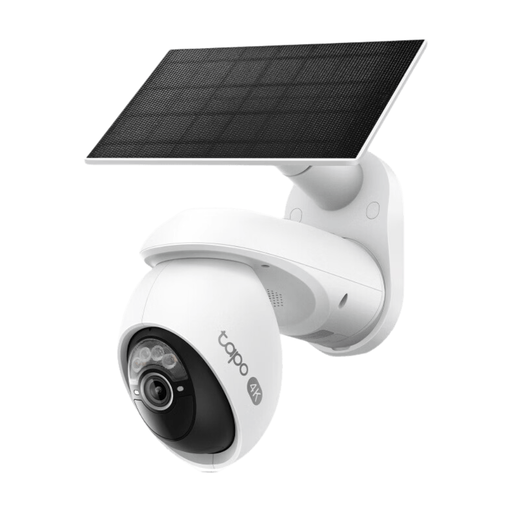
Tapo C660 KIT solar-powered pan-and-tilt camera kit
Consider this kit where running power to the camera is difficult and the solar panel can receive suitable sunlight. Check the panel position as well as the camera angle: pan-and-tilt movement can change what falls within view.
Joybuy
 No image available
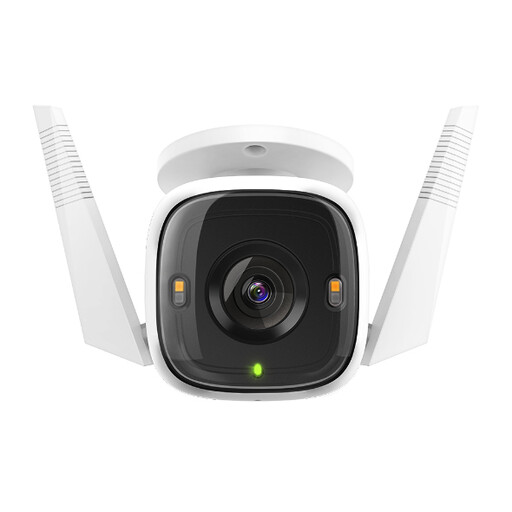
Tapo C320WS outdoor Wi-Fi camera
A Wi-Fi option for an exterior position where you can establish a reliable connection. Check the exact power arrangement, night-viewing features and recording options against the place you intend to mount it.
Joybuy
 No image available
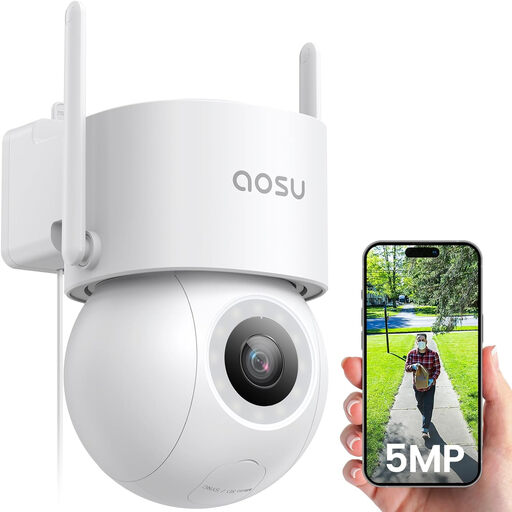
aosu 3K 5MP wired outdoor camera with 400 lm spotlight
Consider this fixed-power model where a cable route is practical. Its product name lists 360° pan-and-tilt viewing, full-colour night vision and 24/7 recording; plan the view and spotlight direction so they suit the entrance without unnecessary coverage or light spill.
Joybuy
 No image available
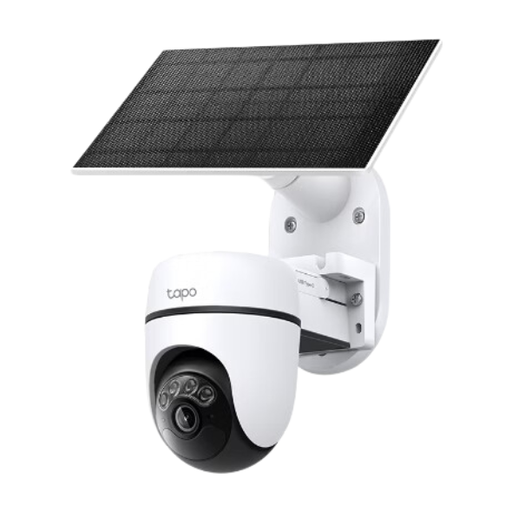
Tapo C610 KIT solar-powered pan-and-tilt camera kit
Another solar-powered kit to assess for a location without a convenient power cable. Check sunlight at the panel position and set the pan-and-tilt view around the area you need to monitor.
Joybuy
 No image available
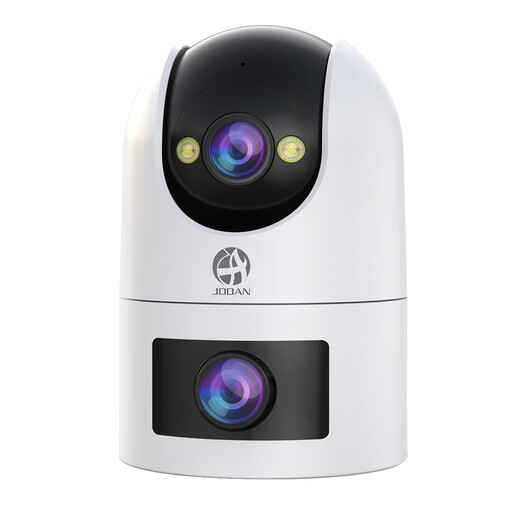
JOOAN dual-lens outdoor Wi-Fi camera
For a fixed outdoor position, check Wi-Fi coverage and the required power connection before choosing this model. Its product name lists 2.4G/5G Wi-Fi, an IP66 rating, colour night viewing and card or cloud storage; confirm the recording terms and assess the full view from both lenses.
Joybuy
Common questions
When do UK data-protection rules apply to my outdoor camera?
They apply when domestic CCTV captures images of people outside your private-property boundary, including in a neighbour’s property, shared space or public area, according to the Information Commissioner’s Office and GOV.UK. Position the camera to capture only your property where possible; if that cannot be done, follow the Information Commissioner’s Office guidance on a clear reason for recording, limiting capture and letting people know CCTV is in use.
Does an IP65 or IP66 rating tell me a camera will suit my wall?
Not on its own. Compare the exact model’s rating and operating-temperature range with the exposure at the proposed mount. Reolink’s device guidance notes that temperature, humidity and ingress protection all affect operation.
Should I choose local storage or a cloud plan?
Choose local storage if a compatible card or recorder meets your recording needs and you want to avoid relying entirely on a cloud plan. Choose cloud storage if the exact ecosystem’s video-history features matter to you; check its UK plan terms and what remains available without a subscription. In either case, recording settings and capacity affect how long footage is retained.
How do I secure a Wi-Fi camera after installation?
Use a strong, unique account password, apply camera and app updates, and enable two-step verification if offered. The National Cyber Security Centre warns that unauthorised access to smart-camera feeds or images is possible, making account protection an ongoing task.
Do I still need to check security-update support before buying?
Yes. The UK’s security requirements for relevant consumer connectable products include a defined minimum period for security updates, as explained by the National Cyber Security Centre. Check the manufacturer’s stated period for the exact camera, then keep its software updated during use.


