What should you check before buying?
Start with the area you need to see and the mounting point available. Then choose a workable power, recording and storage arrangement before comparing individual cameras.
Wired or PoE
Consider it when: You can route cables to fixed positions and want a compatible setup for several cameras or continuous recording.
Allow for: Cable routing and suitable equipment; PoE carries power and data on one Ethernet cable but does not remove the need to install it.
Battery or solar
Consider it when: A useful mounting point has no practical cable route, such as a side path or detached garage.
Allow for: Charging or suitable sunlight, Wi-Fi reach and the exact model’s recording behaviour; solar capability alone does not establish uninterrupted operation.
| Priority |
What to check |
Your needs |
| Coverage and alerts |
Check the view from the proposed mounting point in daylight and at night. Compare the exact model’s motion-detection controls, alert settings and recording mode; Which? includes video, motion detection and app use in its outdoor-camera assessments. |
I want to see activity in the part of the driveway or garden that matters without receiving alerts for every movement outside it. |
| Power and connection |
Locate a suitable power source, Ethernet route or charging position. For a wire-free camera, check Wi-Fi reach and whether a solar panel would receive sufficient light; for PoE, check compatible network equipment. |
A camera at the side of my home needs a mounting and power arrangement I can maintain without an impractical cable run. |
| Footage storage |
Confirm whether the chosen recording mode uses a compatible microSD card, hub, NVR or cloud service. Check what hardware is included, how long recordings are retained and which cloud features require a plan. |
I need to know where clips will be kept and whether the features I want rely on additional hardware or an ongoing service. |
| Account security |
Check the maker’s stated minimum security-update period and available account protections. The National Cyber Security Centre warns that smart-camera feeds can, in rare cases, be accessed by unauthorised users. |
Remote viewing is useful to me only if I can secure the account and keep the camera updated. |
| Privacy and audio |
Aim the camera at your property where possible, then check whether the model offers masking and separate audio controls. The ICO says UK data-protection law applies when home CCTV captures another property, a public area or a communal space. |
I want to watch my entrance without unnecessarily recording a neighbour’s garden, a shared path or public conversations. |
Brand ranges to compare
Use these ranges to identify features worth checking on a particular model; a brand name alone does not establish its storage terms, installation requirements or security support.
Ring
Ring Outdoor Cam Pro appears among PCMag UK’s outdoor-camera recommendations from September 2026. Buyers considering a Ring camera should compare the exact model’s app, recording and storage arrangements.
- A named outdoor model provides a starting point for comparing app-led camera features.
- Check recording features, plan requirements and security-support information for the model you choose.
eufy
eufy UK describes a solar-capable SoloCam S340 bundle with local storage. The bundle’s features and contents should not be assumed for every S340 listing.
- The named bundle is relevant when comparing solar placement and local-storage arrangements.
- Check the exact camera, included storage equipment, mounting position and sunlight requirements.
Tapo
Tapo UK lists outdoor models with local microSD storage and optional cloud services, including the wire-free C401 and wired C560WS.
- Tapo UK specifies microSD support up to 512GB for both named models, providing a model-specific local-storage option to examine.
- Check power, weather rating, detection features and cloud-plan conditions for the exact model rather than applying one model’s specifications to another.
Reolink
Reolink UK describes PoE cameras and several local-storage arrangements, including microSD, hubs and NVRs.
- Reolink UK says its PoE cameras carry power and data over one Ethernet cable; its RLK8-520D4 system is specified for 24/7 recording with an NVR.
- Check cable routing, recorder compatibility and the contents of the particular system before installation.
Outdoor cameras on Joybuy
These models offer solar-powered or fixed-position options for exterior home monitoring. Compare the mounting and recording arrangements of each camera against the area you need to watch.
 No image available
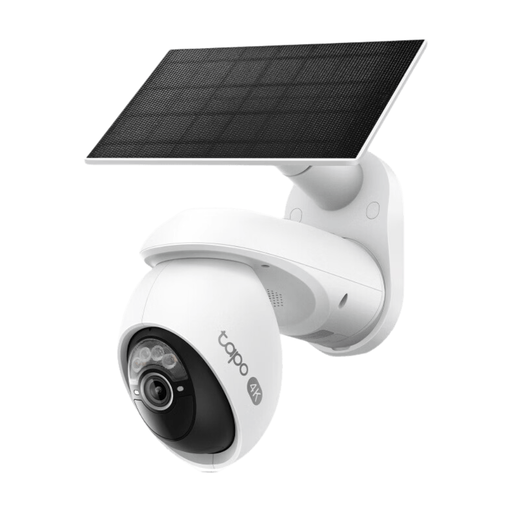
Tapo C660 KIT Solar-Powered Pan/Tilt Security Camera Kit
The solar-powered pan-and-tilt kit is an option for a mounting point where running a camera power cable is impractical. Check that the position receives sufficient light, and confirm the storage hardware included for your preferred recording arrangement.
View on Joybuy
 No image available
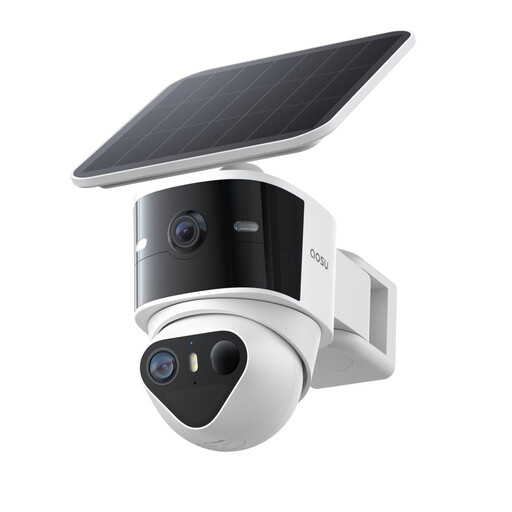
aosu T2 Pro 3K Outdoor Solar Dual Camera
Consider the stated 360° pan-and-tilt view alongside the 170° wide-angle view when planning what the mounting point needs to cover; the product name also specifies 8X zoom. Check solar exposure and your intended recording mode. The product description says a microSD card is not included.
View on Joybuy
 No image available
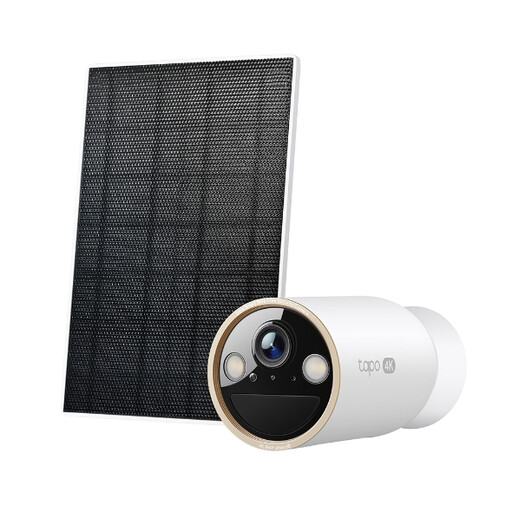
Tapo C460 KIT Solar-Powered Security Camera Kit
This solar-powered kit is another option where a camera power cable would be difficult to route. Check sunlight at the intended mounting point and confirm which storage accessories are included or required for the recording mode you want.
View on Joybuy
 No image available
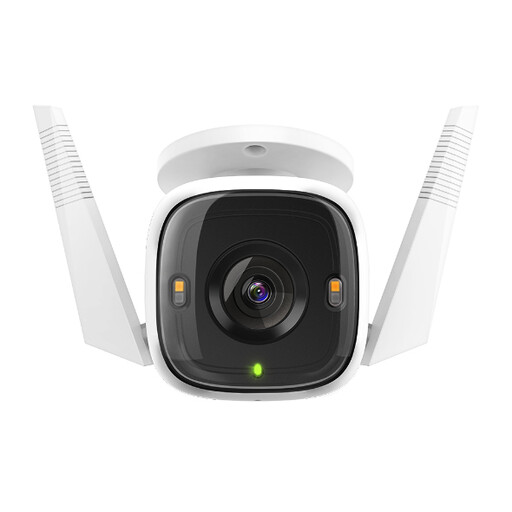
Tapo C320WS Outdoor Security Wi-Fi Camera
This fixed-position Wi-Fi camera needs a suitable mounting point and adapter power; do not treat its network connection as evidence of PoE power. Check the recording mode you need. The product description says its microSD card is sold separately.
View on Joybuy
 No image available
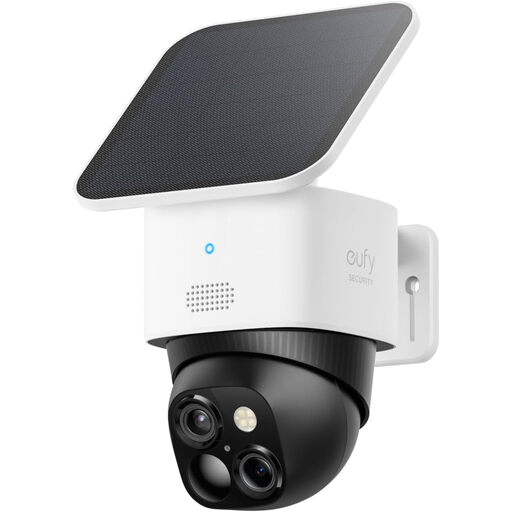
eufy Security SoloCam S340 Dual-Camera Solar Model
The solar-powered dual-camera model is an option for a cable-averse outdoor position; its product name specifies 2.4 GHz Wi-Fi and HomeBase S380 compatibility. Check whether a compatible hub is included or needed for your intended local-storage setup, and confirm the exact resolution of this listing before buying.
View on Joybuy
Frequently asked questions
Can an outdoor camera include a pavement or neighbour’s garden in the UK?
Aim it at your own property where possible. The ICO says UK data-protection law applies if home CCTV captures someone else’s property, a public area or a communal space. Adjust the mounting angle and consider privacy masking to reduce unnecessary capture; masking does not remove any applicable obligations.
Should I record audio with an outdoor camera?
Review audio separately from video and check whether the camera lets you disable audio recording. The ICO advises that CCTV should not normally record conversations between members of the public, describing this as highly intrusive and unlikely to be justified.
Should renters ask before installing an outdoor camera?
Check your tenancy agreement and speak to your landlord or housing provider before fixing or wiring a camera. Installation conditions depend on the property and proposed work; Falkirk Council advises private tenants and housing-association tenants to speak to their landlord before installing a recording system.
What security support matters for a connected camera?
Check the manufacturer’s stated minimum period for security updates and the account protections available for the exact model, including two-step verification if offered. The National Cyber Security Centre warns that unauthorised access to smart-camera feeds is possible in rare cases, making account security and updates relevant to the buying decision.
Is local recording preferable to cloud storage?
Neither arrangement suits every household. Local recording may avoid a cloud recording plan but needs compatible storage hardware, capacity planning and protection against loss or theft. If you want cloud playback, check the exact camera’s plan features, retention terms and account protections before choosing it.


