What should you check?
Decide where the camera can look and how it will connect before comparing recording options. Power choice and storage choice are separate decisions: a camera’s mounting route does not, by itself, tell you where footage is kept.
Wired PoE
Choose when: You can route Ethernet to a fixed position and want a wired connection for continuous recording.
Allow for: Compatible cabling and PoE equipment; Reolink says its PoE cameras carry power and data over one Ethernet cable.
Battery-powered
Choose when: Running power or Ethernet to the camera is impractical, but you can access it for charging.
Allow for: Runtime that changes with use, settings, router conditions and the environment, as TP-Link’s installation guidance notes.
Solar-assisted
Choose when: You need cable-free placement and can position a compatible panel where it receives suitable light.
Allow for: Charging and maintenance checks; solar assistance does not remove the need to assess battery use or Wi-Fi reach.
| Concern | What to check | Who this matters to |
|---|
| Coverage and privacy |
Check the view from the intended mounting point, including any pan or tilt movement. Confirm privacy masking for the exact model; TP-Link says its privacy zones can prevent selected areas from being viewed or monitored on supported cameras. |
If my entrance is close to a pavement or another home, I need a useful view without capturing unnecessary areas. Roughly 33% of consumers put boundary-conscious coverage first. |
| Installation and connection |
Check the cable route or power source and test network access at the camera position. For PoE, confirm compatible cabling and equipment; for Wi-Fi, check the model’s supported band. |
I want the camera to stay connected at its actual mounting point, not merely beside the indoor router. Around 27% of consumers make installation and connection their primary concern. |
| Recording and storage |
Confirm whether the exact model offers event-based or continuous video, where it saves footage and whether a card, hub, recorder or cloud subscription is needed. |
If I need to review footage later, I want a storage route and retention period that fit how I will use the camera. About 20% of consumers prioritise recording arrangements. |
| Cable-free maintenance |
Compare battery-life claims with the stated use conditions, then check charging access and solar-panel compatibility and placement. |
For a difficult-to-wire garden or outbuilding, I would rather avoid a cable run but still need a manageable charging routine. Approximately 20% of consumers put cable-free maintenance first. |
Outdoor camera options on Joybuy
These cameras cover solar-assisted placements and a powered outdoor Wi-Fi option. Compare each model’s mounting, privacy and recording controls against your intended view; this selection does not replace the separate decision about whether a wired PoE system suits your home.
 No image available
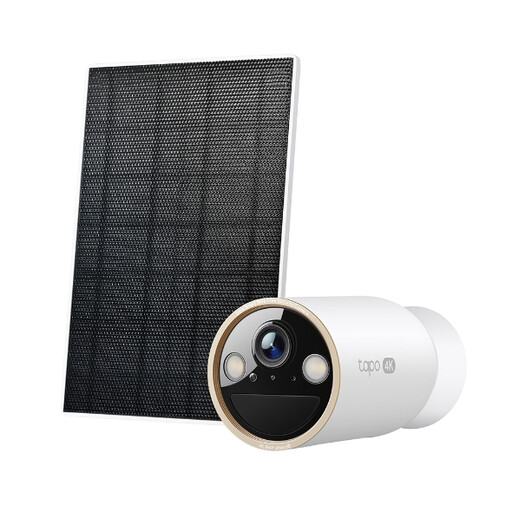
Tapo C460 KIT solar-powered security camera kit
Consider this solar-assisted kit where running power to an outdoor position is difficult.
Check sunlight and Wi-Fi at the mounting point. If the view could extend beyond your property, confirm the exact model’s privacy controls; check its video recording mode if you need continuous footage.
View on Joybuy
 No image available
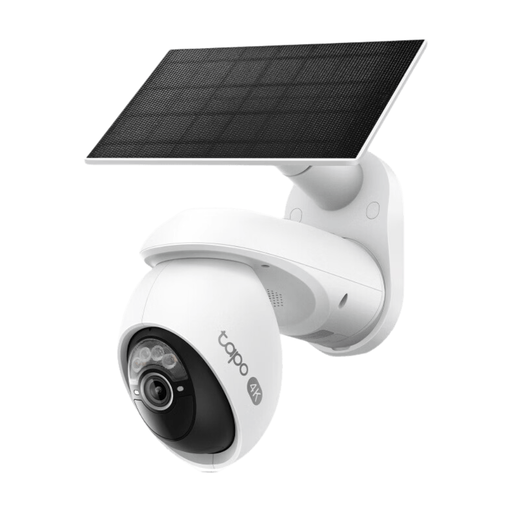
Tapo C660 KIT solar-powered pan-and-tilt camera kit
Consider the pan-and-tilt design when a fixed view would not cover the exterior area you need.
Assess the full path of the moving view, not just its starting position, and confirm privacy controls for this model. Check solar placement, Wi-Fi and recording mode against your intended use.
View on Joybuy
 No image available
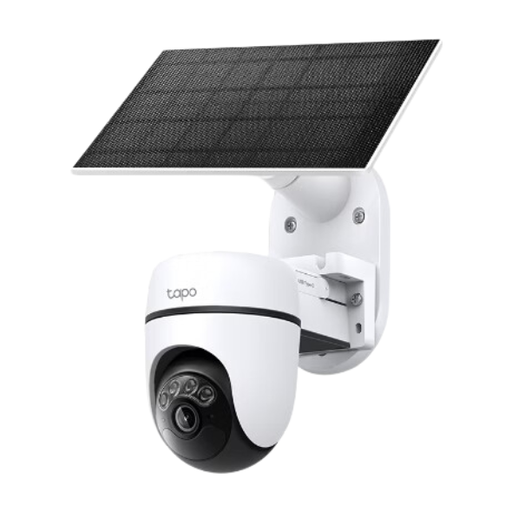
Tapo C610 KIT solar-powered pan-and-tilt camera kit
This is another solar-assisted pan-and-tilt option for an outdoor position where wiring is inconvenient.
Check that the intended position has suitable sunlight and a usable network connection. Review the camera’s full viewing path, privacy controls and recording mode before choosing it for boundary-facing or continuous monitoring.
View on Joybuy
 No image available
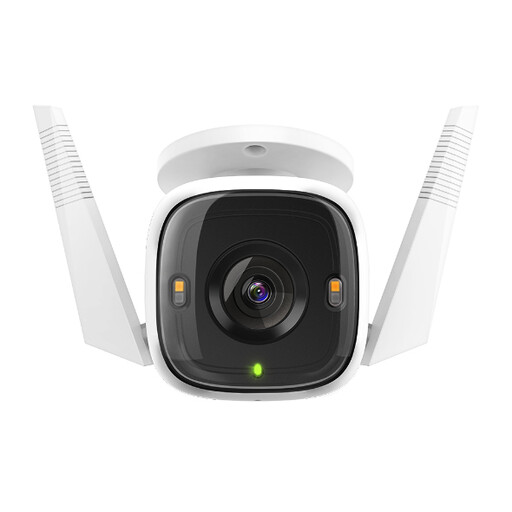
Tapo C320WS outdoor security Wi-Fi camera
Consider this model for an outdoor position where you can provide power and want a Wi-Fi camera.
Confirm the power and network arrangements at the mounting point. If you plan to record locally, check the required microSD card and recording duration; the card is not included. Confirm privacy controls for the exact model if the view approaches a boundary.
View on Joybuy
 No image available
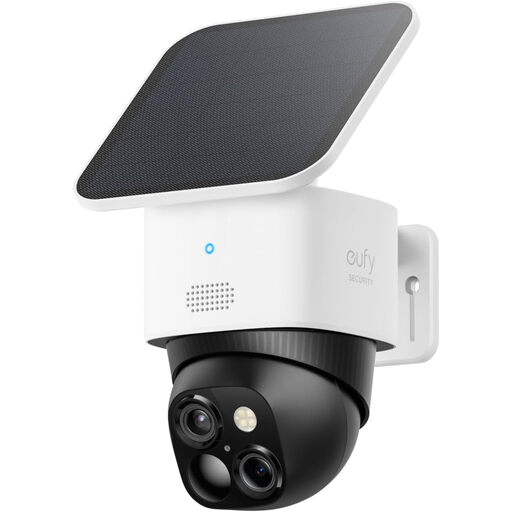
eufy Security SoloCam S340 dual-camera solar camera, 3K
Consider this solar outdoor camera where cable-free placement and a moving view suit the area you need to monitor.
The product name specifies 360° viewing, 2.4 GHz Wi-Fi and HomeBase S380 compatibility. Check whether the hardware needed for your chosen storage arrangement is included, and assess privacy controls and sunlight at the intended position.
View on Joybuy
Questions about outdoor cameras
Does UK data protection law apply if my camera sees a neighbour’s property or a pavement?
Yes. The Information Commissioner’s Office says the law applies when home CCTV captures someone else’s property, a public area or communal space, and advises positioning cameras to capture only your own property where possible. Check its guidance when installing: the ICO notes that its household CCTV guidance is under review following changes made by the Data (Use and Access) Act.
Should an outdoor camera record conversations?
Do not treat audio as an automatic part of exterior monitoring. The Information Commissioner’s Office says home CCTV should not normally record conversations between members of the public; check the camera’s audio controls if it could pick up speech beyond your property.
Can a battery camera replace a wired camera for continuous video?
Not without checking the exact camera’s recording mode. TP-Link notes that battery runtime varies with use and settings, while Reolink presents its PoE route for continuous recording; a claim of round-the-clock protection does not by itself establish continuous video capture.
Can I store footage locally instead of using cloud storage?
Yes, if the exact camera supports a suitable local route and you have the required card, hub or recorder. TP-Link lists microSD storage alongside optional cloud storage for the Tapo C520WS, while eufy describes several local-storage arrangements across its range; check capacity, included hardware and recording mode for the model you choose.
What security support should I check before buying a connected camera?
Look for the manufacturer’s stated minimum period of security updates for the exact product. The National Cyber Security Centre identifies this as information manufacturers must provide; also plan to protect the camera account with a unique password and two-factor authentication where available.


