What to check before choosing
Settle the mounting position and power arrangement before comparing video and alert features. Privacy, storage and account security then need checking against the exact camera and its installed view.
PoE camera
Consider it when: A fixed camera position can be reached by Ethernet and you want power and data carried on one cable.
Allow for: Suitable cabling and compatible PoE power equipment, as described by Reolink.
Plug-in Wi-Fi camera
Consider it when: The mounting point has practical mains access and a reliable home Wi-Fi signal.
Allow for: A safe power route and a connection that reaches the final mounting position.
Wire-free camera
Consider it when: Cable routing is impractical and flexible placement matters more than a permanent power connection.
Allow for: Recharging, or checking whether a compatible solar accessory will work at that location.
| Concern |
What to check |
Who this matters to |
| Coverage and footage |
Map the entrance or garden area, then compare mounting angles and the exact model’s daylight and night-video modes. Which? assesses outdoor-camera images in daylight, low light and at night. |
If I need to see an approach after dark, a high resolution figure alone will not tell me whether the intended area is in frame and usable. Around 31% of consumers put coverage and footage first. |
| Power and connection |
Check cable routes, mains access or charging arrangements at the mounting point; for a connected camera, check Wi-Fi reach or the required PoE equipment. |
When cables cannot sensibly reach my gate or shed, I need a power arrangement I can maintain. For around 31% of consumers, installation is the primary concern. |
| Privacy and placement |
Inspect the proposed view for neighbouring property, public areas and shared spaces; consider a narrower angle or a privacy blocker where appropriate. |
I want to watch my own entrance without unnecessarily recording beyond it. Roughly 23% of consumers place privacy first; the ICO says UK data protection law applies when home CCTV captures another person’s property, a public area or communal space. |
| Storage and security |
Confirm the exact model’s local or cloud recording options, required accessories and functions without a subscription. Check the manufacturer’s stated minimum period for important security updates. |
If I need to retrieve footage later, I want to know where it is kept and how the connected camera will be maintained. Around 15% of consumers make storage and security their main priority. |
Outdoor cameras on Joybuy
These outdoor cameras cover solar-assisted wire-free placement and fixed powered positions. Compare the power route, proposed view and storage arrangement of each model with the place you intend to monitor.
 No image available
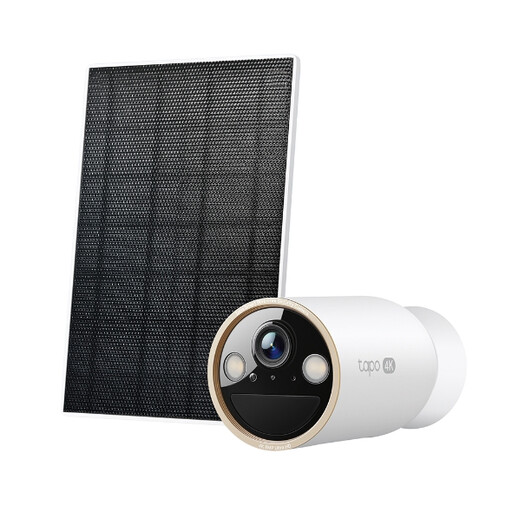
Tapo C460 KIT Solar-Powered Security Camera Kit
Consider this kit where running power to the camera is difficult, provided the solar panel can be placed for suitable sunlight.
Check whether its interval-image capture between motion-triggered recordings meets your footage needs, and confirm the storage accessories and security-update support for this exact kit.
View on Joybuy
 No image available
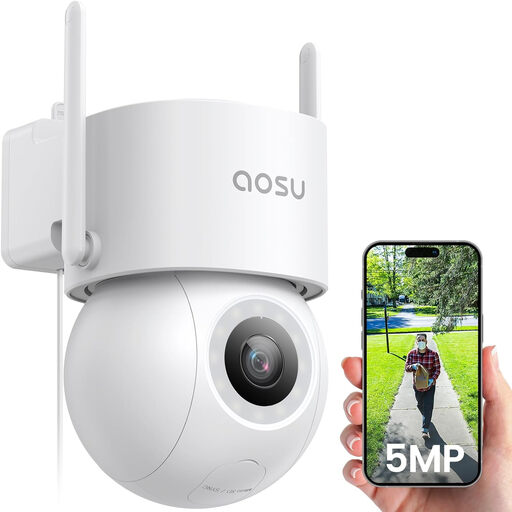
aosu 3K 5MP Wired Outdoor Camera with 400Lm Spotlight
Consider this powered camera for a fixed position where you can protect the power adapter from rain and check the Wi-Fi signal at the mounting point.
The product title lists 3K 5MP video, a 400Lm spotlight and 24/7 recording. A microSD card is not included; check the recording and storage arrangement you need.
View on Joybuy
 No image available
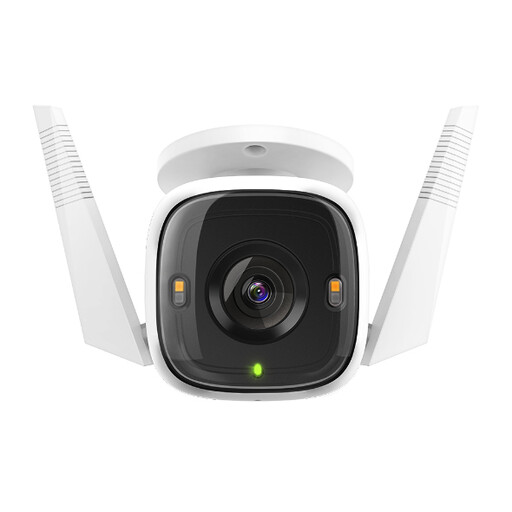
Tapo C320WS Outdoor Security Wi-Fi Camera
Consider this model for a fixed outdoor position where its power arrangement and network connection will be practical.
The microSD card is sold separately. Check which recording functions you can use without a cloud subscription and confirm the security-update support period for the C320WS.
View on Joybuy
 No image available
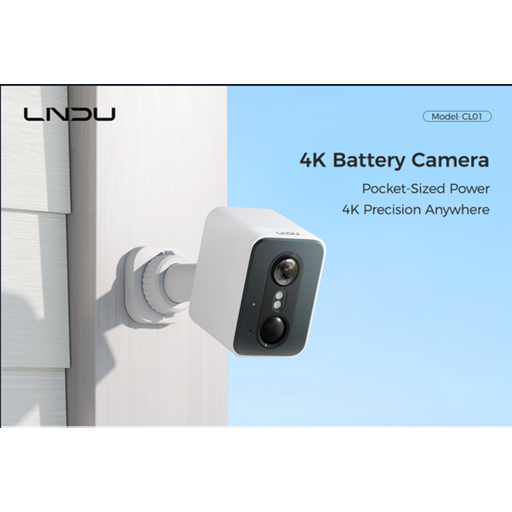
LNDU 4K Wireless Outdoor Camera, 128GB Local Storage
Consider this wire-free model where routing cables is impractical, subject to a charging routine that works for the position.
The product title lists 4K, a 143° field of view, 2.4GHz Wi-Fi and 128GB local storage. Confirm the battery-runtime conditions, charging method and how the stated storage is supplied.
View on Joybuy
 No image available
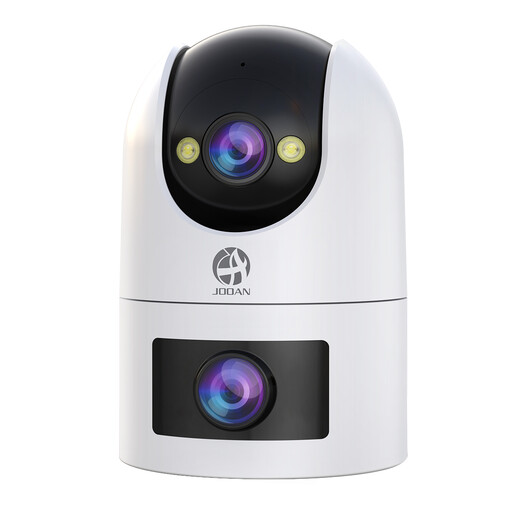
JOOAN Dual Lens Outdoor Camera, 5G 2.4G Dual WiFi
Consider this dual-lens camera for a powered position where you can keep the required adapter connection dry and check Wi-Fi reach.
The product title lists a 360° view, IP66, 24/7 recording and cloud/card storage. Confirm whether a compatible microSD card is included and which cloud functions require a subscription.
View on Joybuy
Common questions
Does UK data protection law apply to my outdoor camera?
It applies if your home CCTV captures another person’s property, a public area or communal space, according to the ICO. Aim the camera at your own property where possible and check the actual view after installation; the ICO’s public guidance is under review, so consult its current advice.
Will a privacy blocker solve an off-property view?
A blocker may reduce unnecessary capture, but it does not replace checking the installed view. The ICO advises positioning cameras to capture your own property where possible; inspect what remains visible after any filter is applied.
Should I choose PoE, plug-in Wi-Fi or a battery camera?
Choose by what the mounting point can support: PoE needs an Ethernet route and compatible power equipment, plug-in Wi-Fi needs mains power and a reliable signal, and a battery camera needs a manageable charging arrangement. Check the exact model’s requirements before settling on a position.
What should I check about camera security updates?
Check the manufacturer’s stated minimum period for important security updates for the exact connected camera. The National Cyber Security Centre also advises keeping connected devices updated; use unique account credentials after setup.
Do I need a subscription to store footage?
Not necessarily: Tapo, for example, lists local and cloud storage options for particular models. Check the exact camera’s compatible card or recorder, whether it is included, and which recording-history functions work without a subscription.


